

What you get
- Any amount from $5, for when your AI runs out.
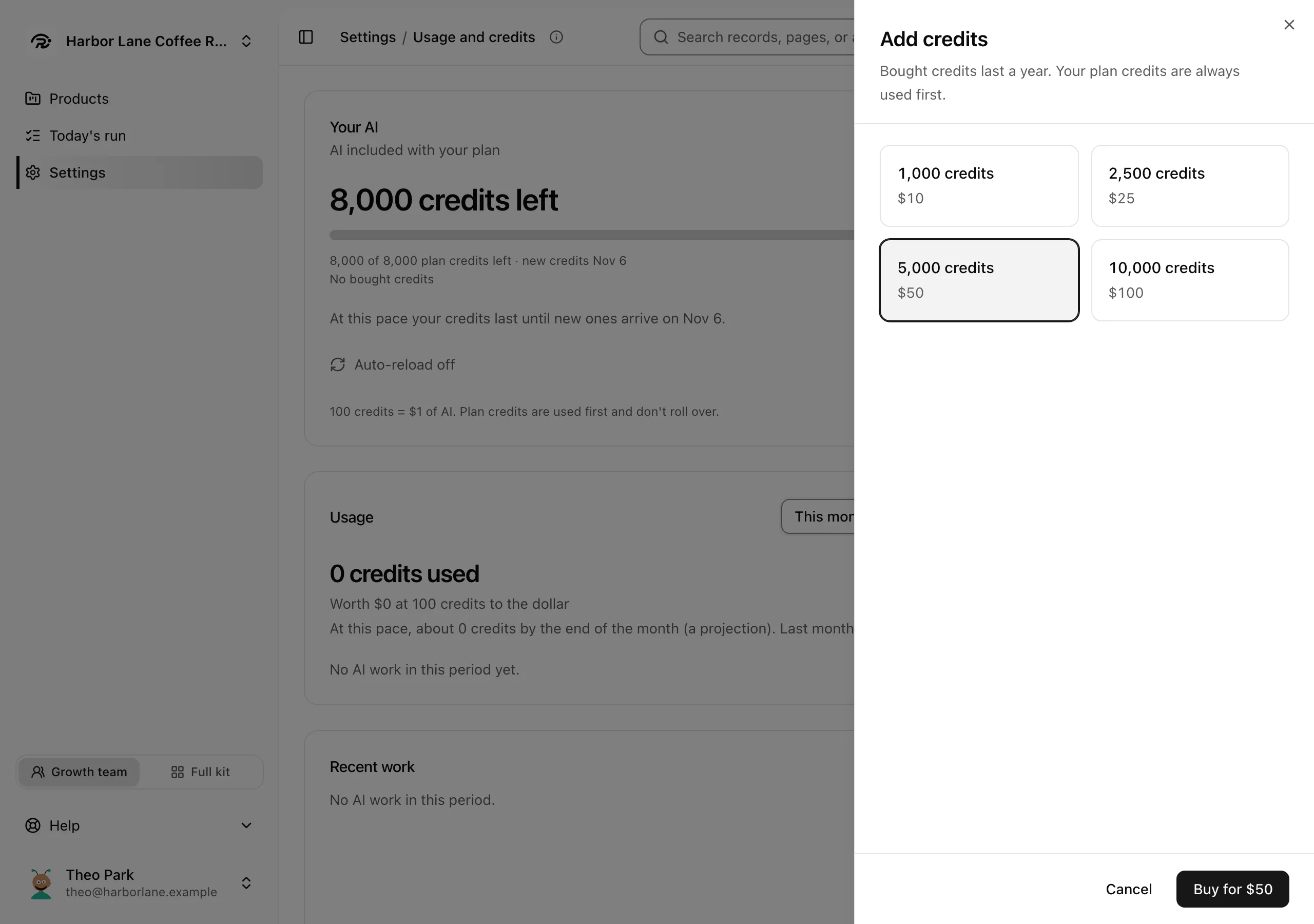
- Bought credits last a year.
- Your plan's credits are always used first.
Set it up yourself
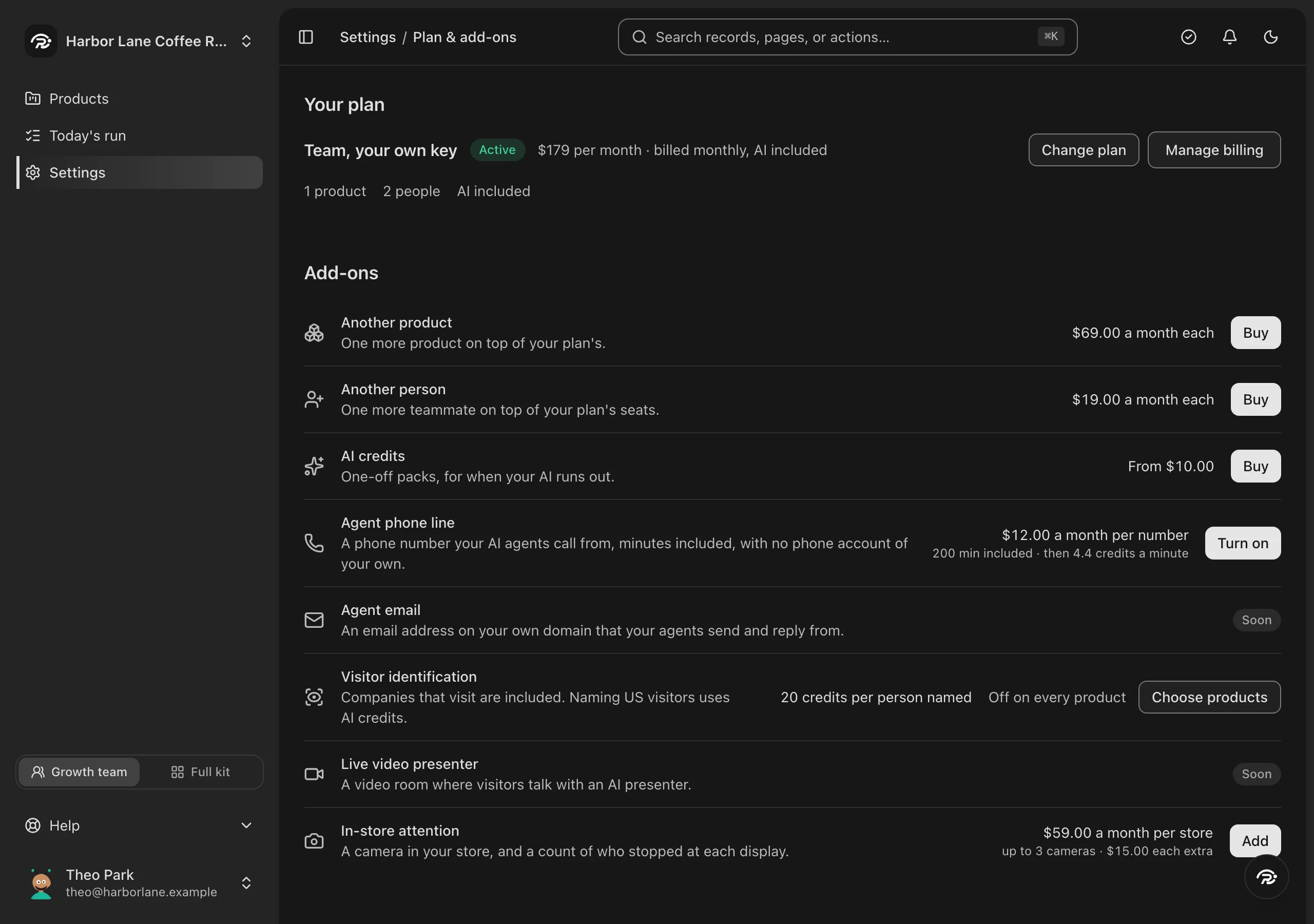
Step 1: In Runner, open Settings → Plan & add-ons and press Buy beside AI credits.
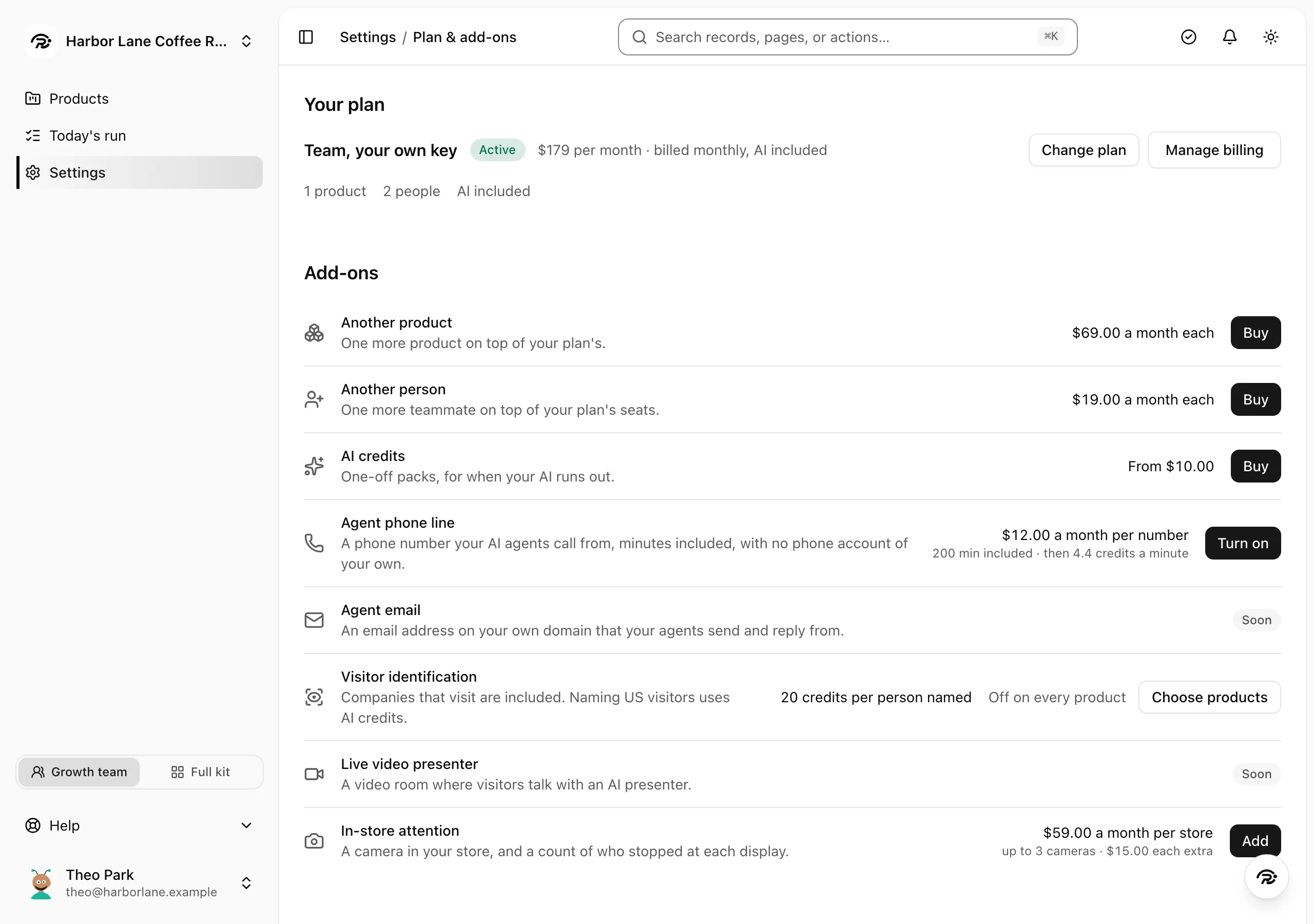
Step 2: Under Add credits, pick a pack or type any amount from $5.
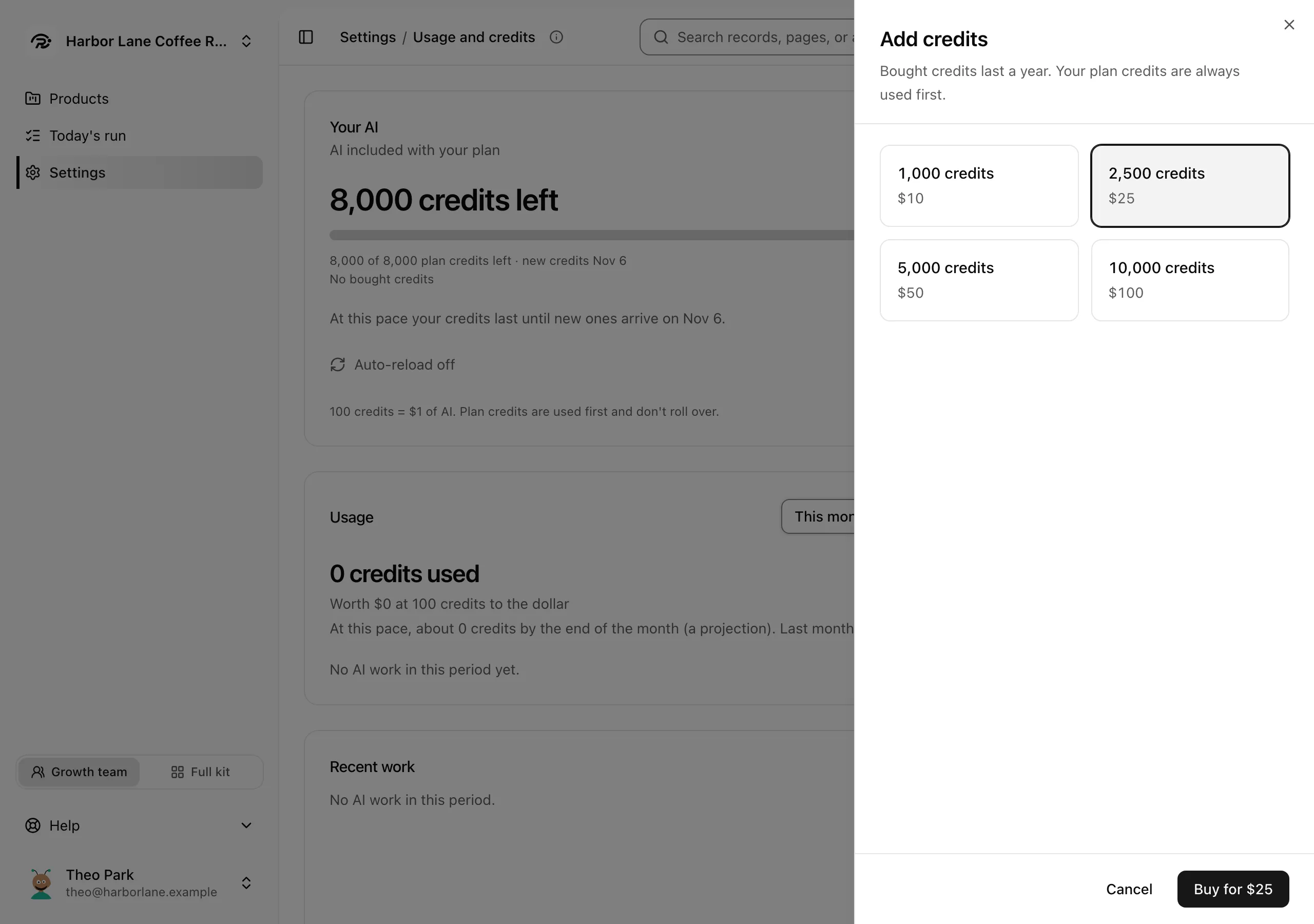
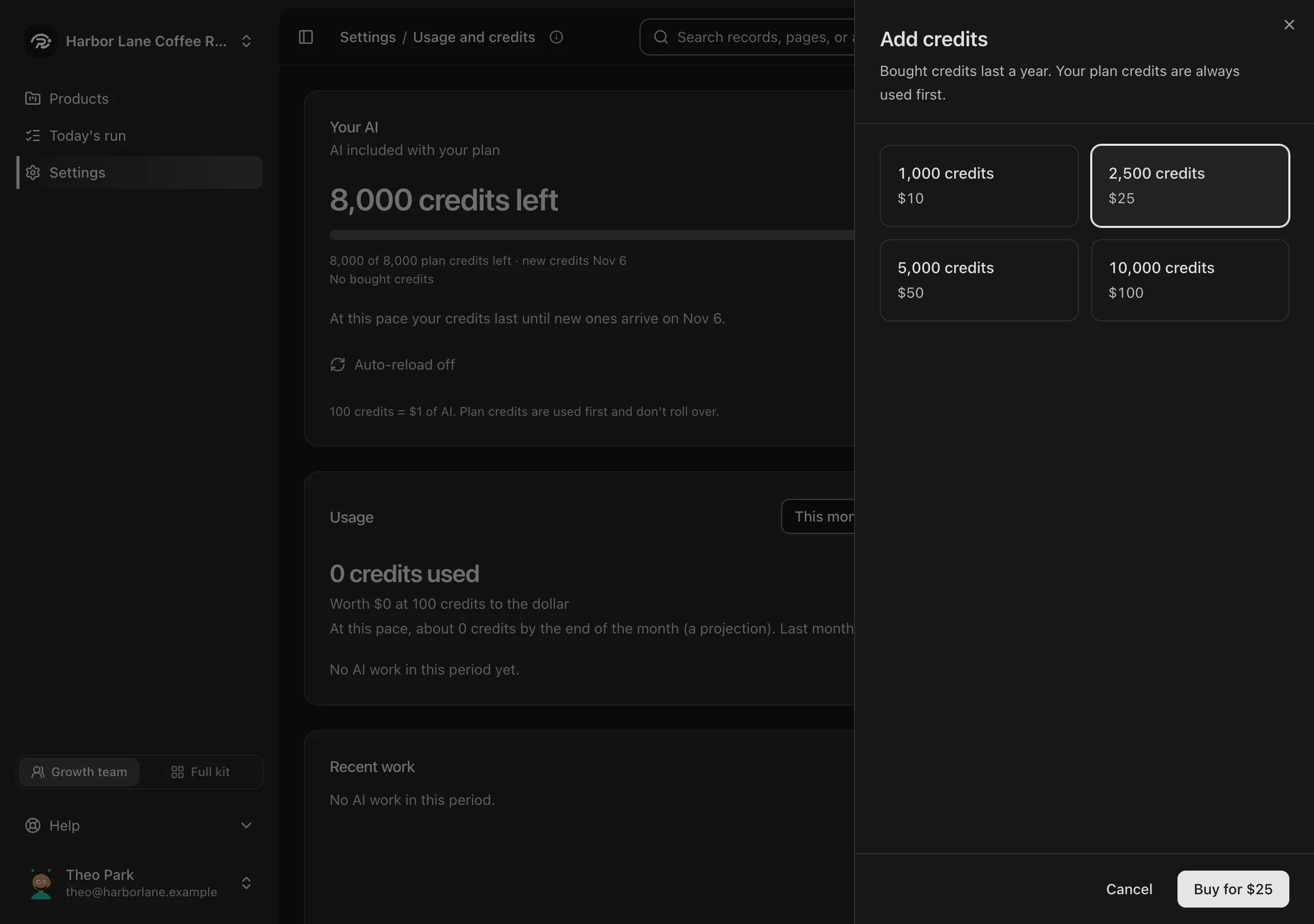
Step 3: Press Buy, and your team carries on.
What it costs
From $5
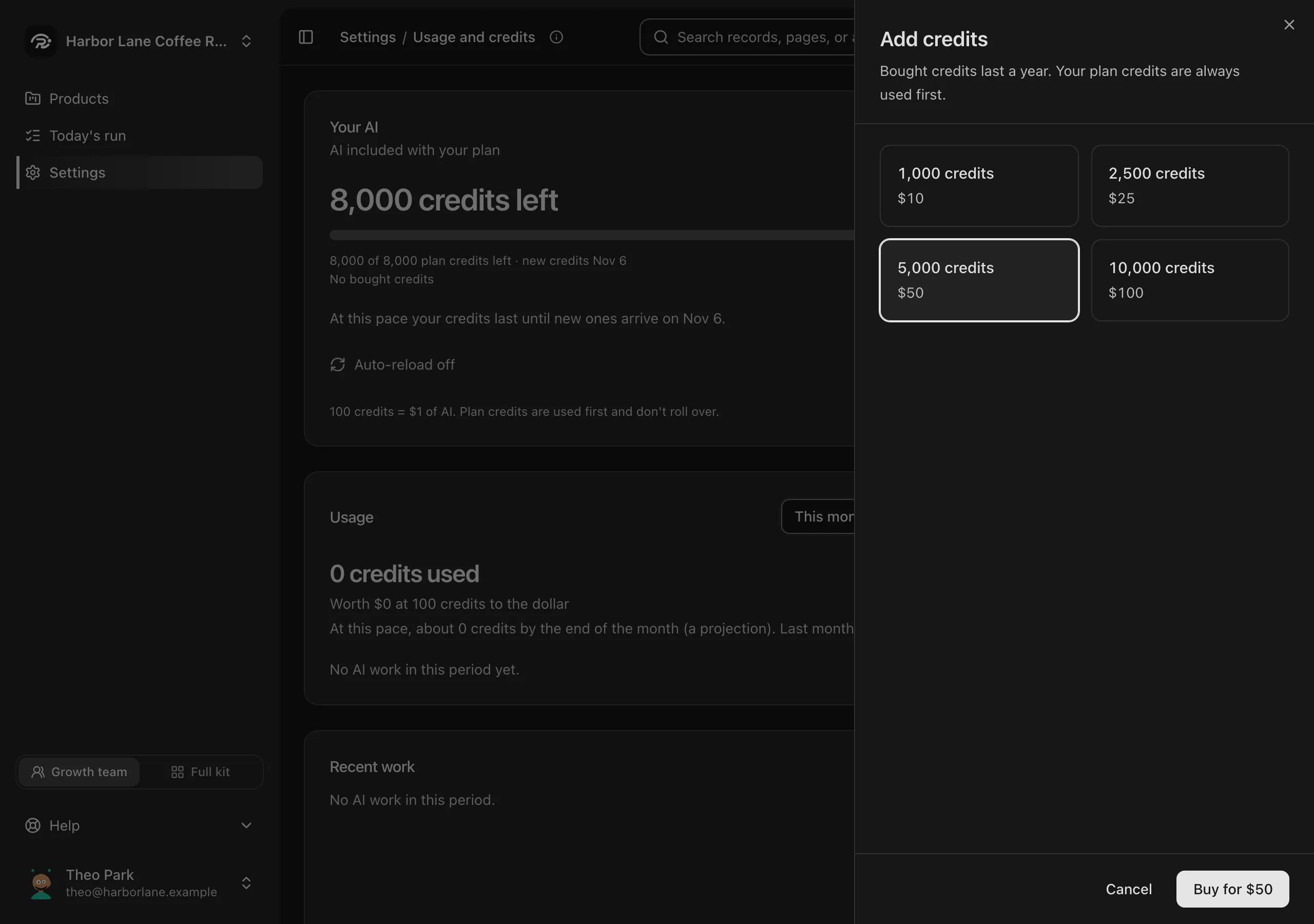
- $10 for 1,000 credits
- $25 for 2,500 credits
- $50 for 5,000 credits
- $100 for 10,000 credits
100 credits is $1 of AI.
You pay once per top-up. Nothing repeats unless you turn on auto-reload.
Questions about AI credits
What happens when credits run out?
Your team pauses its AI work. Add credits and it carries on.
Do bought credits expire?
They last a year. Your plan's credits are used first, every time.
Can it top up by itself?
Yes. Turn on Auto-reload, and Runner adds the amount you choose when you drop below the one you set.