

Your growth team, on every screen you use.
Runner for iPhone, iPad, Android, Mac and your watch. One account and one team, wherever you are.
Runner for Mac
Runner for Windows
Meanwhile, Runner installs from Edge or Chrome.
Runner for iPhone, iPad, Android and Mac
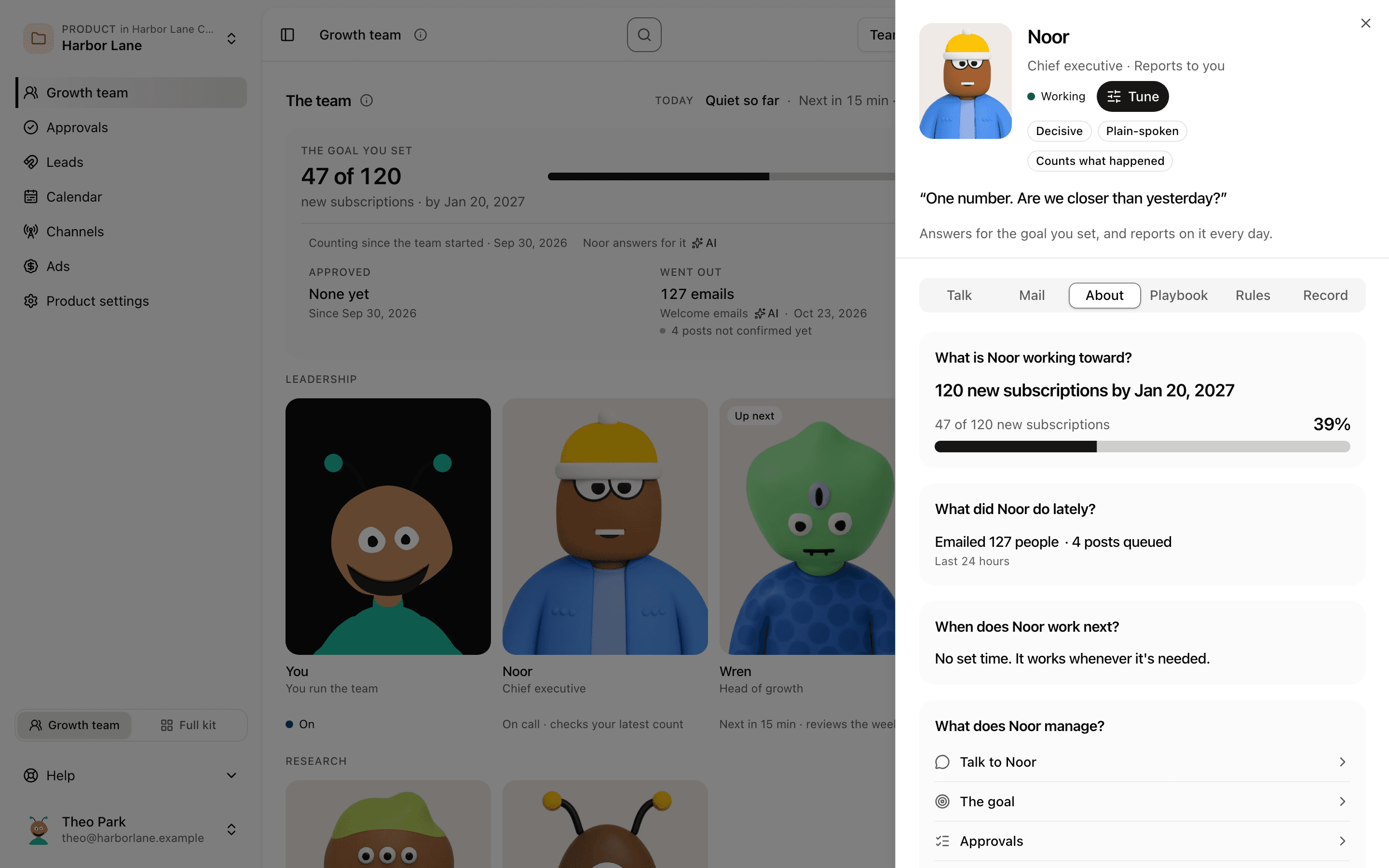
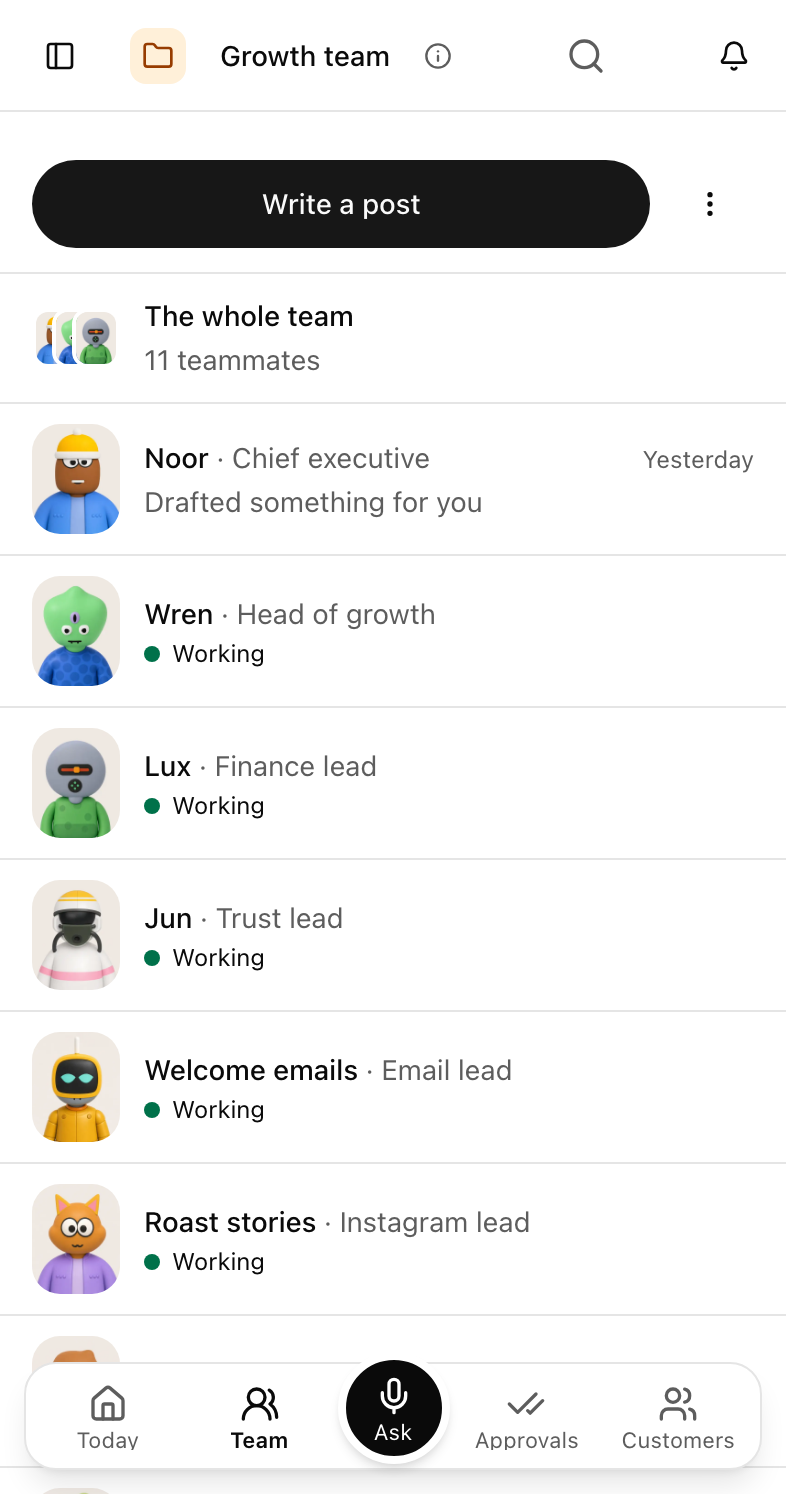

iPhone and Android
Runner fits in your pocket
Five tabs: Today, Team, Ask, Approvals and Customers. See what needs you, talk to your team and approve their work with one thumb.
On iPhone and iPad, tap Ask and say it. Runner answers out loud.
On a tablet held sideways, your list and the open item sit side by side on Team, Approvals and Customers.
See the phone app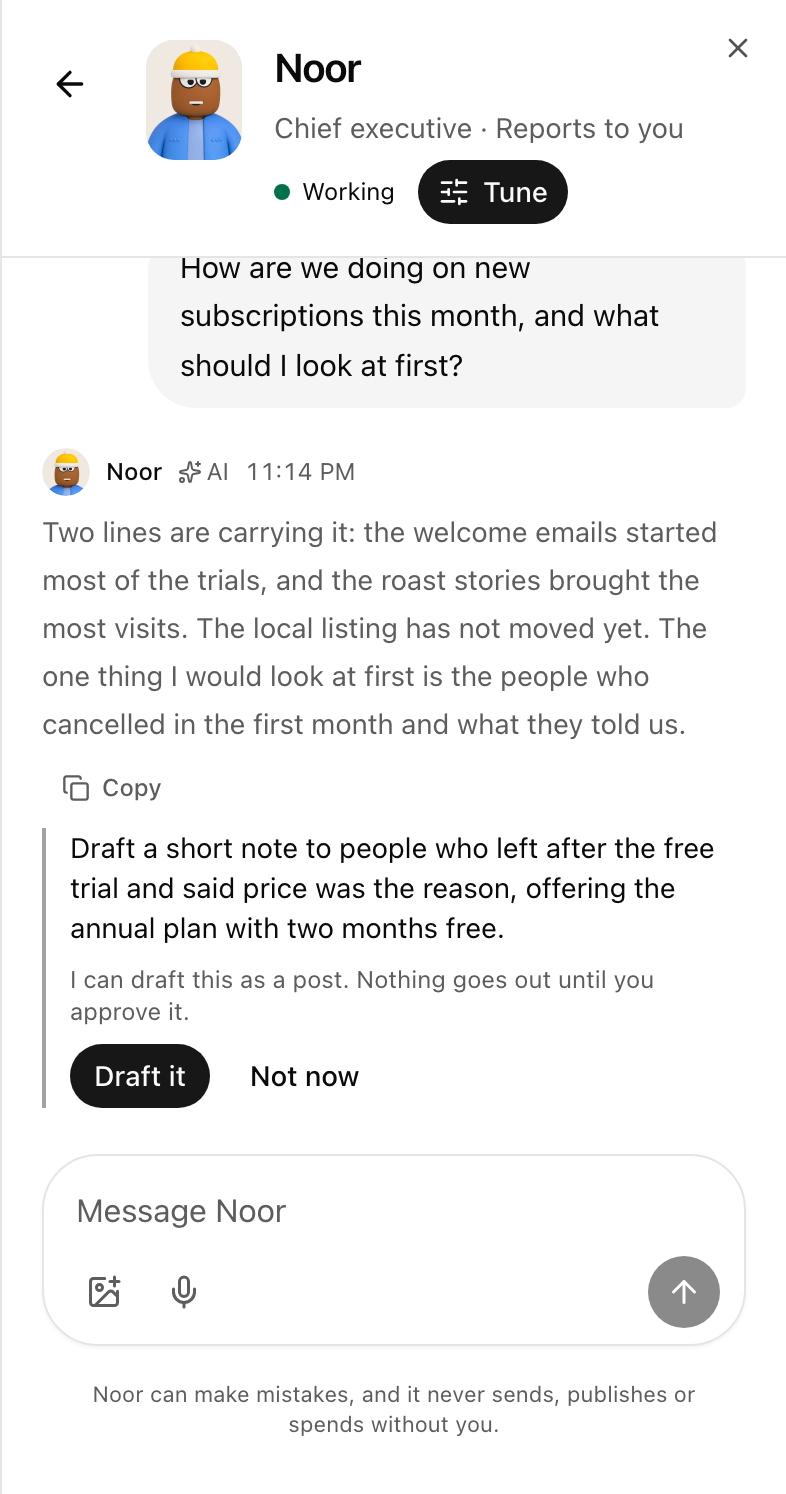
On your home screen
Runner puts your team on your home screen
Page through your teammates' faces, each with today's line. Tap Talk and you're in that teammate's conversation, ready to say what you need.
- Choose who shows, in what order, and whether the line is today's update, the goal or what's waiting.
- Small, medium and large on iPhone, on the lock screen and in StandBy, and a stack you swipe on Android.
Mac
Runner works beside you on your Mac
Its own window, with your team one shortcut away from whatever you're doing.
Its own window
Runner opens in a window of its own, next to the rest of your work.
What's waiting, in the menu bar
Your approvals count sits in the menu bar and on the Dock, with your latest updates a click away.
Notifications that keep your evenings
Updates arrive as Mac notifications and stay quiet through your quiet hours.
Ask Runner from any app
Command, Shift, Space⌘⇧Space
Press it wherever you are, ask, and get straight back to work. No switching windows.
Choose how Runner hears youOn Windows? Install Runner from Edge or Chrome today. A Windows app is coming soon.
Apple Watch and Wear OS
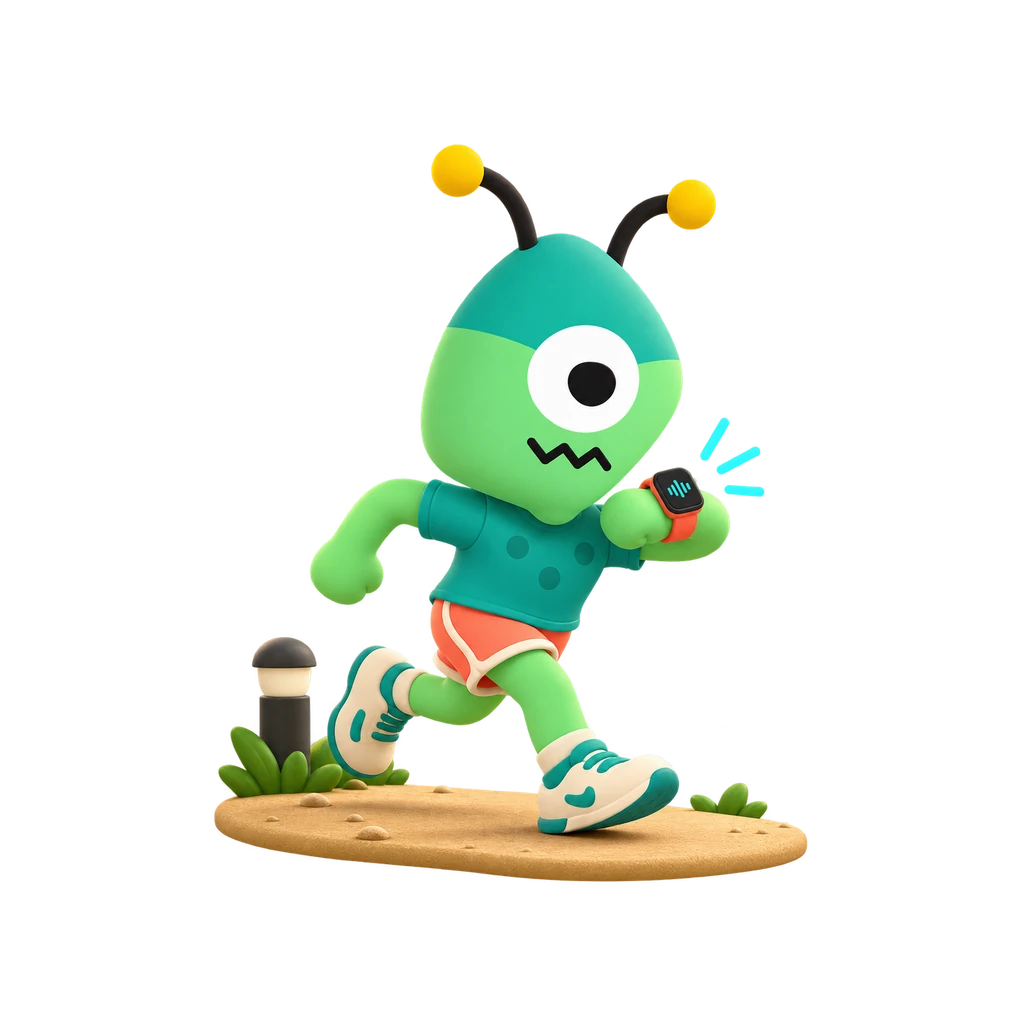
Runner fits on your wrist
What's waiting, at a glance
How many things need you, the top one, and how today is going against your goal.
Yes or not now
Decide the quick ones with a tap. Anything that spends or sends waits for your phone.
Talk to a teammate
Hold to talk, and hear the answer read back on your wrist.
On your watch face
Your waiting count sits right on your watch face.
Pair it from your phone with a six-digit code.
See the watch designsRunner goes wherever you work
One account and one growth team, on every screen you use.
Runner for Mac
Runner for Windows
Meanwhile, Runner installs from Edge or Chrome.
Runner for iPhone, iPad, Android and Mac