

Pouch
Password management for the agentic age.
Your AI never sees the password. Keep every login your team needs in one place, give each to the people and agents you choose, and take it back any time.


Every hand-off stays visible
Every account, every agent and every hand-off, in one view.
Never the password
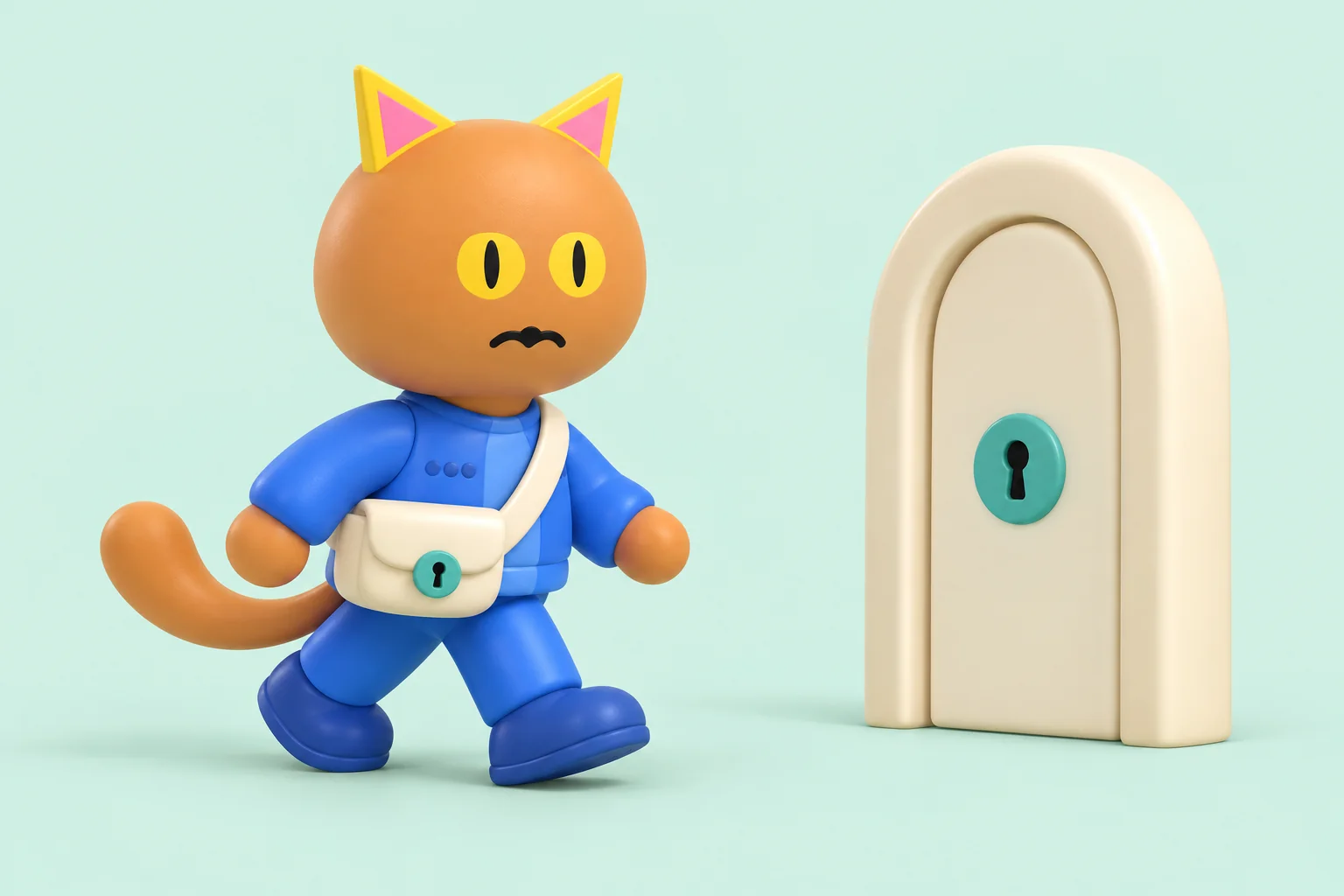
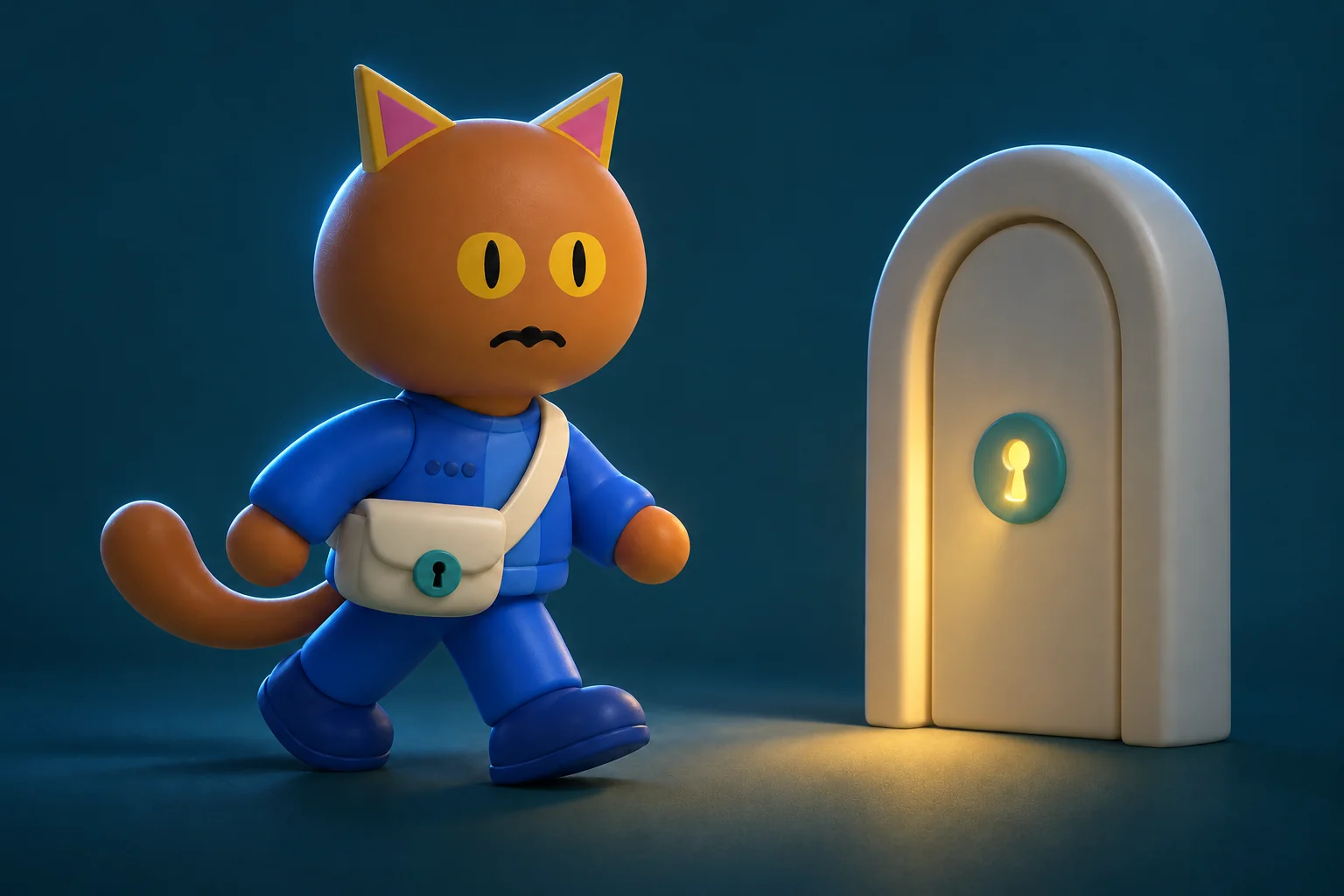
Give an agent the account, never the password
The password stays out of every model, transcript and log.
When a channel connects or an agent signs in to a site you've proved, the password goes in at the last step, out of the AI's view.
Assignment
You choose the agents
Give a login to all of your agents, or only some of them.
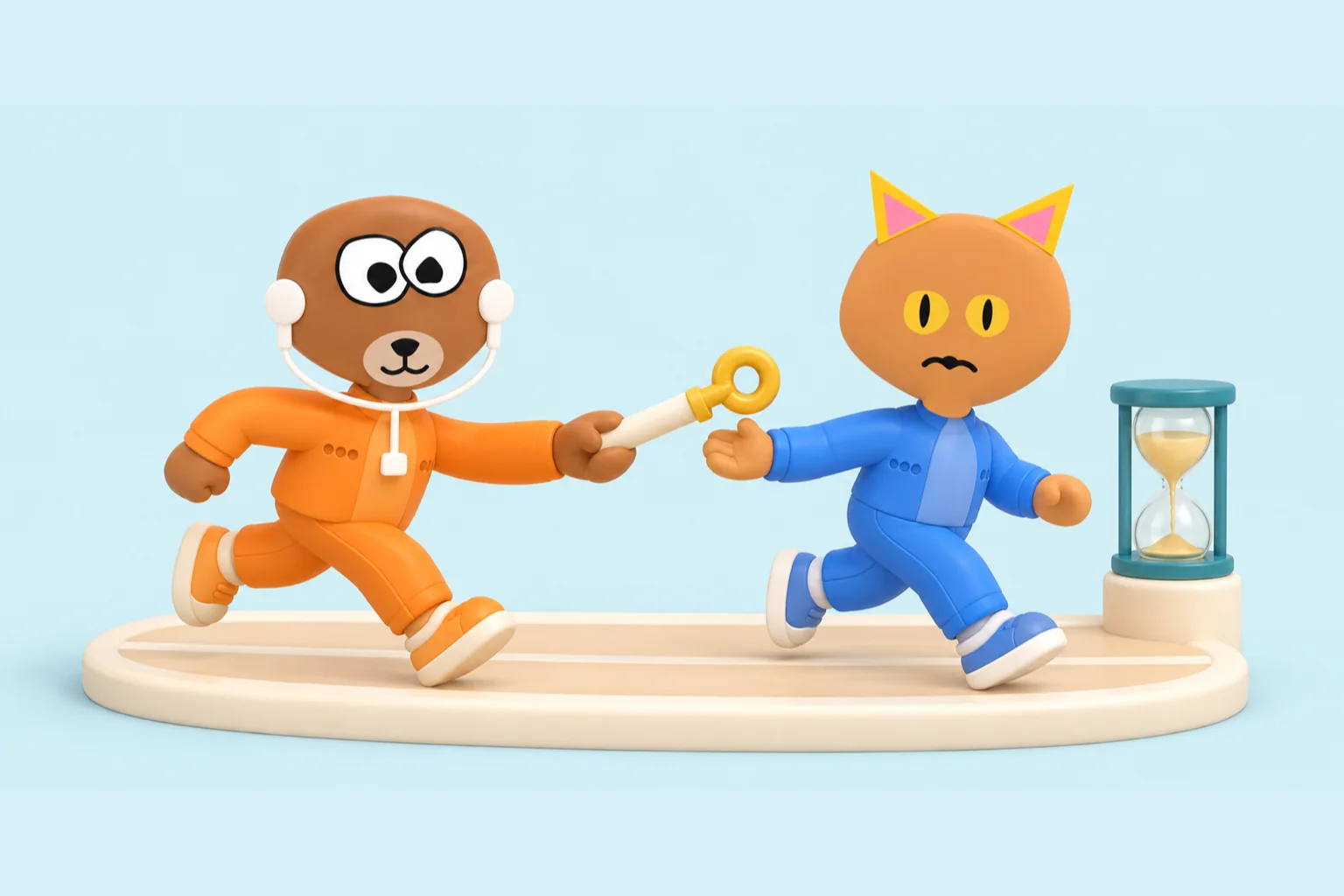
Keep it standing, or set one hour, one day or one week.

Take back
One key, or the whole ring
End one assignment, or take back every account assigned to that agent in one act.
Each assignment can be taken back on its own.


Assignment history
Who was given what, and when
Assignment history shows which account went to which agent, when it started and when it ended.
Time-limited assignments record their end time too.


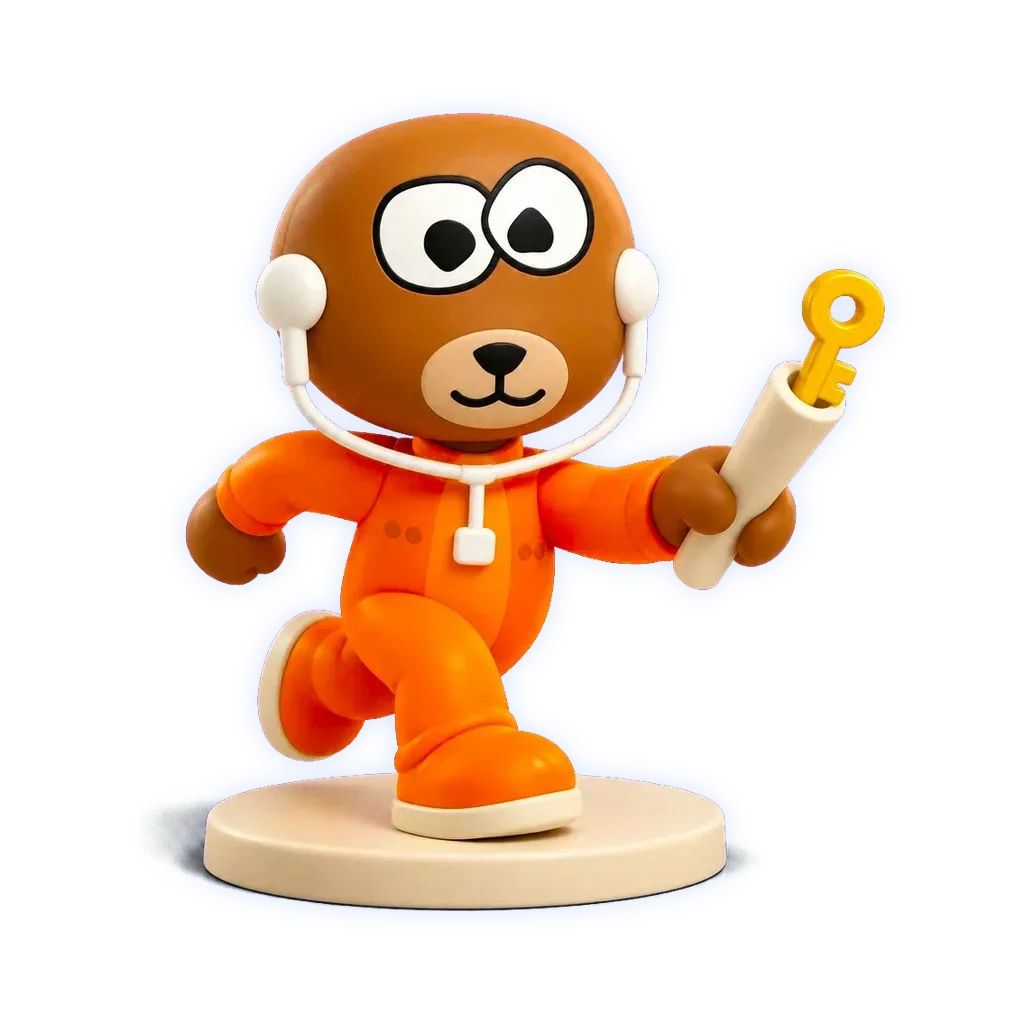
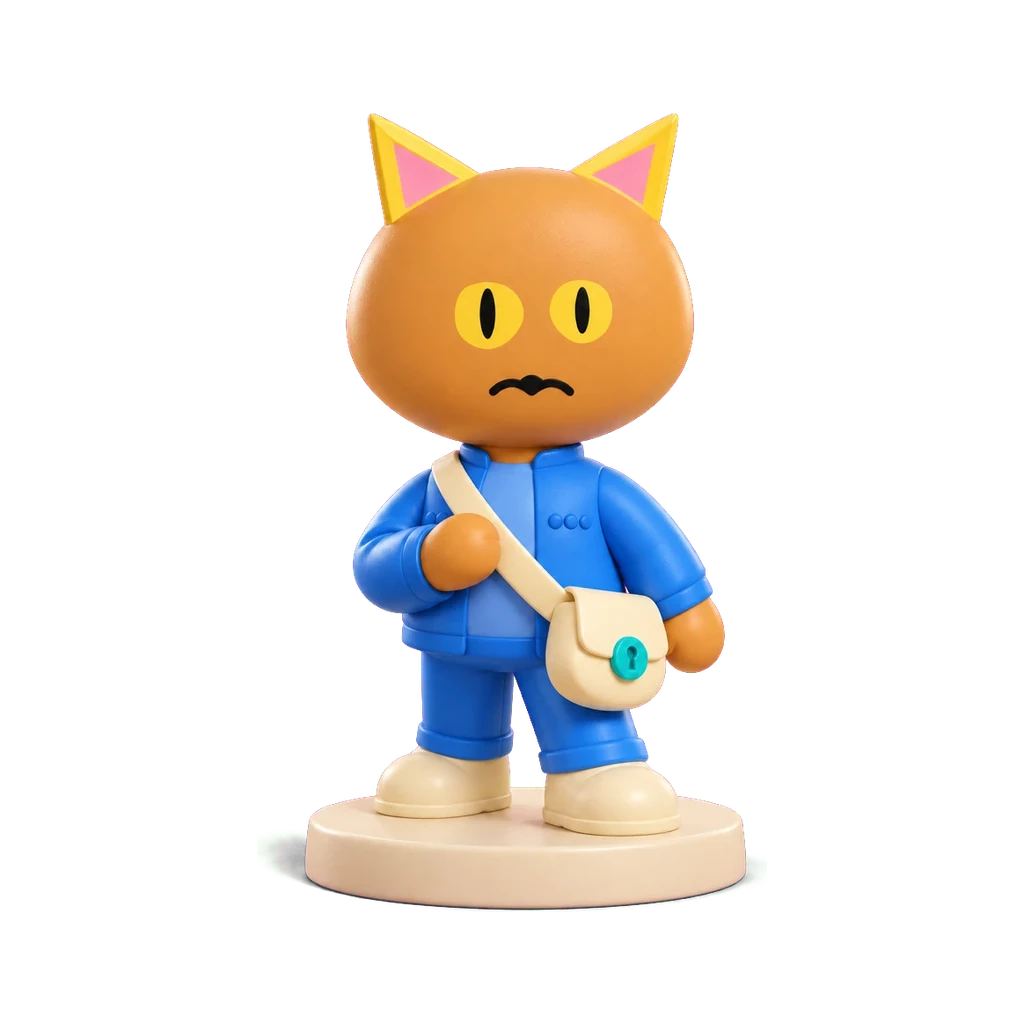
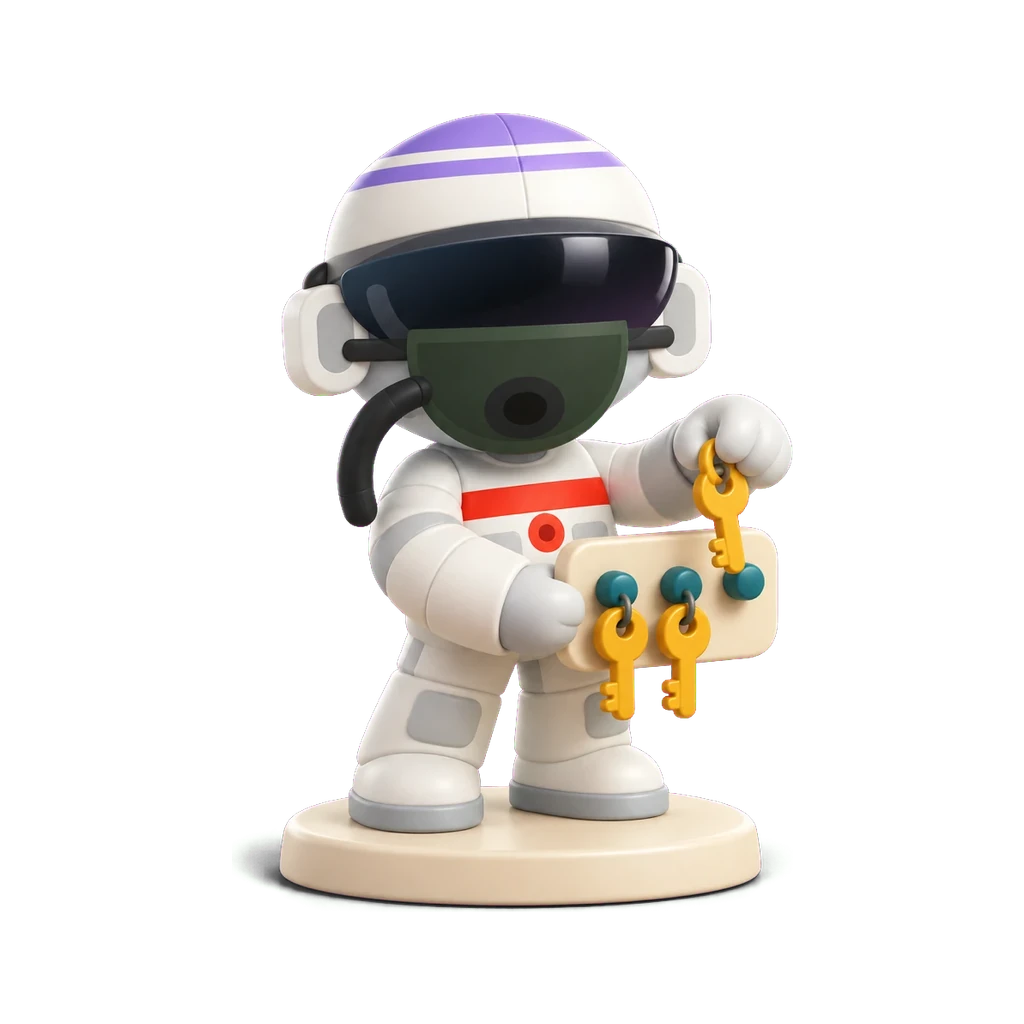
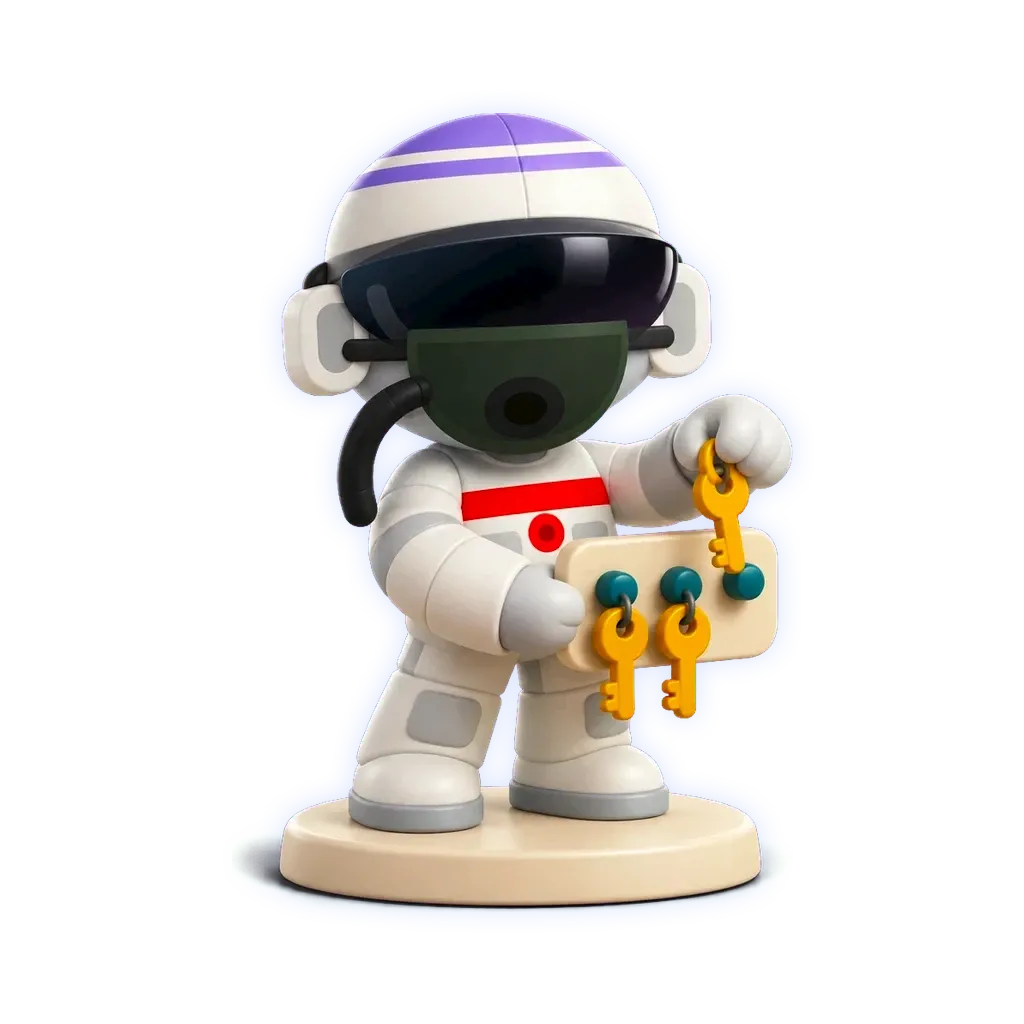
Every agent, and every account it was given, start to finish.
For your people, too
- Any websiteSave several logins per site, each with its web address, notes and 2FA key.
- View and copySee or copy a saved password once you confirm it's you with a passkey or an authenticator code.
- 2FA codesSee a login's current 2FA code once you confirm it's you.
- Give it to a teammateGive one login to a named teammate, for a set time or until you take it back.
- One-time linksSend a contractor a link that opens once, no account needed: encrypted in your browser, erased once opened or within 7 days.
- ExportAn owner can export every login to a CSV file most password managers accept.
- Every view recordedEvery view, copy, share and assignment is recorded, and a signed webhook can send it to your own systems.
- Your own keyEach organization's saved passwords are encrypted under its own key in Google Cloud's key service, destroyed when the organization closes.

Locked to you
Pouch asks for the device check before it opens.
- MacOpens with Touch ID.
- iPhoneOpens with Face ID.
The iPhone app is coming soon.
Set it up with your AI assistant
Tell your assistant to move your passwords over
Say it to ChatGPT or Claude with Runner connected, and the assistant walks the move with you: which manager you use today, how to make its export, and where it goes.
The assistant orchestrates the move — your password values never pass through the model. The export file goes straight into Pouch's importer, which runs on your device.
Nobody should ever paste a vault export into a chat. Pouch's flow makes that true by design: the assistant never asks for the file's contents, only points you at the importer that reads it.
“Move my passwords over to Runner Pouch from my password manager.”
Questions about Runner Pouch
Does the AI ever see my passwords?
No. When a channel connects or an agent signs in to a site you've proved, the password goes in at the last step, out of the AI's view. It never lands in a chat, a transcript or a log.
Can an agent sign in to our own website?
Yes, to a site you've proved is yours with one DNS record. Each sign-in waits for a person's approval, reads only the pages you list, then signs out.
What is Runner Pouch?
The password manager for your team and its AI agents. Save a login for any website, give it to the people and agents you choose, and keep the password out of every model, transcript and log.
Who can see or copy a saved password?
Owners, admins and anyone you give the login to, each after confirming it's them with a passkey or an authenticator code. The same check shows a login's 2FA code, and every view is recorded.
Can I share a password with a contractor?
Yes. Send a link that opens once, with no account needed. It is encrypted in your browser and erased once opened, or within 7 days.
Can Pouch make a strong password?
Yes. A 20-character password or a five-word passphrase, made in your browser and put only in the field you asked it to fill.
How is a stored password kept safe?
Each organization's saved passwords are encrypted under its own key in Google Cloud's key service, and the Mac and iPhone apps open only once your device confirms it's you.
Can an assignment have a time limit?
Yes. Choose one hour, one day or one week, or leave the assignment standing.
How do I take access back?
End one account assignment, revoke one stored account, or take back every account assigned to an agent in one act.
What does the record show?
Every assignment, view, copy and share: who, which login and when. A signed webhook can send it to your own systems.
How do I get Pouch?
Pouch comes with a Runner account. Open your workspace and choose Pouch from the sidebar.
What does Pouch cost?
Nothing extra. Pouch is included with your Runner subscription.
Beside the password manager you know
Five password managers beside Pouch, each in its maker's own words.
- 1Password vs Runner Pouch
- LastPass vs Runner Pouch
- Bitwarden vs Runner Pouch
- Dashlane vs Runner Pouch
- Keeper vs Runner Pouch




There's more in the bag.
Pouch isn't the only thing we're building that you won't find on a page yet. Join Runner to see the rest as it opens.