

How your growth team works.
Stop doing every marketing job yourself. Runner builds you a team of AI agents from your code or your POS sales. It runs on the model you connect. Here it is in five steps.
Nothing goes out until you approve it or switch the team on, and then only inside the limits you set.
Build my team
Step 1: Start with what you have.
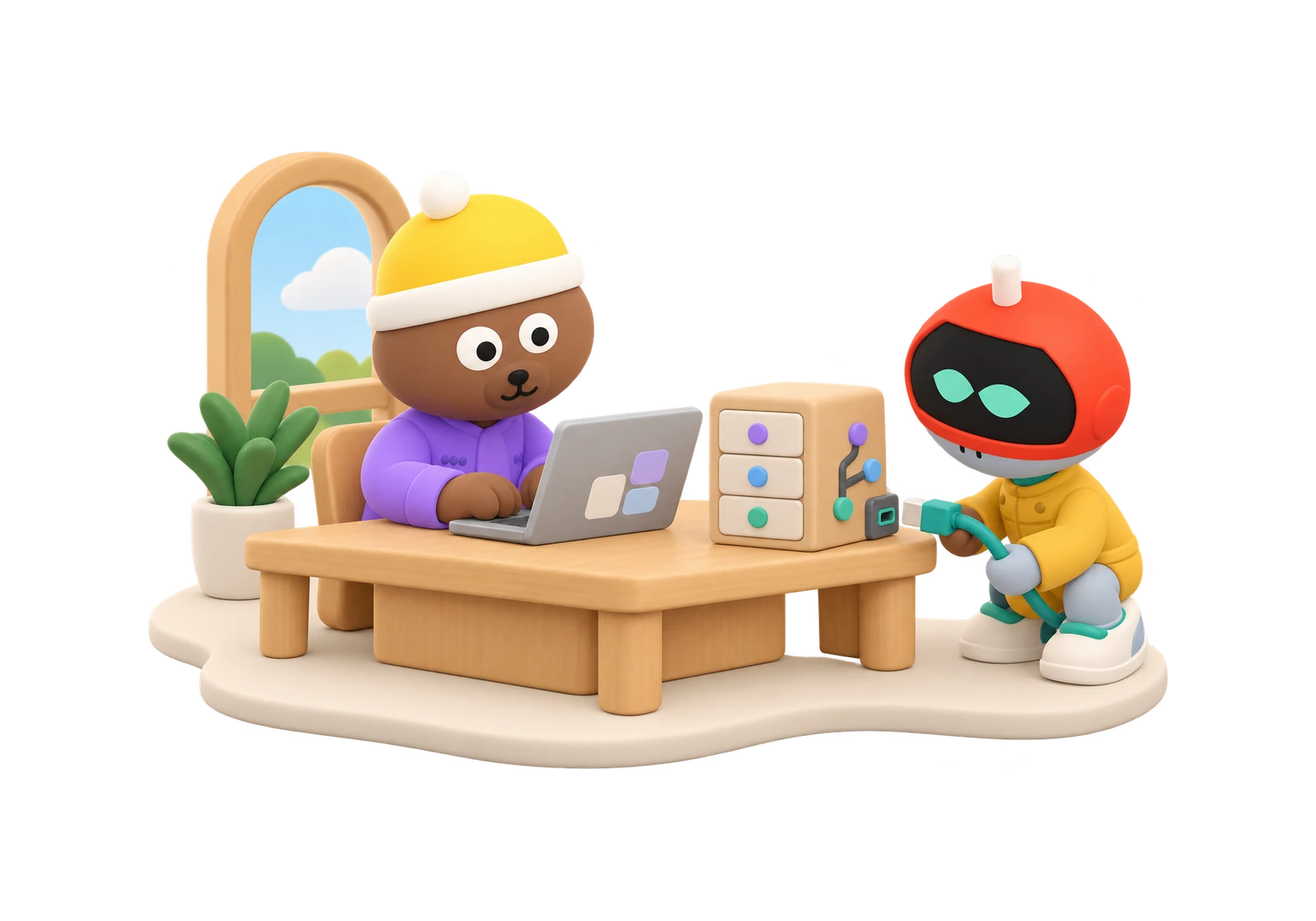
Connect your code, and Runner builds the team in the background.
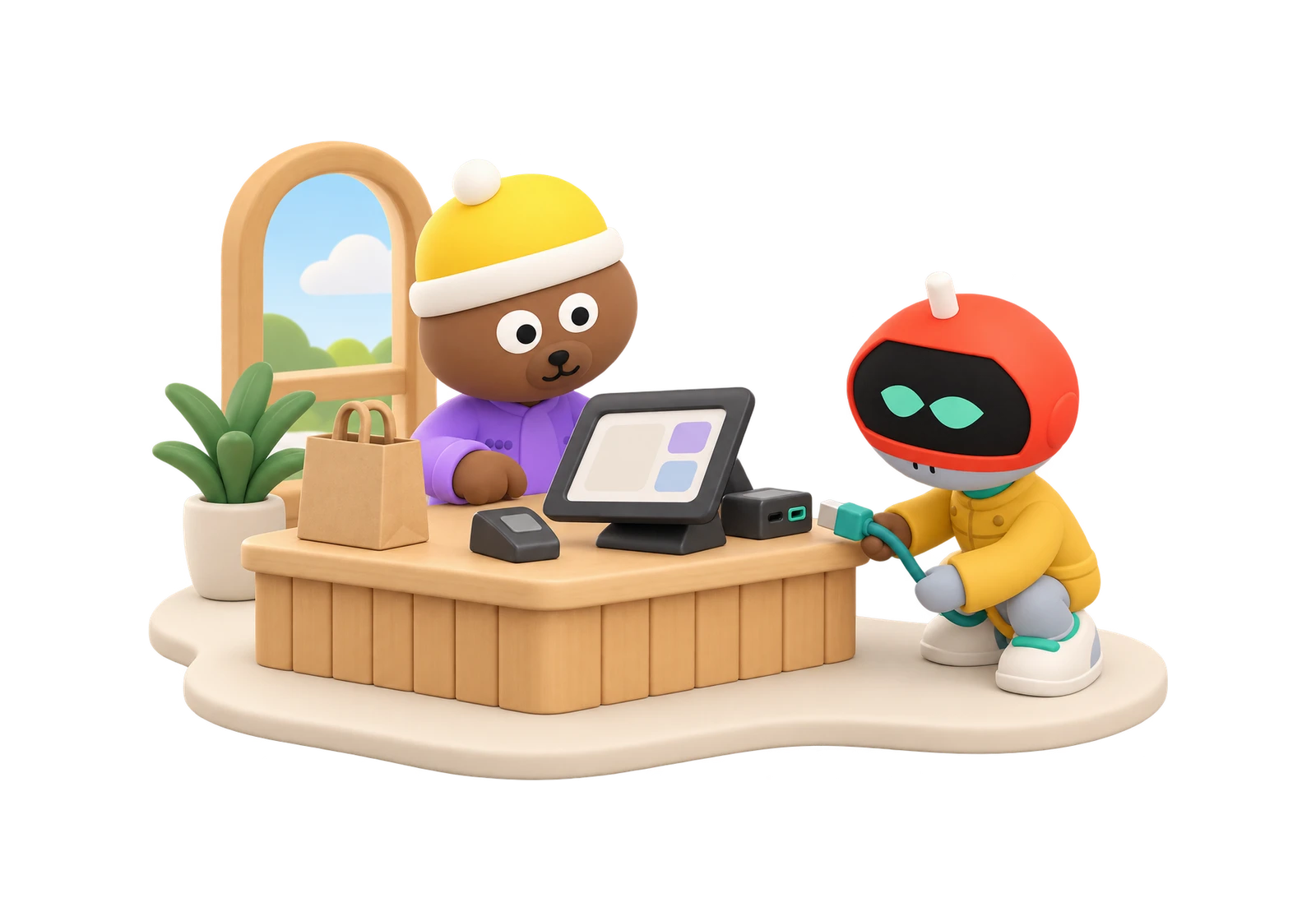
Run a shop? Connect your POS, or drop in the sales report it already makes.
Connects with
- Square
- Lightspeed Retail
- Toss Place
- Toast
- Check your POS




Shopify POS works through its orders CSV, and Clover follows once Clover approves Runner.
Or drop in a sales report from any POS.
Square, Shopify, Clover, Lightspeed, Toast and Toss Place are trademarks of their owners. Runner is not affiliated with or endorsed by them.
Your code
Apps, software and websites
Your POS
Shops, cafés and restaurants


Step 2: Runner builds your team.
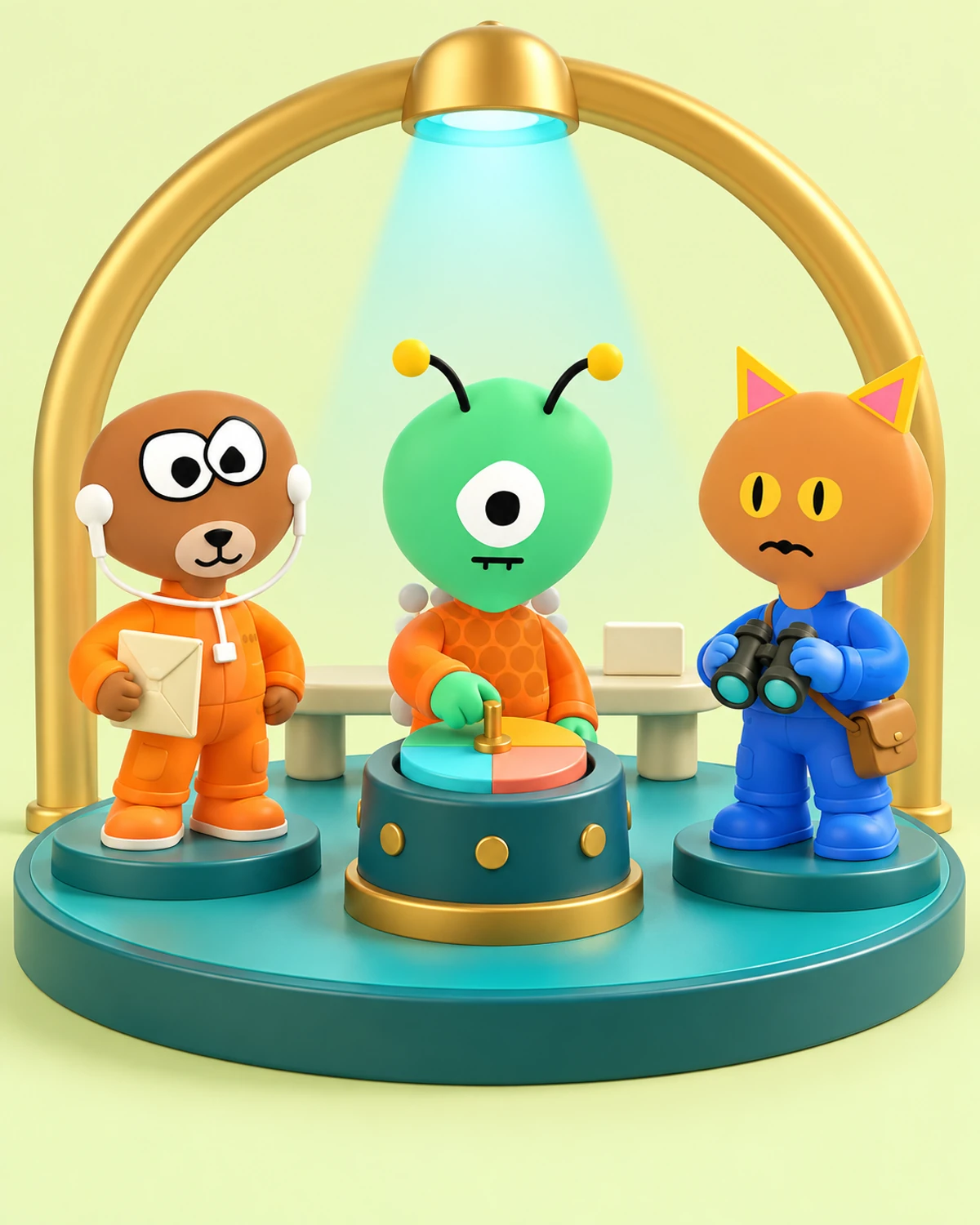
Runner reads what you sell, then puts together a team to match. Every member has one job, and you run the team.
Give the ones that need it a phone number you already hold on your Twilio account.
Leaders
Keep the team on your goal, and check everything before it goes out.
Chief executive · Head of growth · Trust lead
Channel leads
One for each channel, like email or LinkedIn. Each writes only for its own.
Email lead · LinkedIn lead
Two advisors
One argues for doing more, one for your customers' trust. You decide.
Advisor for doing more · Advisor for trust






AI agents. The faces are drawn characters, not people.

Step 3: You set the goal.
Pick what counts, like sign-ups or paying customers, and a date. The number is yours, and Runner counts only what was recorded.
Every week, the head of growth looks at which lead brought in the most, and suggests giving it a bigger share of the goal. You approve the change.
Your growth team picks the motions that fit your business's stage and says what each one needs. Connect your code and it names the exact change for your engineers, and can draft it as a pull request in your repository that you review, merge and deploy yourself.
Start a motion as a journey, and the emails you picked go out when a renewal payment fails, a subscription ends or a checkout is left unfinished, from your own Stripe or site events. Only people who opted in get them, and anyone who buys drops out.


Step 4: Your team drafts. You approve.
Each lead writes drafts for its channel and puts them in your approvals, with the brief it was given beside each one.
Approve an email, and Runner sends it, only to people who opted in to your emails.
One press puts every draft where it goes.
- Approve, and it's out. Connect your LinkedIn Page, Facebook Page or Instagram, and a post you approve goes out with nothing more to press.
- Your words, already in. On X, one press opens the composer with your post already written. You press send.
- Straight to the post. On Reddit, Product Hunt and LinkedIn, one press opens the exact post with your reply ready. You press send.
- Reviews, answered. Every review gets a reply written in its own language. One tap copies it and opens the review on Google, where you post it. See review replies


LinkedIn lead
Needs you- About
- A bigger competitor launched a cheaper plan this week.
- Article
- Why we're staying focused on small teams
- Goes to
- Your company's LinkedIn page
An article speaks for your business at length, so every one waits for you, even when the team runs on its own.
Step 5: Or let it work inside your limits.
Switch the team on and set its limits, like how many emails a day and when to stay quiet. Then emails that pass every check go out on their own, without waiting for you.
- Daily limits start at zero, so nothing goes out on its own until you raise them, or save a rule that lets one kind of post or email skip asking.
- Anything that fails a check comes to you, with the reason.
- One switch stops everyone at once.


Give your business a growth team.
Create your account and pick a plan. Your team is built once the plan is paid.
Build my team