

Runner's agents keep working while your phone is in your pocket.
Runner installs from the browser already on your phone, so the work follows you without another app to manage. Agents keep moving, the few decisions that need you rise to the top, and one button keeps Runner under your thumb.
Being built now. Runner's workspace already works in a phone browser, and the app is already installable. The focused surface described below — the column, the button, the install teaching — is still in development, and the list further down names exactly what is in place and what is not.
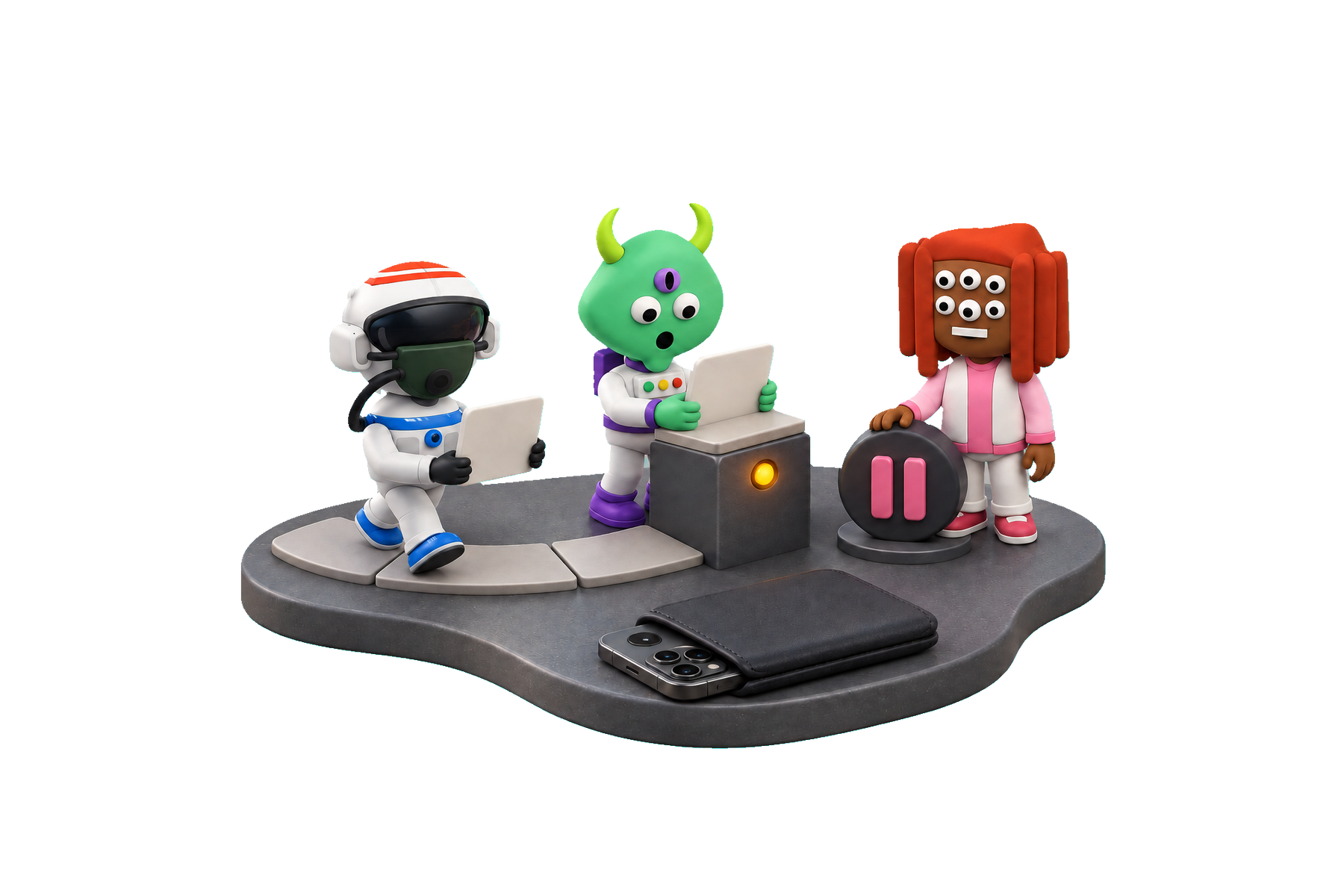
Your agents turn a busy day into one clear stream
Open Runner and see the work itself: what needs you, what is moving and what finished while your phone was in your pocket.
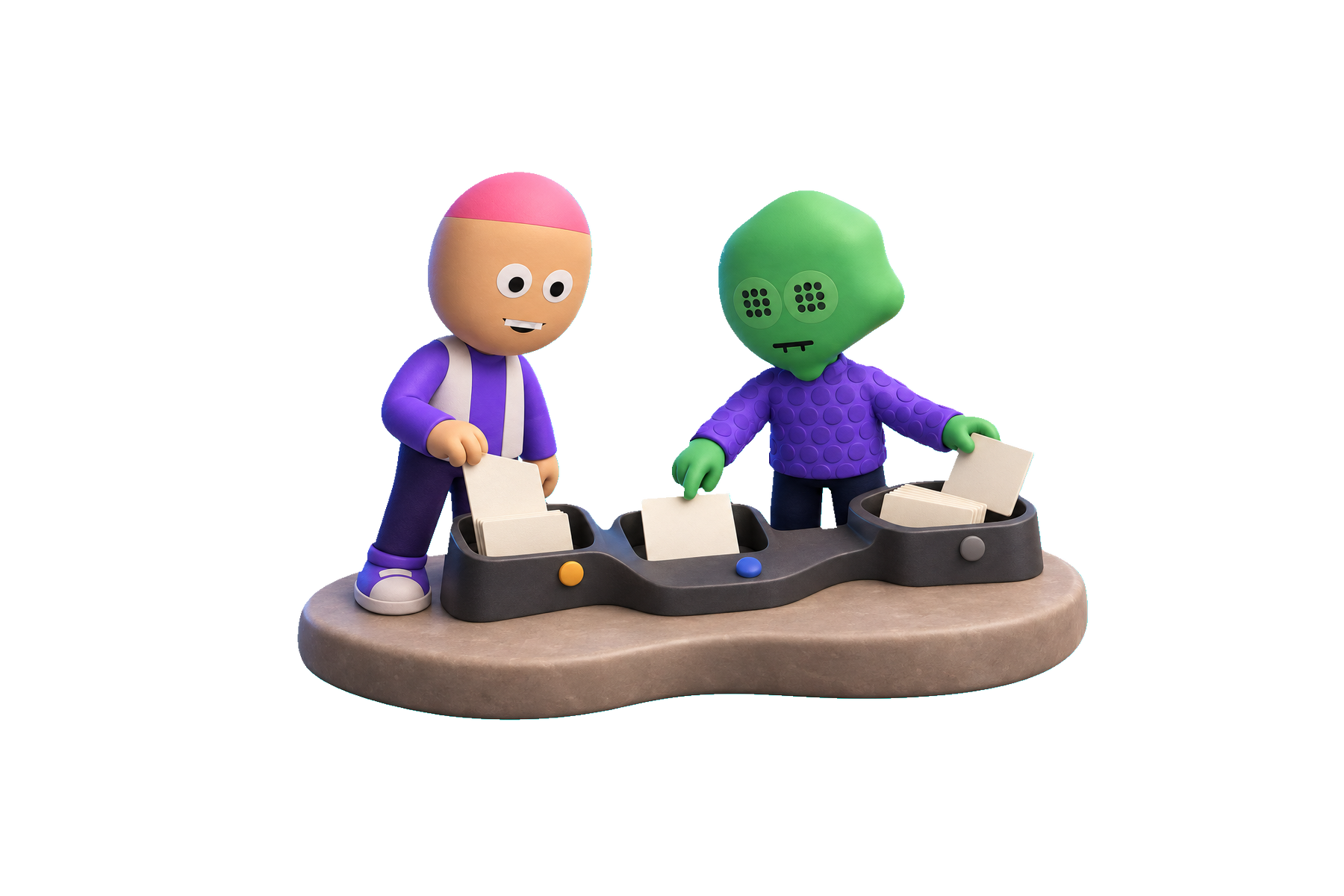
1Waiting for you
The few decisions only you can make rise to the top, held to two at a time so you can clear them and get back to your day.
2Working now
See which agent is working, what it is doing and how long it has been moving — useful progress at a glance, without opening the full workspace.
3Since you left
Come back to a clean list of finished work and outcomes, one line each, with every exception explained in the same place.
Every line names the agent and the outcome in plain English: “The customer success agent drafted the renewal note and queued it for your review.” You always know who did what and what happens next.
Ask Runner without losing your place
One button sits under your thumb. At rest it reads Ask Runner; while agents are working it carries the count. Tap it and a conversation rises over the stream, keeping the work in view while you ask for the next move.
Made for the moments between meetings
The focused view keeps one stream, one Ask Runner button and one link to the full workspace. Everything you need for deeper work remains a tap away.
Runner keeps the reason, so a phone can show it
Every step an agent takes is written down as it happens: what was allowed, what was refused, the reason it was refused, and the approval it ran under. One row per transition, added and never edited, kept per organization and per project. That record is what turns a refusal into something to read instead of something to debug.
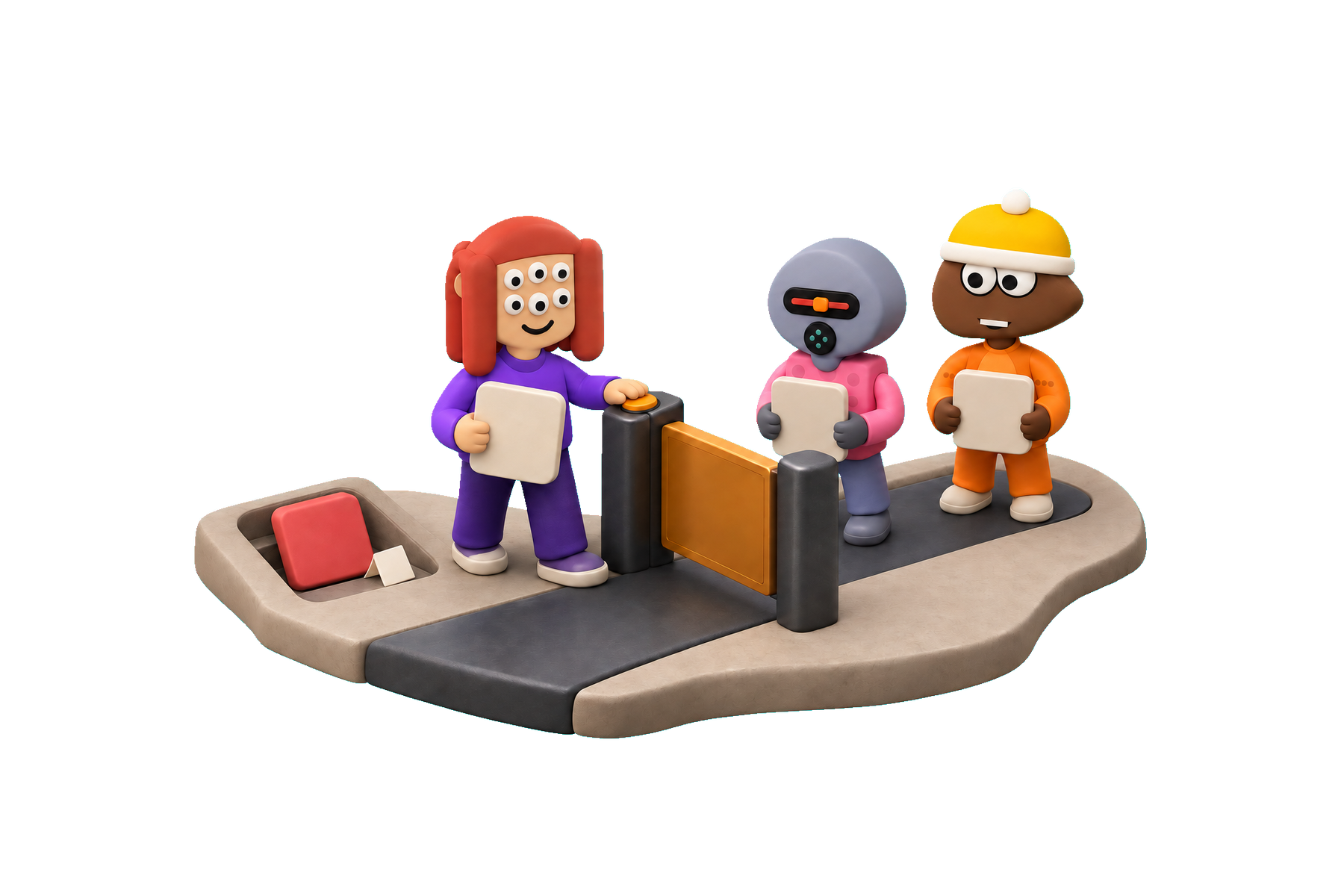
Written for a person, a refused step reads as a sentence:
Prepared twelve of the fourteen contacts. Did not write to two: one asked not to be contacted, and one is in a jurisdiction this campaign has no basis for.
You see the result, the reason and the next decision together. Clear what needs you, then put the phone away while the agents keep working.
Runner installs from the browser already on the phone
Three taps, once, and the icon behaves like any other on the home screen: its own window, no address bar, its own place in the app switcher.
1Open Runner in Safari or Chrome, and sign in.
Use the same address and the same workspace you already open on a laptop.
2Share, then Add to Home Screen.
Do it once and the Runner icon keeps its own place on your home screen.
3Open it from the home screen, then turn approval alerts on.
The decisions that need you can now reach the installed app wherever the day takes you.
On iPhone, web notifications reach an app only once it is on the home screen. That is a platform rule rather than a setting anyone can change, so approval alerts turned on before the app is installed have nowhere to arrive — which is why the switch comes third.
Runner reaches the phone on every deploy
Your phone opens the same application from the same deployment as your laptop, so a fix that lands in the afternoon is on the phone that afternoon — no second release to prepare and no copy of Runner three versions behind the one your team is using.
What is in place, and what is not yet
It installs
Runner publishes the manifest and icons a home screen needs, so the browser offers to install it today. What you get today is the workspace on a home screen; the focused column is the part being built.
Approval alerts reach the right person
Delivery to a subscribed device is built and switched on per person, not per company. Runner reserves the interruption for approvals, which is the only class it sends.
Ask Runner is ready
The workspace assistant works with the signed-in person's access and brings every proposed action back for a clear confirmation.
Every run already keeps its story
Agent runs record each transition, decision and exception as they happen. The focused view turns that existing history into a useful mobile stream.
Not yet
- The focused column itself, the surface this page is about, is in development.
- Live updating. Nothing streams into the app yet; the intended shape is a poll while the app is open and backing off when it is not, and that is not built.
- The install teaching. Runner does not yet recognise an iPhone that has not installed it and name the gesture in the place where the switch is.
- Working offline, which is deliberate rather than pending. Runner's reads are gated per organization, and caching them onto a device is a question about data classification with no reason yet to open it.
Runner goes with you, on the phone you already have
Open Runner in your phone browser, add it to the home screen and keep the whole workspace within reach while the focused mobile view takes shape.