

Add-on
Another product
Room for one more product, worked on by the same growth team.
$69 a month · on Team
Add it in Runner

What you get
- One more product on top of your plan's.
- Your growth team works on it the way it works on the rest.
- Add several at once, and lower the number later.


Set it up yourself
Step 1: In Runner, open Settings → Plan & add-ons.
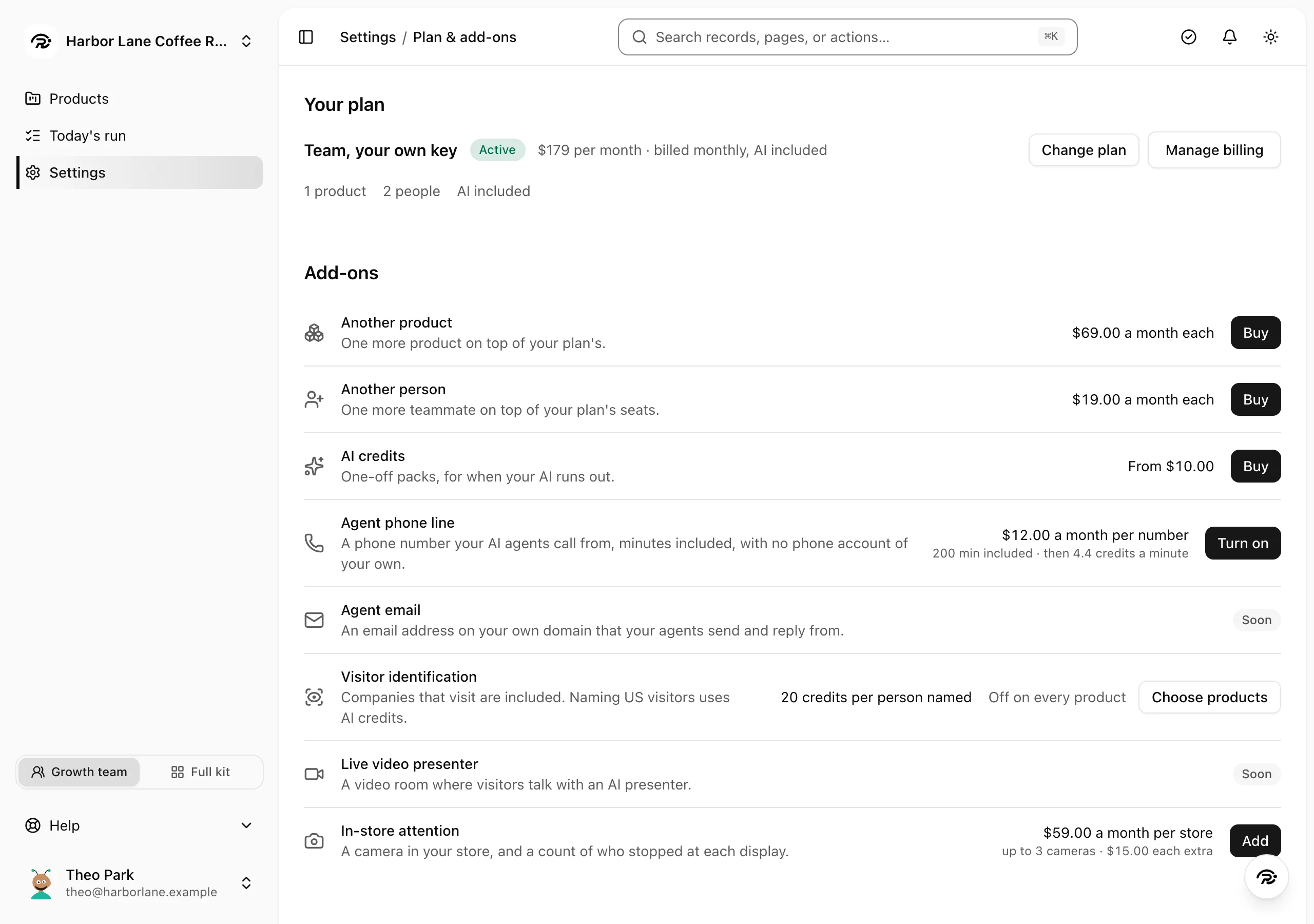
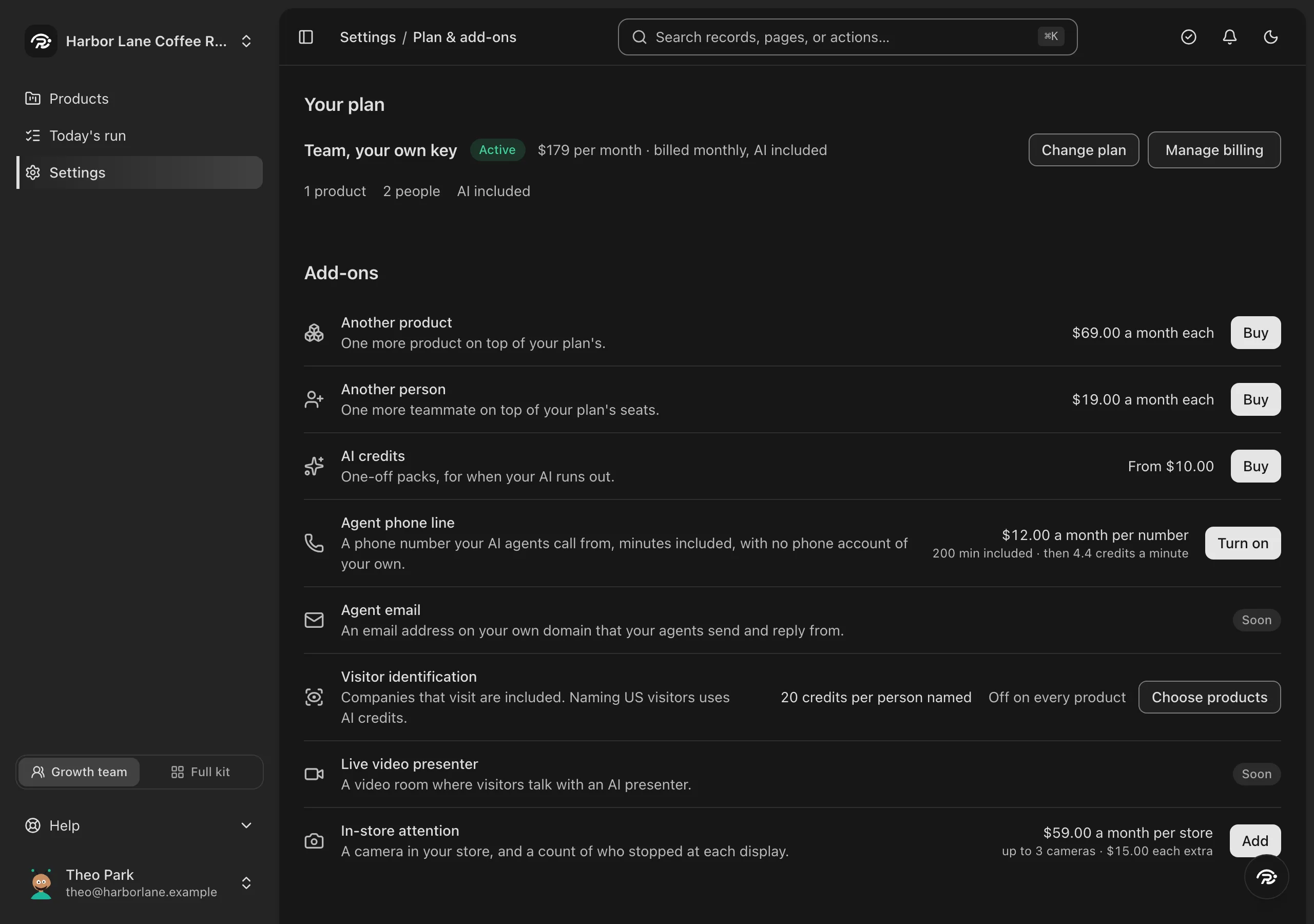
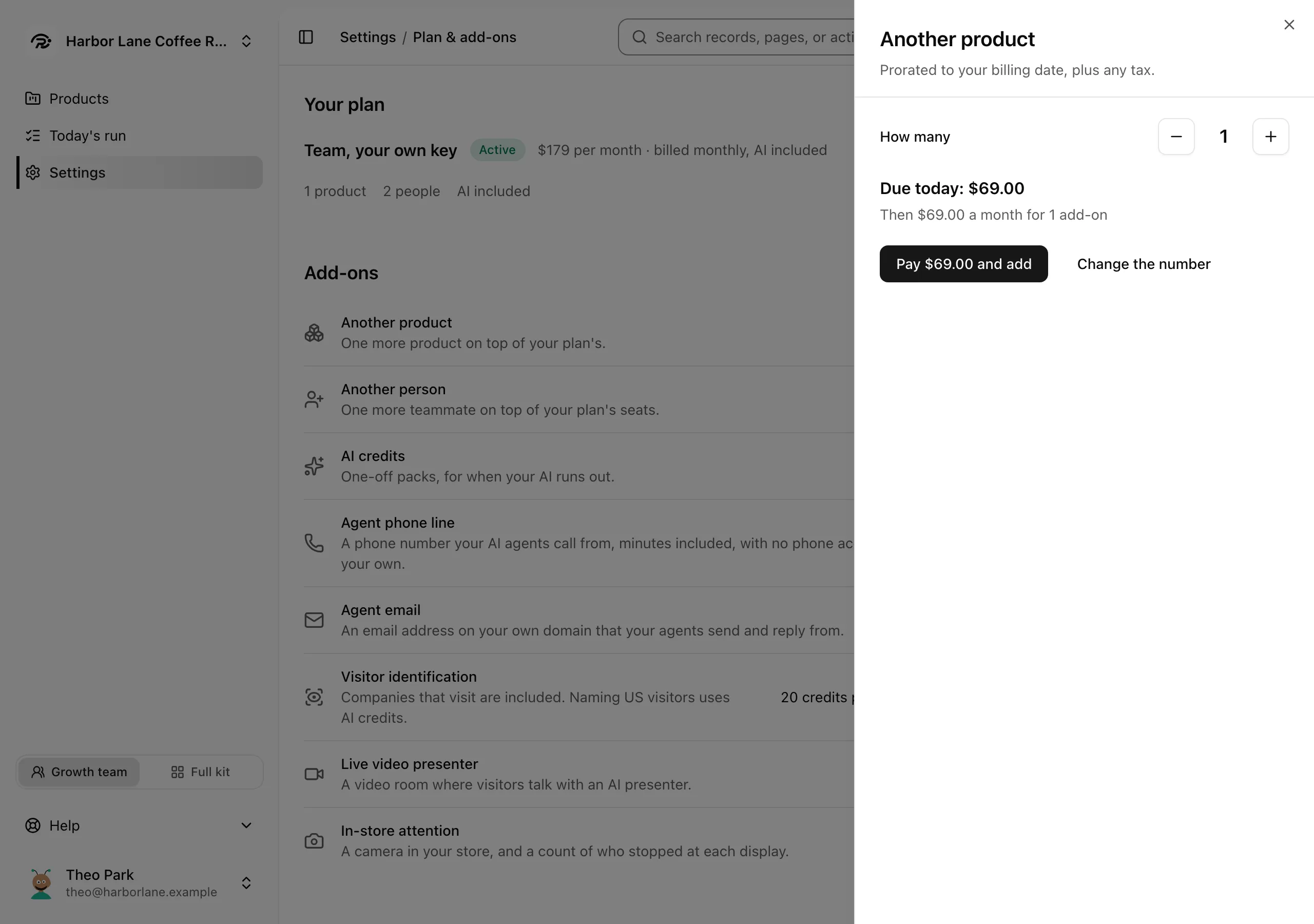
Step 2: Press Buy beside Another product, choose how many, and press See the price.
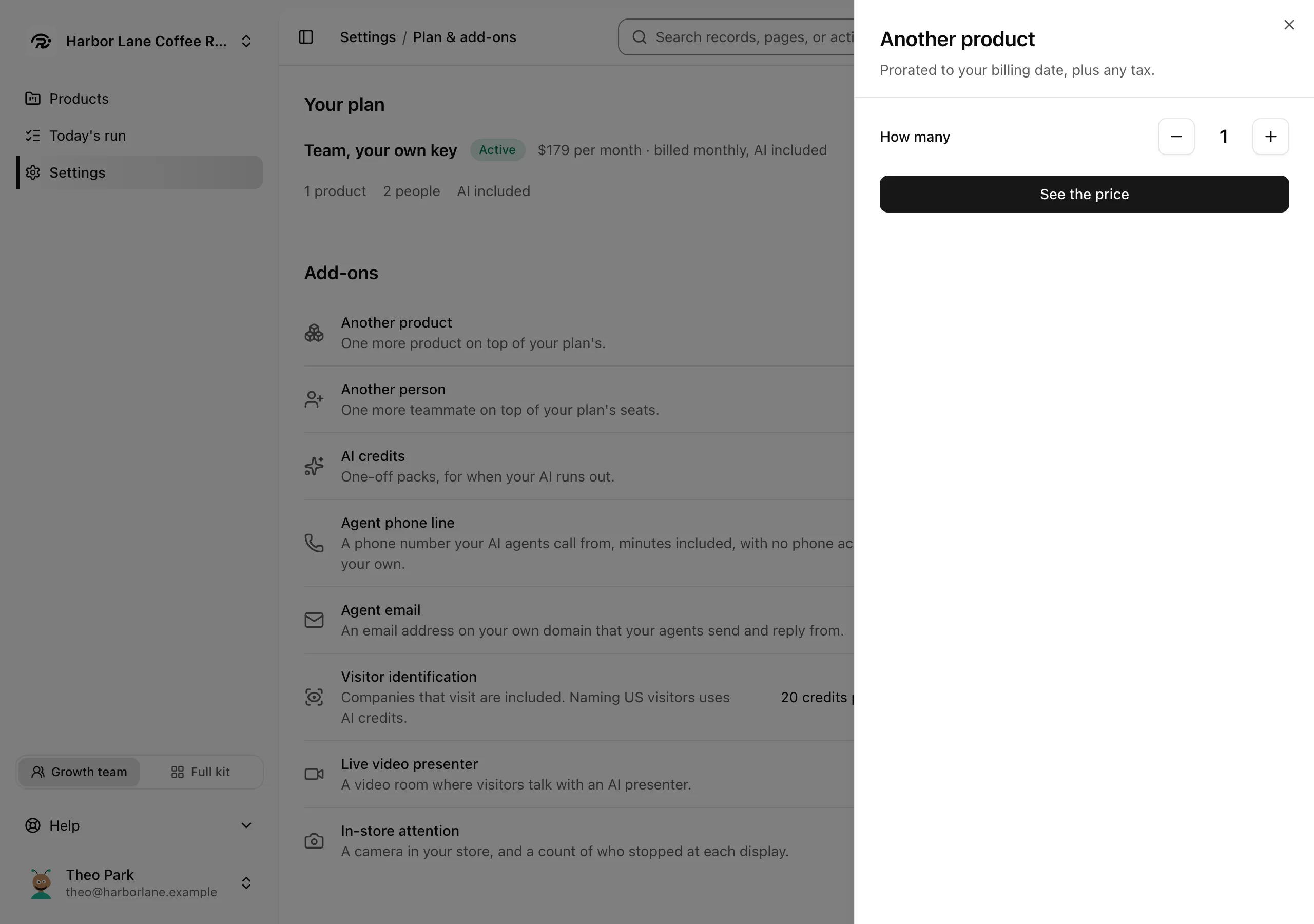
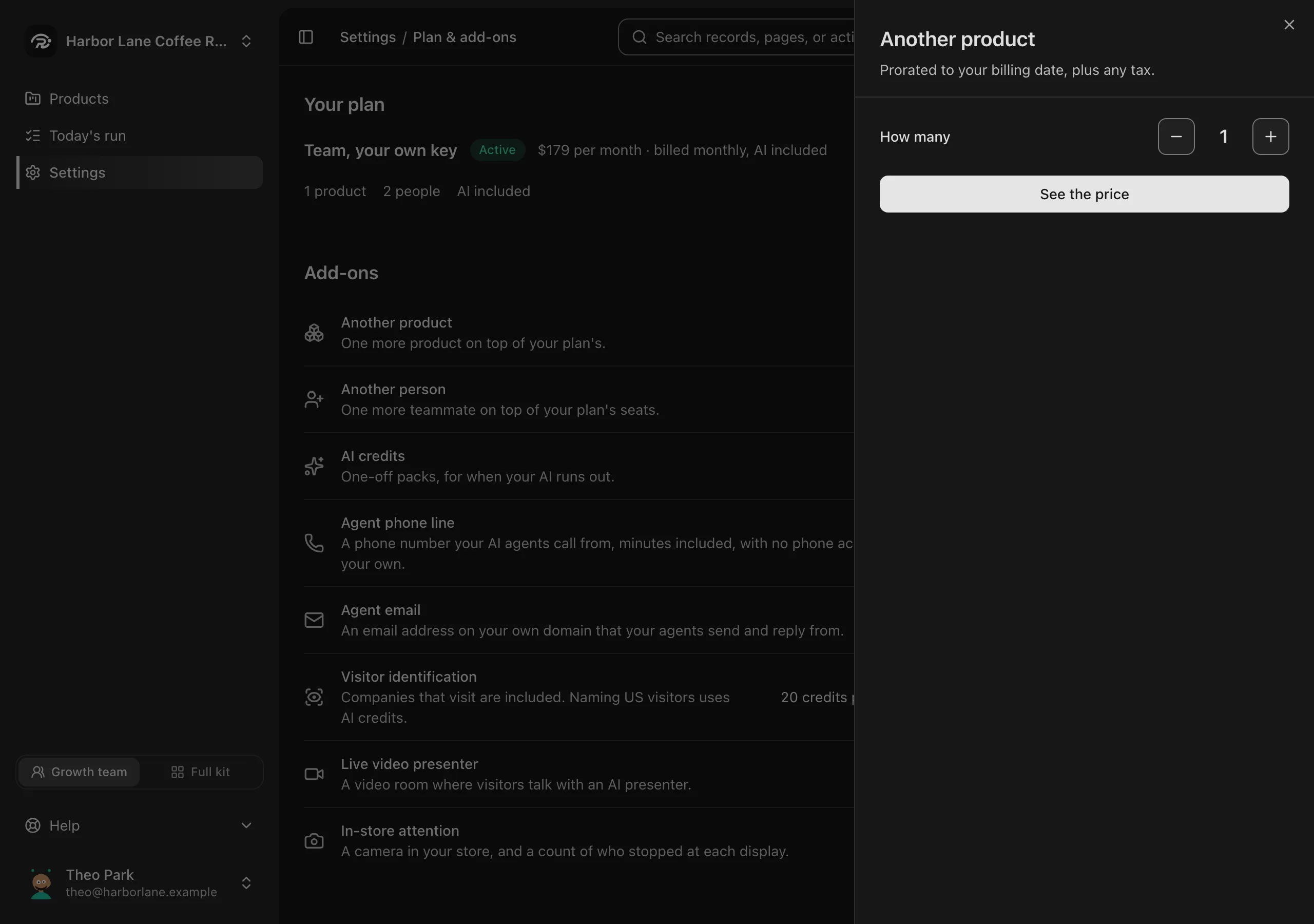
Step 3: Check what is due today, then press Pay and add.
What it costs
$69 a month · on Team
Each one, every month, on the Team plan.
The first bill is prorated to your billing date, plus any tax.
Questions about Another product
Which plan do I need?
Team. Another product comes with the Team plan.
Who can add it?
An owner or admin of your workspace.
Can I lower the number later?
Yes, on the same page, down to the number of products you use. The difference comes back on your next bill or your card.