
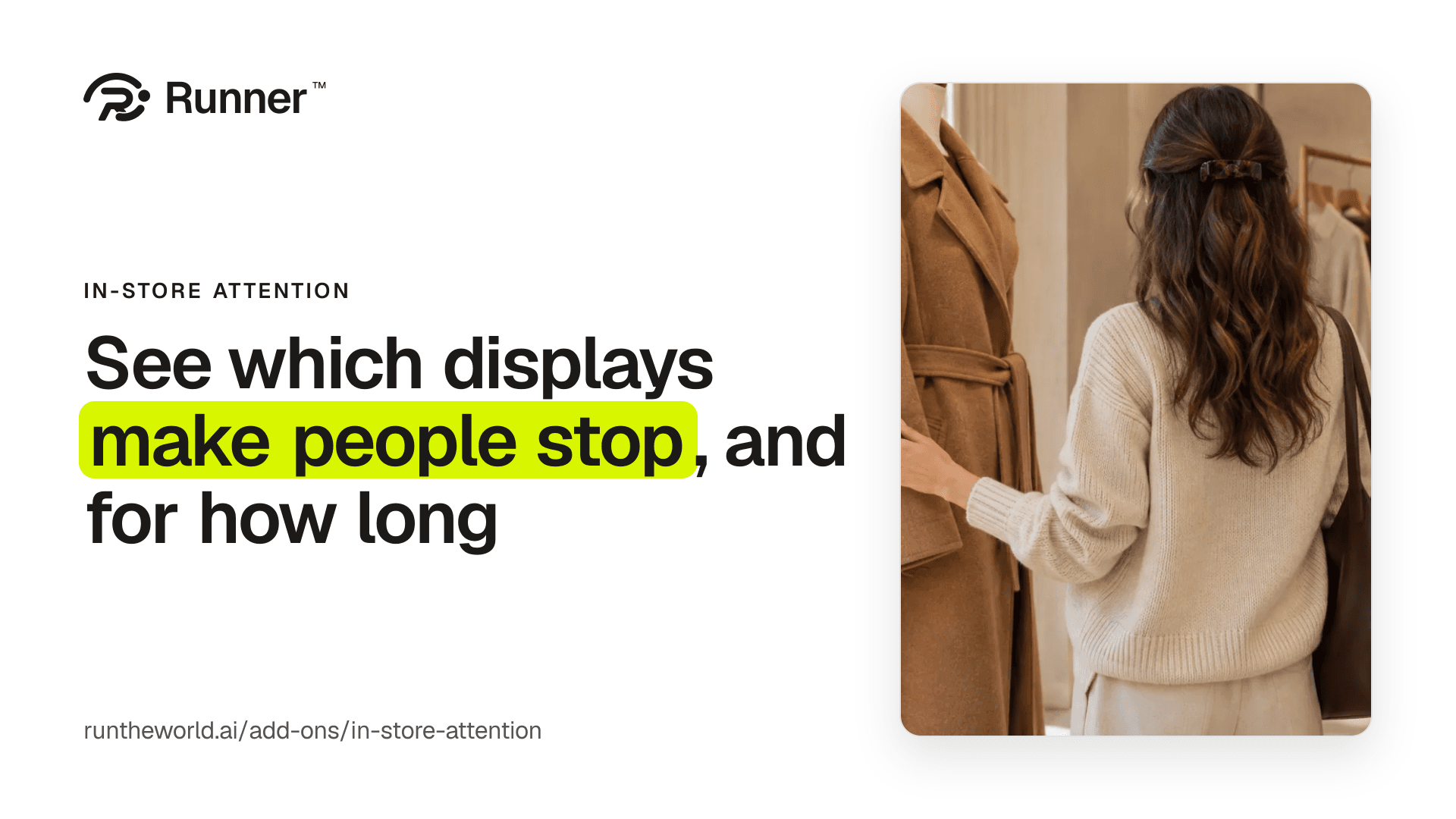
A window display can take a Sunday to build. The till says what sold that week. What made someone stop and look on the way in is the part nobody writes down.
In-store attention writes it down. A tablet or a small computer near your displays counts the people who stop at each one, and for how long, and Runner puts the week beside your sales.
One row per display is all that leaves the store.
Your week, display by display
How many people stopped at each display, and for how long. Whether the look at a display was positive, neutral or negative. And the change from last week, so you see what your new window did.
A stop is a person pausing at a display for two seconds or more, so walking past doesn't count. The week leads In-store attention's own page, under Performance and finance, and sits on your growth team page beside your sales.
One row per display, every 15 minutes
The camera is a tablet or a small computer inside your store, near your displays. Runner receives one row per display every 15 minutes: how many stopped, for how long, and whether the look was positive, neutral or negative.
That row is all that leaves the store. Your growth team reads it with the rest of your week, so a display that draws people in is something it can work with.
Set it up yourself
Add In-store attention on Settings → Plan & add-ons, and add your business address. Then name your camera, choose a still from it, and draw one rectangle over each display, named after it. The still stays on your computer.
Link the tablet in the store, print the sign for your entrance, and turn on both rules: staff work areas are outside every zone, and the entrance sign is up.
Pay once it counts
Adding it charges nothing. Billing starts when a camera sends its first counts, on your next bill, and pausing a camera stops its charge.
Build your team, with a 14-day money-back guarantee, add In-store attention, and find out which displays make people stop.
Give your business a growth team.
Create your account and pick a plan. Your team is built once the plan is paid.