

In-store attention for restaurants
Know which table needs clearing.
Every table on one tablet: ready, seated or needs clearing.
$59 a month per storeUp to 3 cameras · $15 each extra camera
Add it in RunnerRun a shop?See which displays make people stop




See it in a restaurant
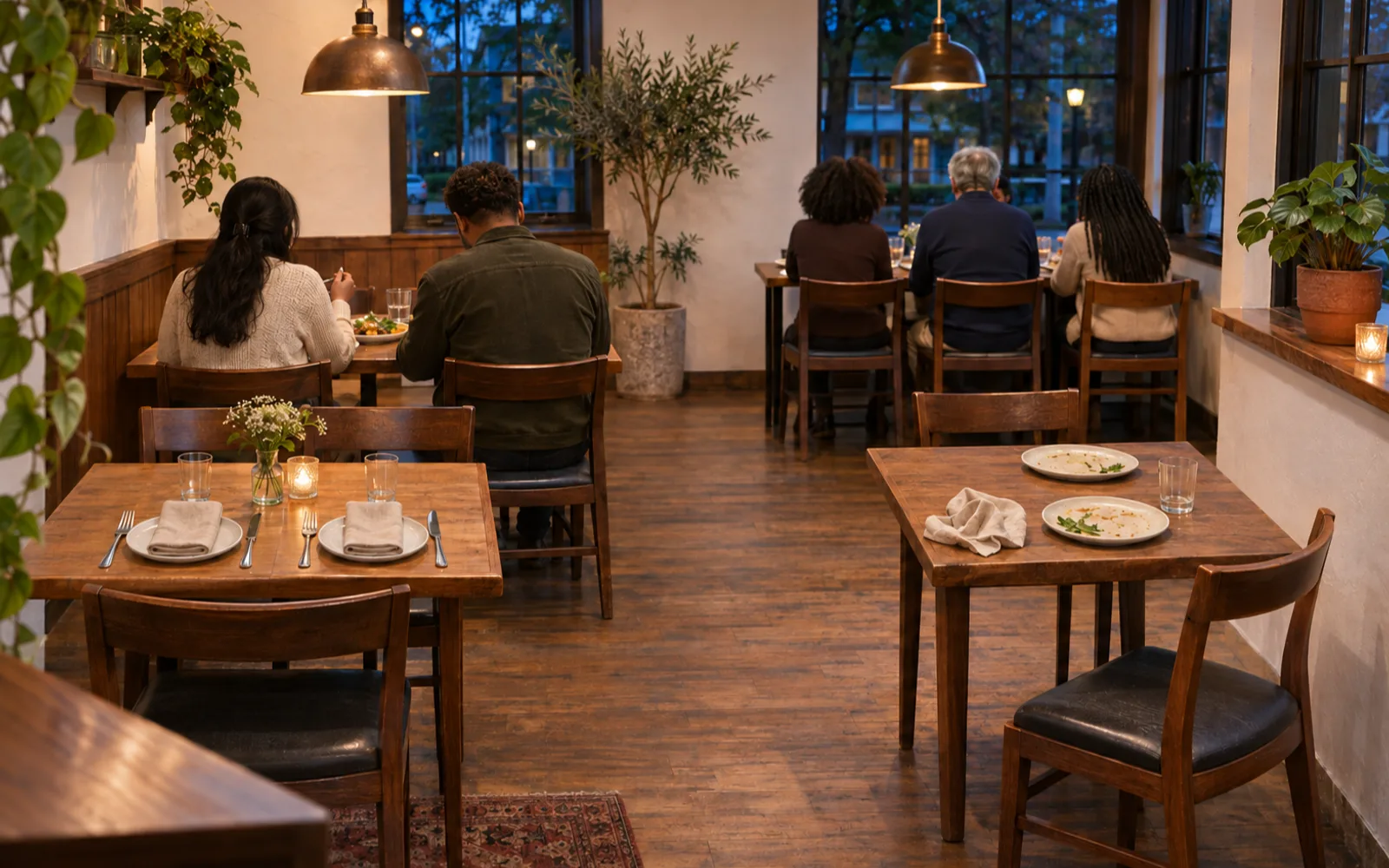
Every table, its state and its minutes. 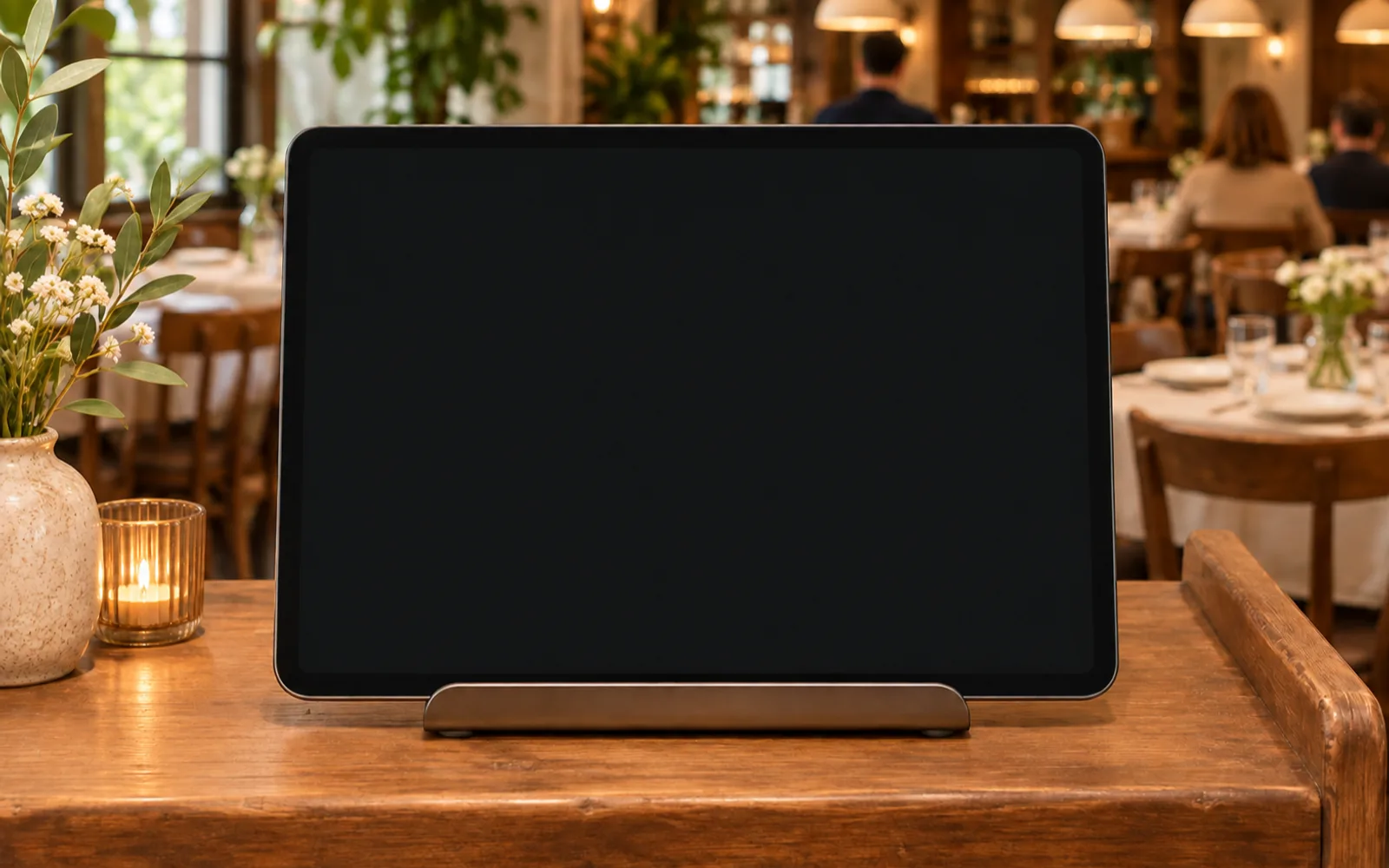
Needs clearing on top. Cleared, and it moves down as Ready. 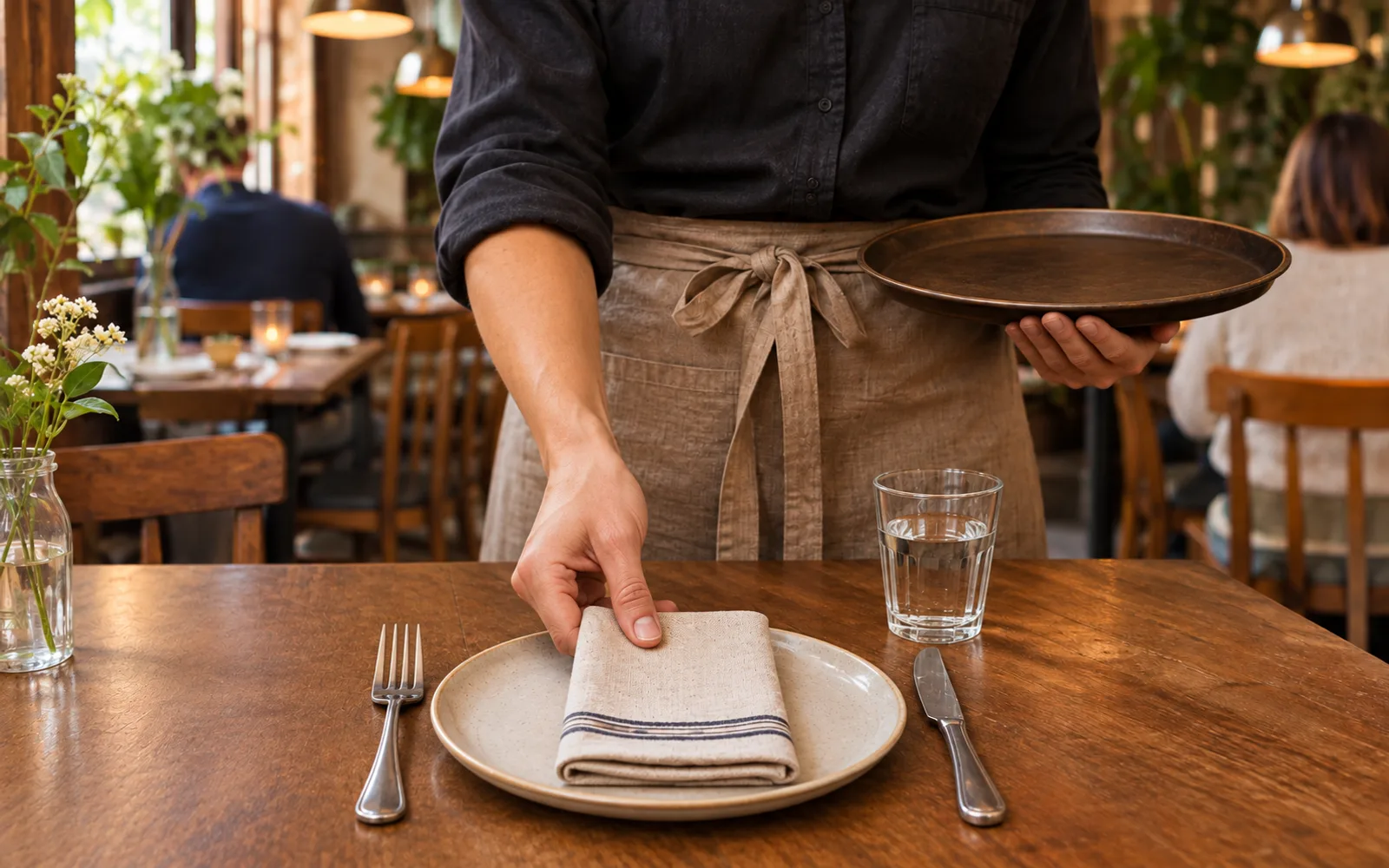
Cleared, and it turns Ready.
The next table to clear goes to the top, with a soft chime.
How it works
- Every table shows Ready, Seated or Needs clearing, with the minutes.
- Staff tap Cleared once a table is reset.
- Once a table looks clear again, it turns Ready by itself.
In Runner
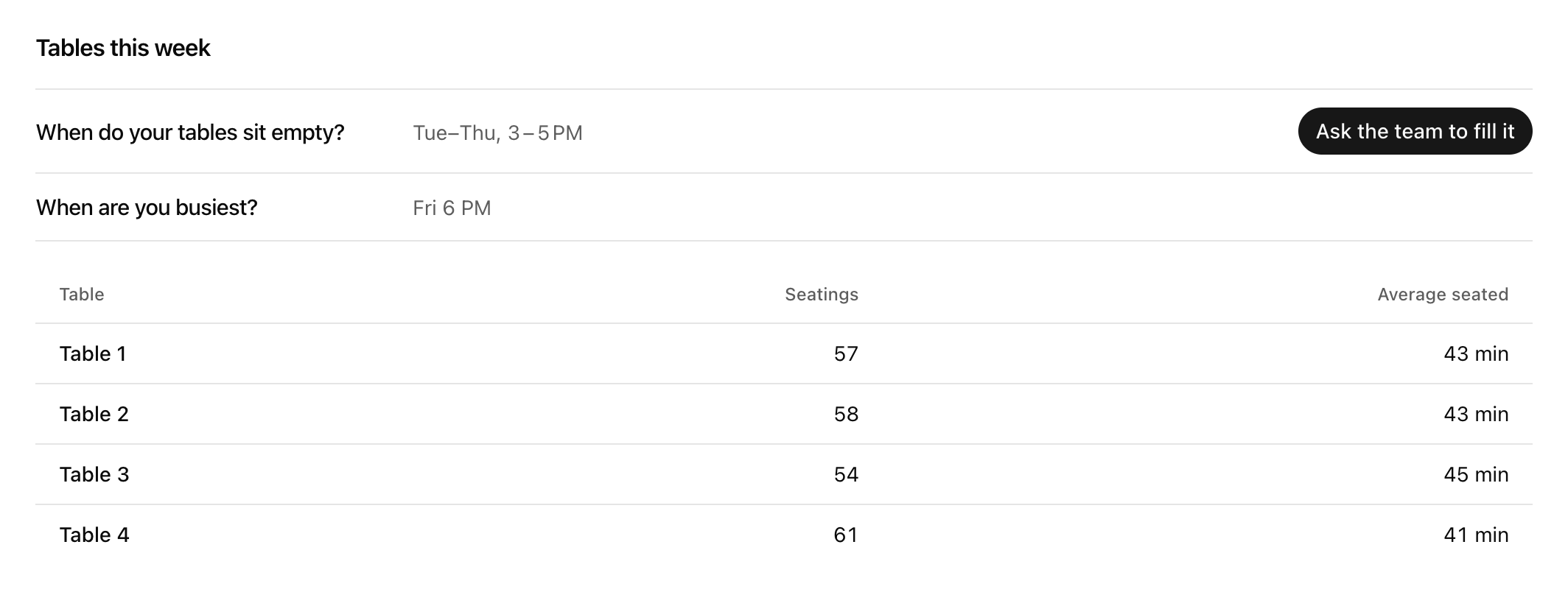
Runner finds the hours your tables sit empty. 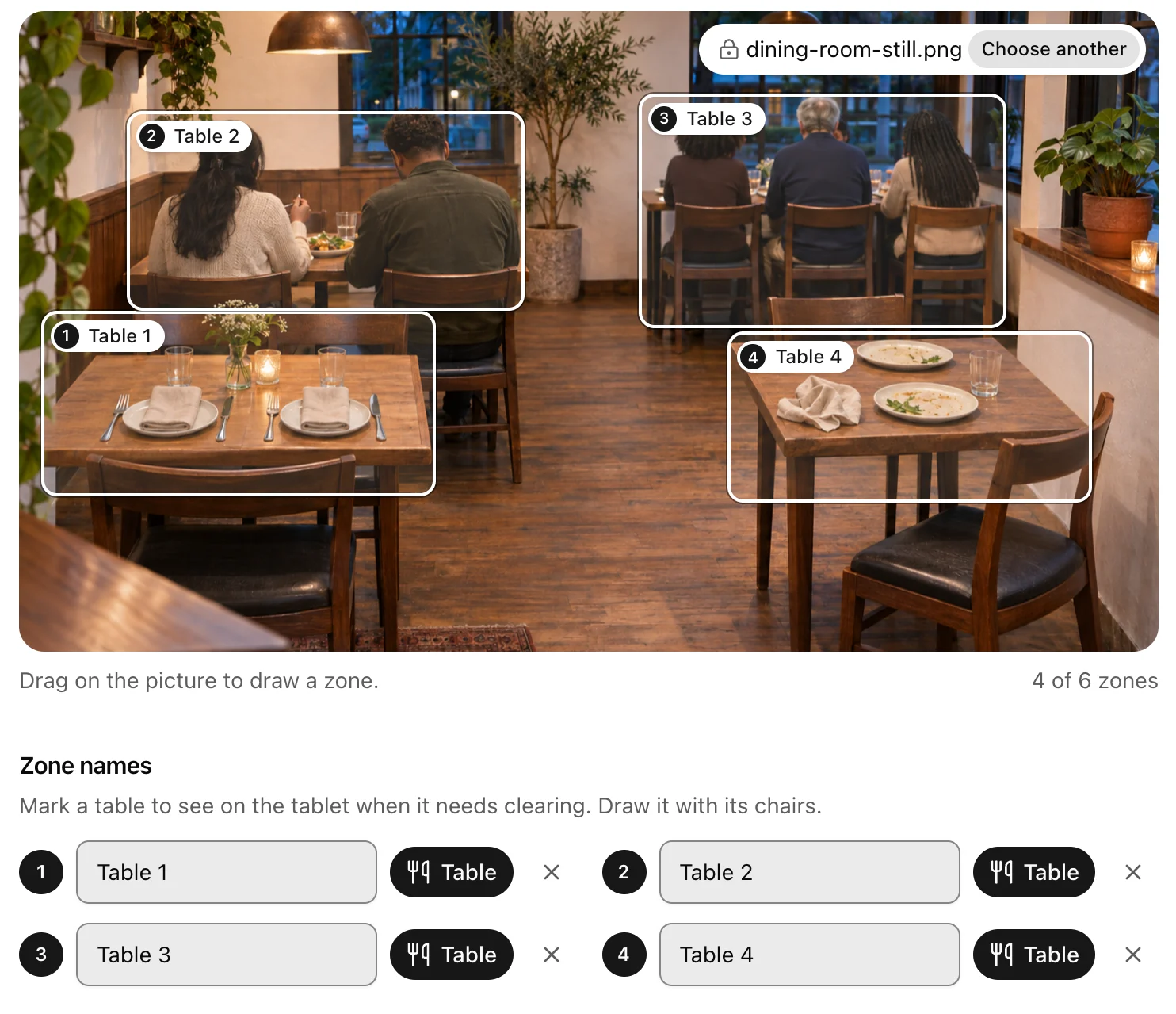
Draw each table on your camera's picture and press Table.
Turn empty tables into a post.

Runner shows when your tables usually sit empty, and one press asks your growth team for a post that fills those hours. You approve it before it goes out.
What stays in the restaurant
No video and no picture ever leaves the restaurant.
What it sees at a table
- Only whether someone is there and whether the table looks clear.
- The alert stays on the tablet, so nothing times your staff.
Set it up yourself
Six steps, all in Runner.
See the steps
- Add it to your plan: On Settings → Plan & add-ons, press Add beside In-store attention, then add your business address on Settings → Organization.
- Add a camera: Open Performance and finance → In-store attention, name a camera that sees your tables, and press Add a camera.
- Draw your tables: On the camera's still, draw each table with its chairs and press Table beside its name. Up to six on each camera, tables and displays mixed.
- Link the tablet: Create the device link and open it on the tablet in your restaurant; it shows only once.
- Put up the sign: Print the sign for the entrance, then turn on both rules: the kitchen, bar and till sit outside every zone, and the sign is up.
- Tap Cleared once: The first time you reset each table, tap Cleared, and the tablet learns how that table looks clear.
What it costs
$59 a month per store
Up to 3 cameras · $15 each extra camera
Adding it charges nothing. Billing starts when a camera sends its first counts.
See the terms
Not available to businesses or stores in Illinois, Texas or Washington. Before a camera goes live, you confirm that staff work areas are outside every zone and that a sign at your entrance tells customers about it. You're responsible for notices your local law requires. Runner receives one row per zone every 15 minutes, with no video, no faces and no identities.
Questions about In-store attention for restaurants
What leaves the restaurant?
One row per table every 15 minutes: the seatings that began and the minutes seated. That's all.
Does it time my staff?
No. The clearing alert, its minutes and every Cleared tap stay on the tablet in the restaurant.
Does a server taking an order seat a table?
No. A table counts as seated once someone stays at it, so a quick stop to take an order doesn't count.
What device do I need?
A tablet or a small computer with a camera, inside your restaurant.
Is it available where I am?
Not to businesses or restaurants in Illinois, Texas or Washington. Wherever you are, you're responsible for notices your local law requires.