

Your photos
Your team draws from your own photos.
Pick three photos of the real thing and the team's pictures start from them. Bring in a product's photo from your shop with one press, and plan new inspiration for a day, a week or a month.
What your team draws from
Your photos come first. Your photo brief's words do the rest.
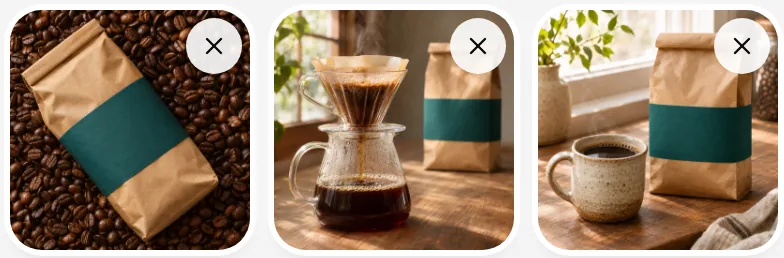
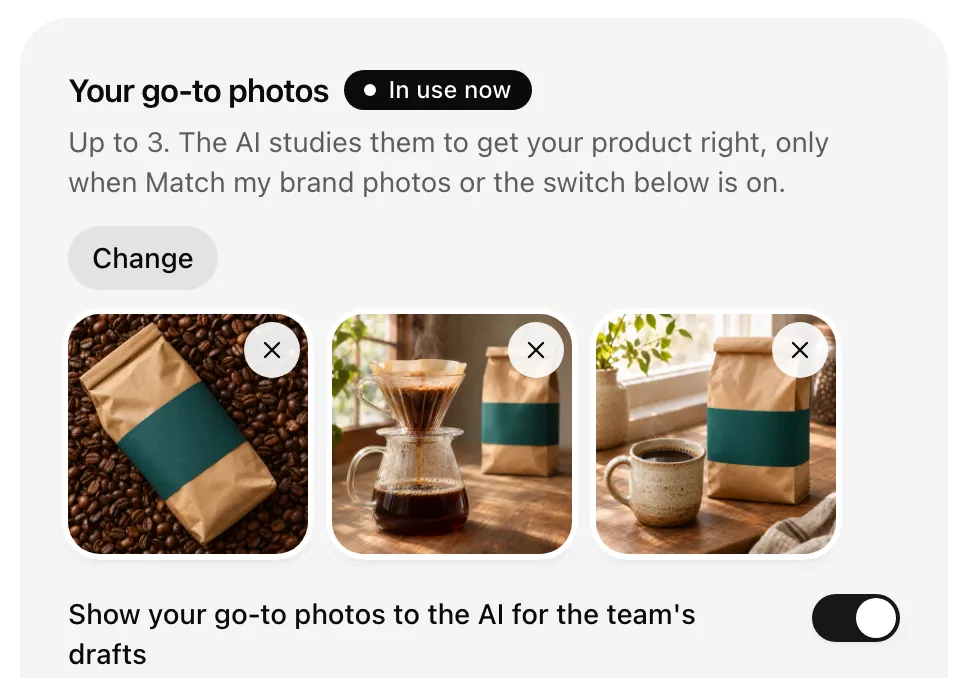
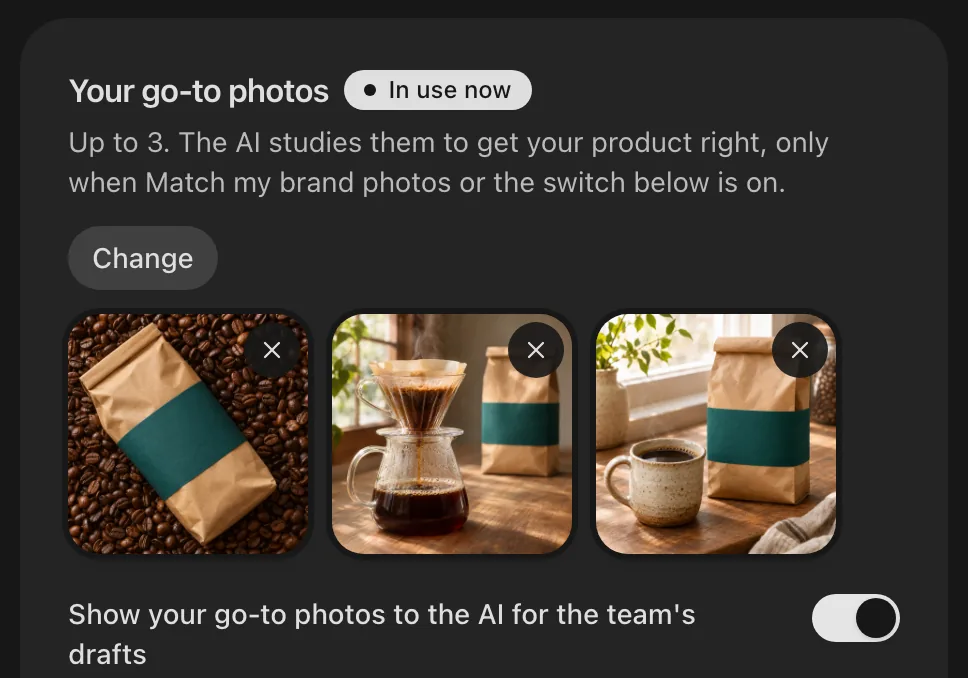
Your go-to photos
Up to three photos of what you sell or serve. The team's pictures start from them.
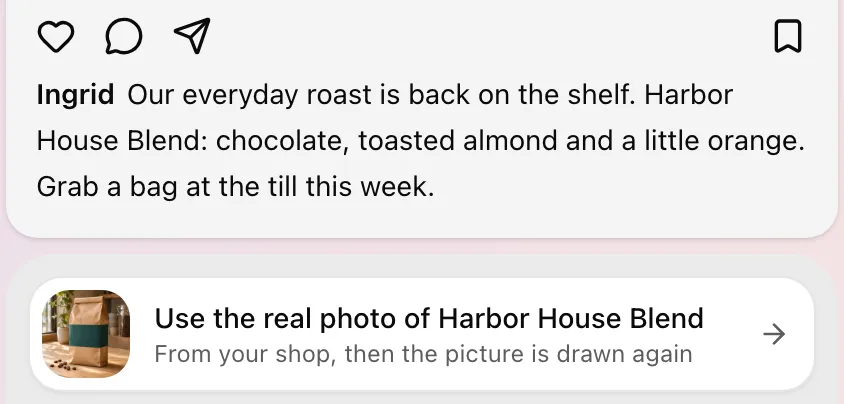
The real product, from your shop
When a post shows something you sell, one press brings in its photo.
 Square
 Lightspeed Retail

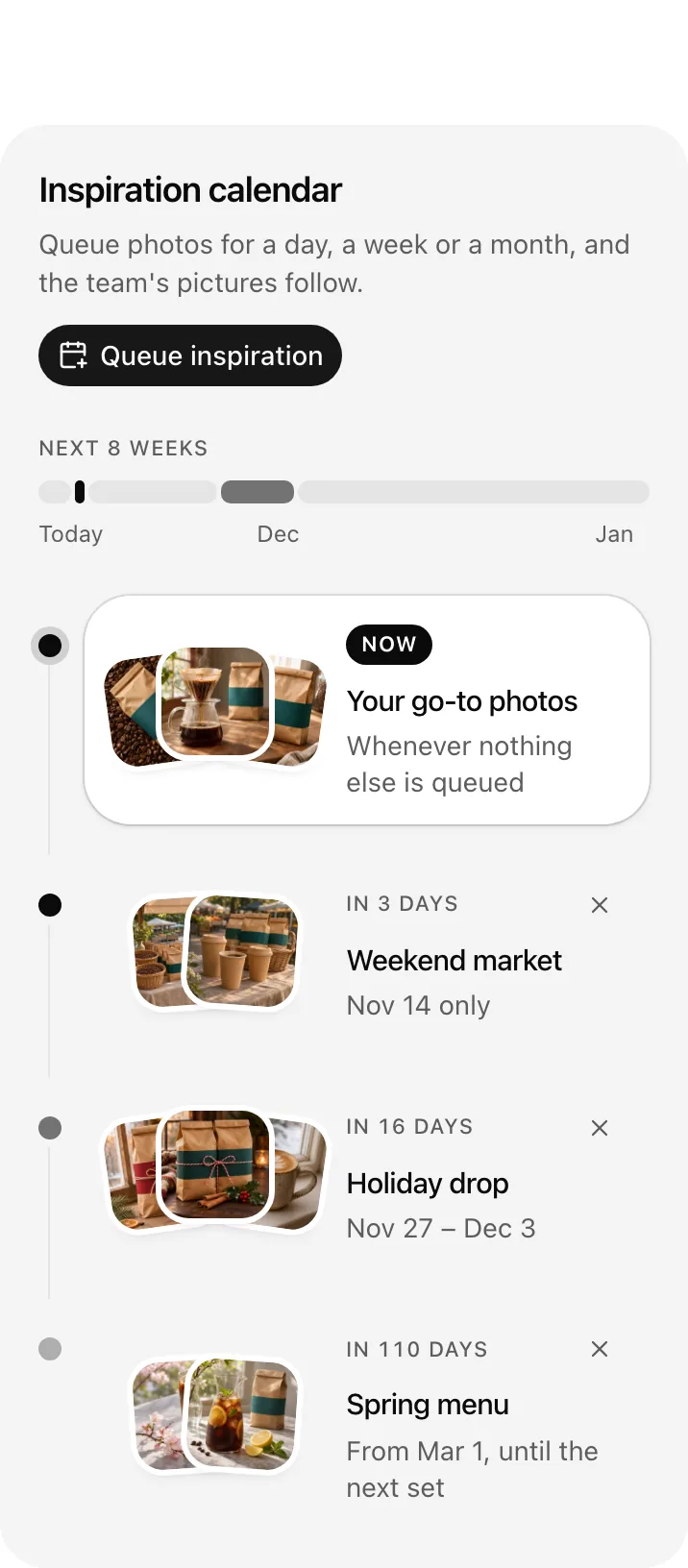
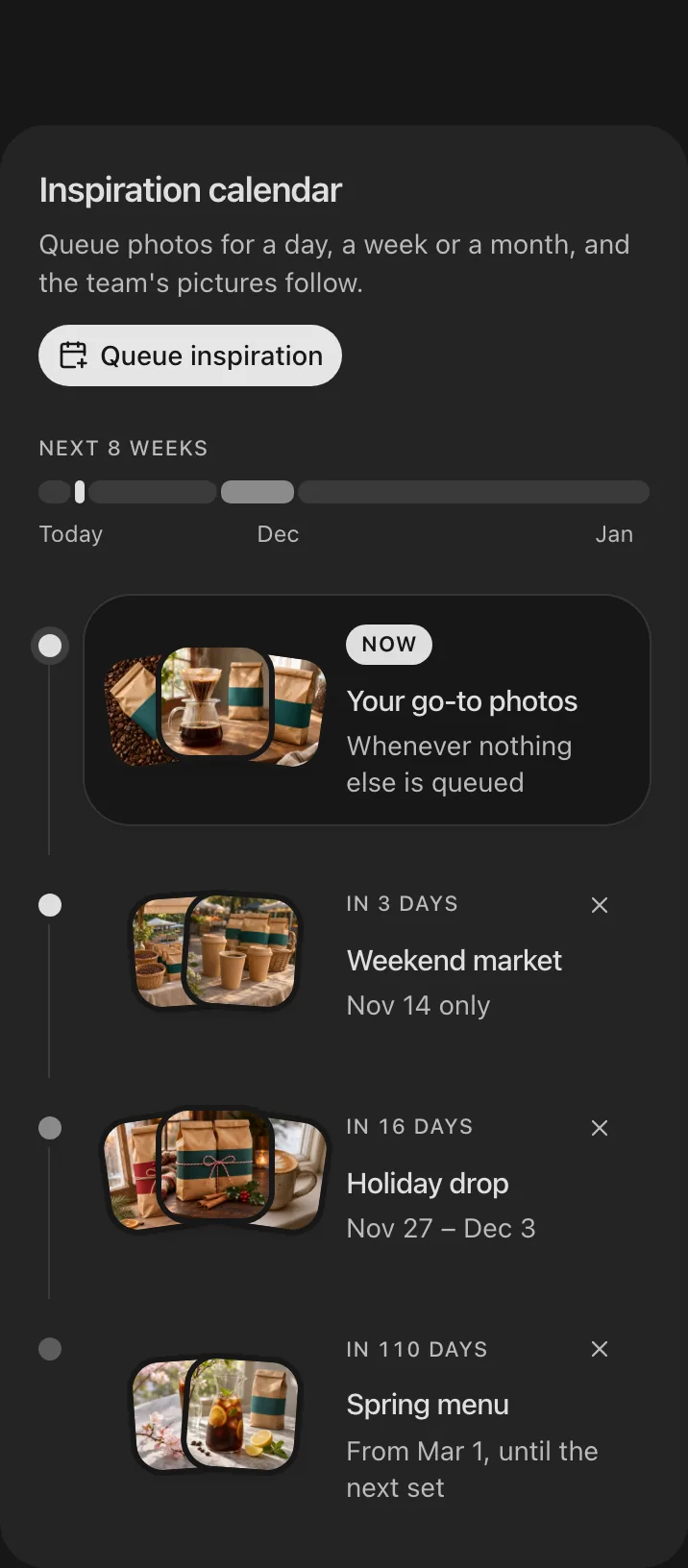
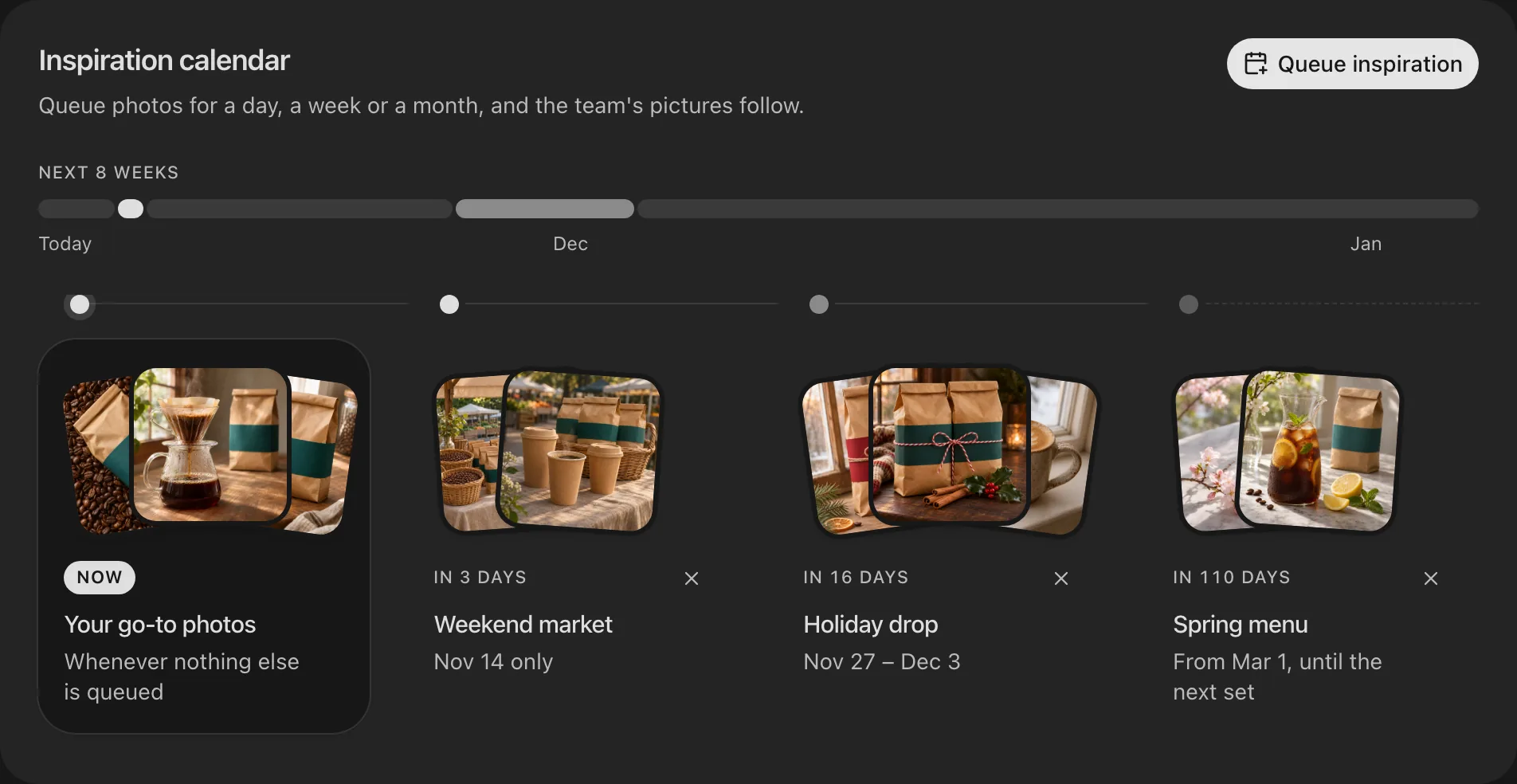
The inspiration you plan
Queue a set for the holidays or a new menu. On those days it stands in for your go-to photos.

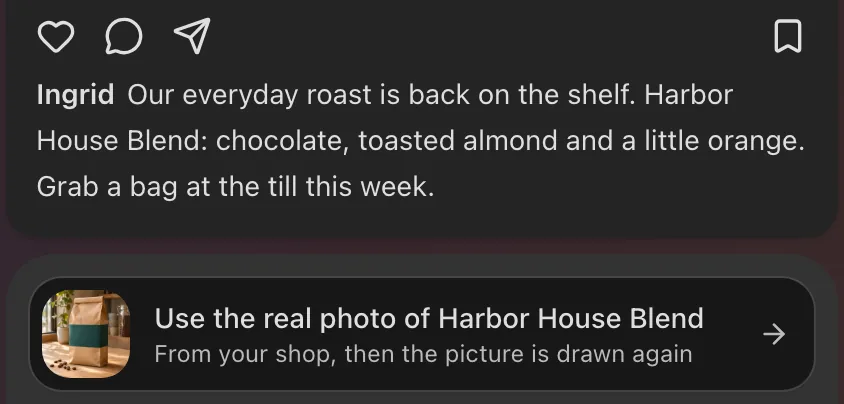

Your team's next picture
Trademarks of their owners. No affiliation or endorsement.
How it works
1 of 4
Choose your go-to photos
Pick up to three photos of what you sell or serve. The team's pictures start from them, so your product looks like yours.
2 of 4
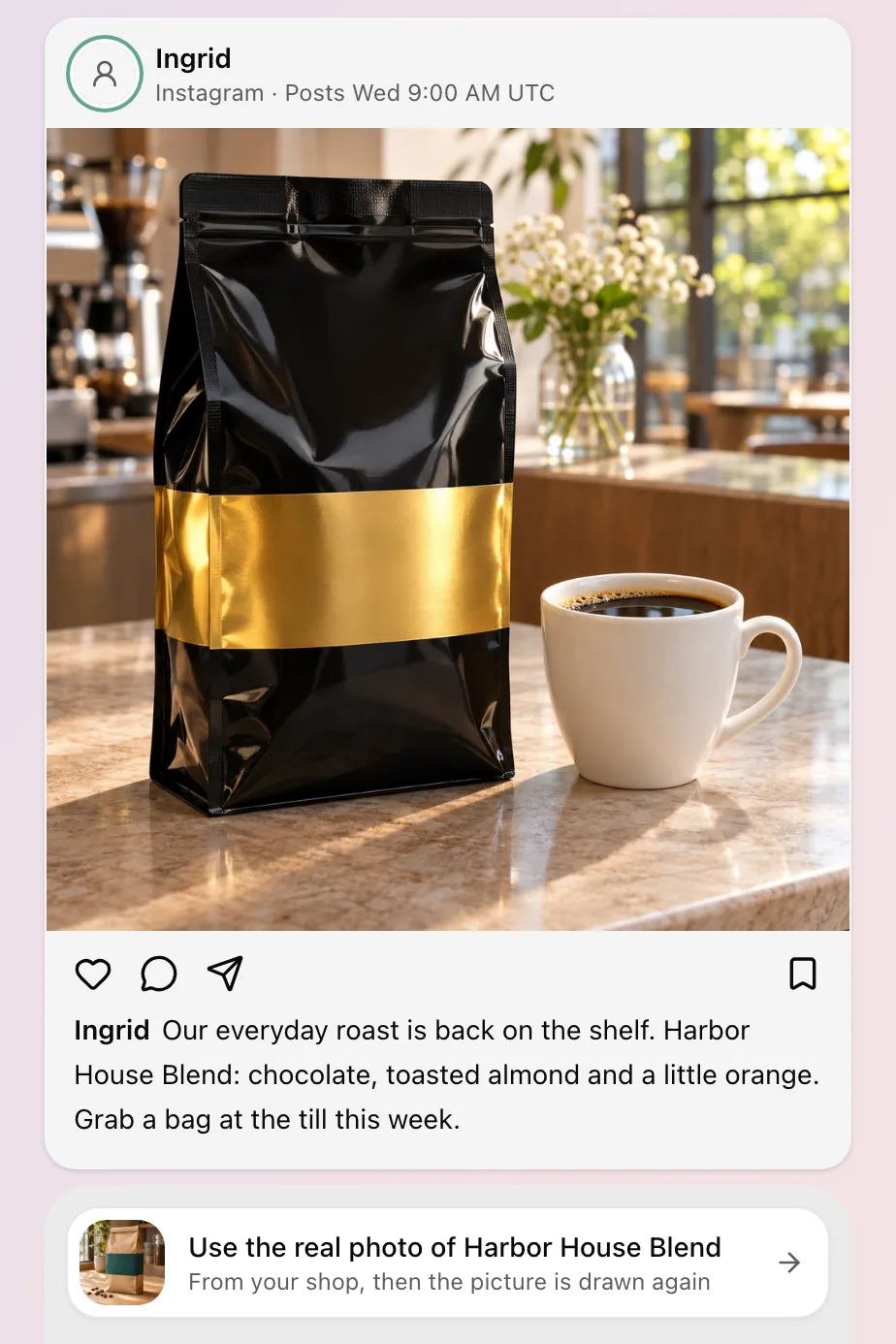
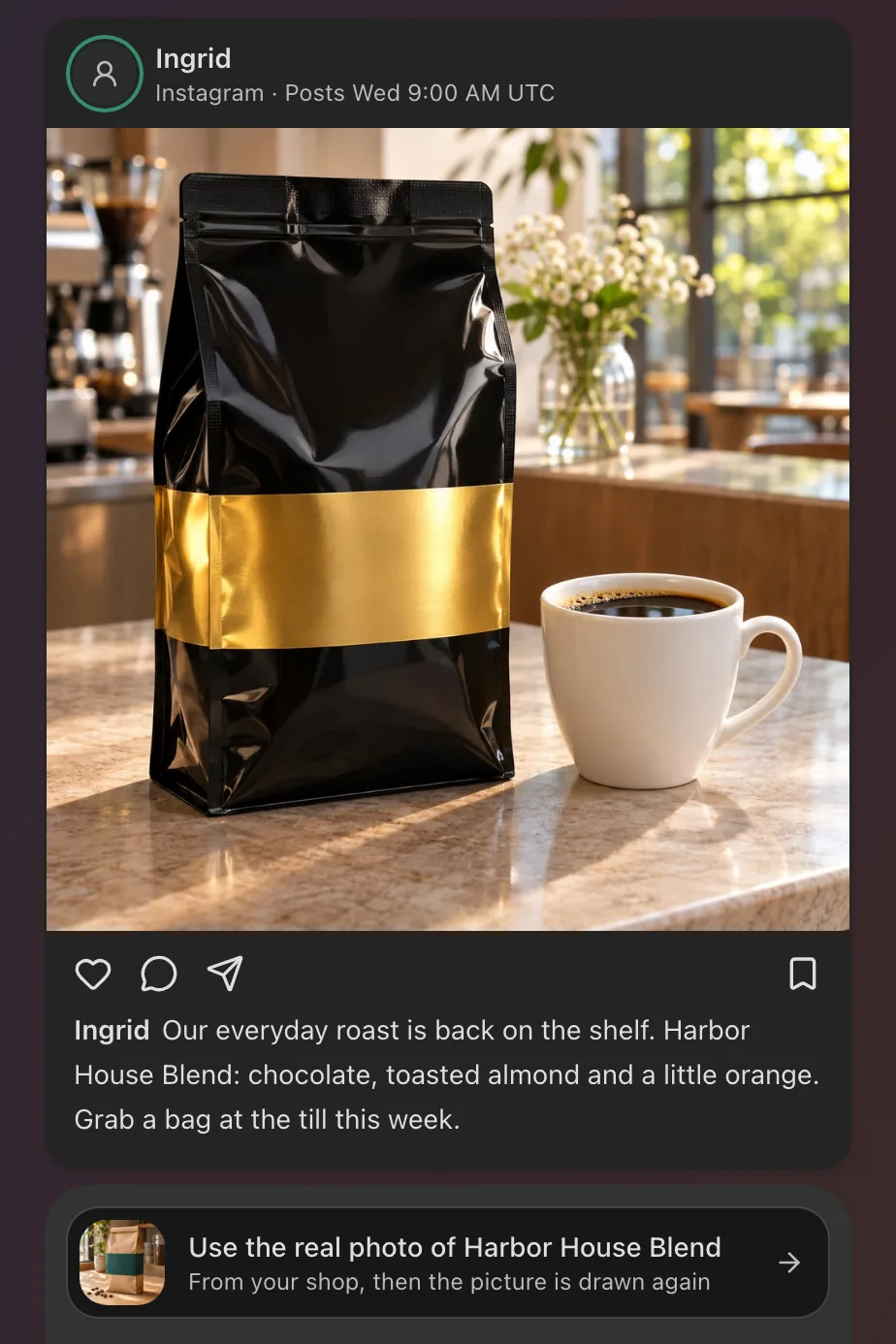
Use the real photo
When a post waiting for your OK shows something you sell, its card offers that product's photo from your shop. One press brings it in and draws the picture again.
3 of 4
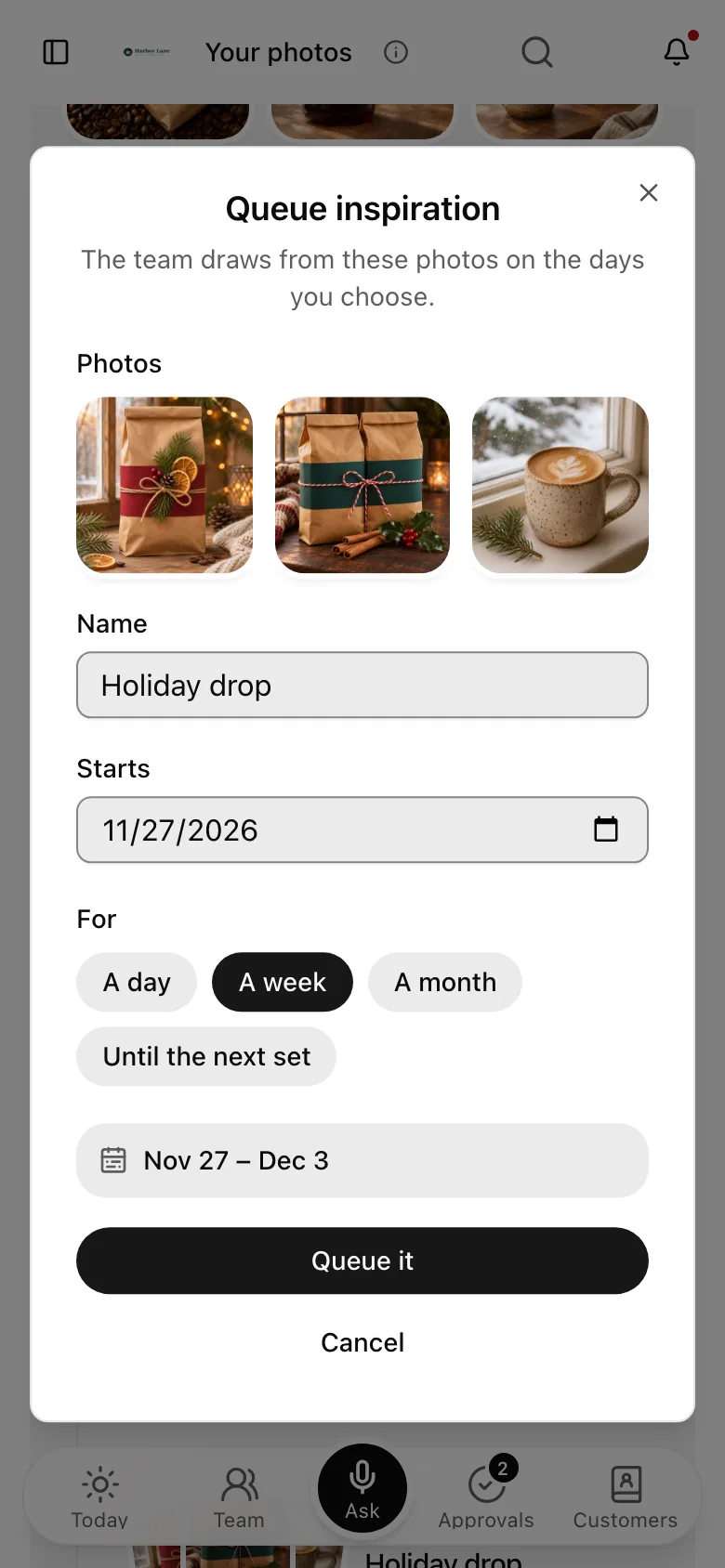
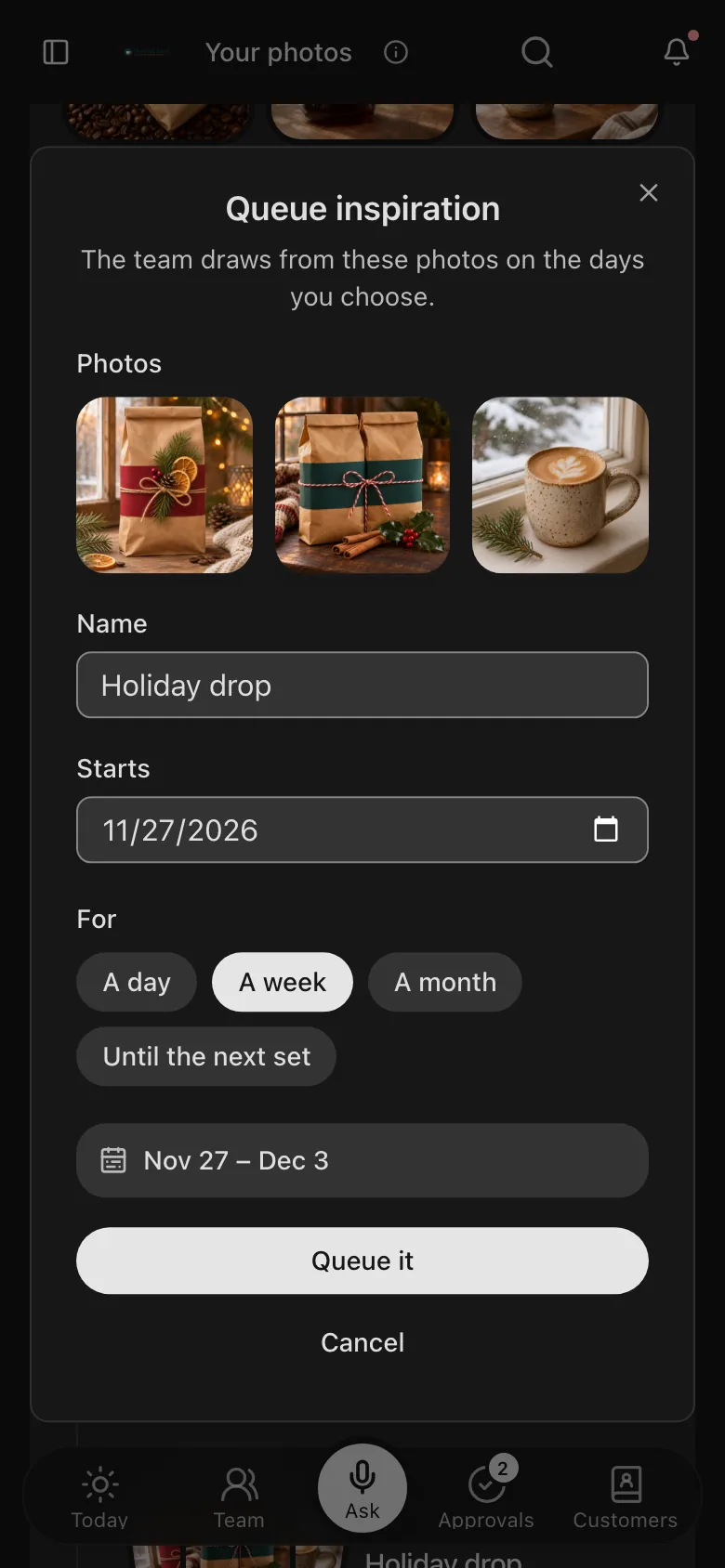
Queue inspiration
Choose up to three photos, name the set, and pick the day it starts: for a day, a week, a month, or until the next set.
4 of 4
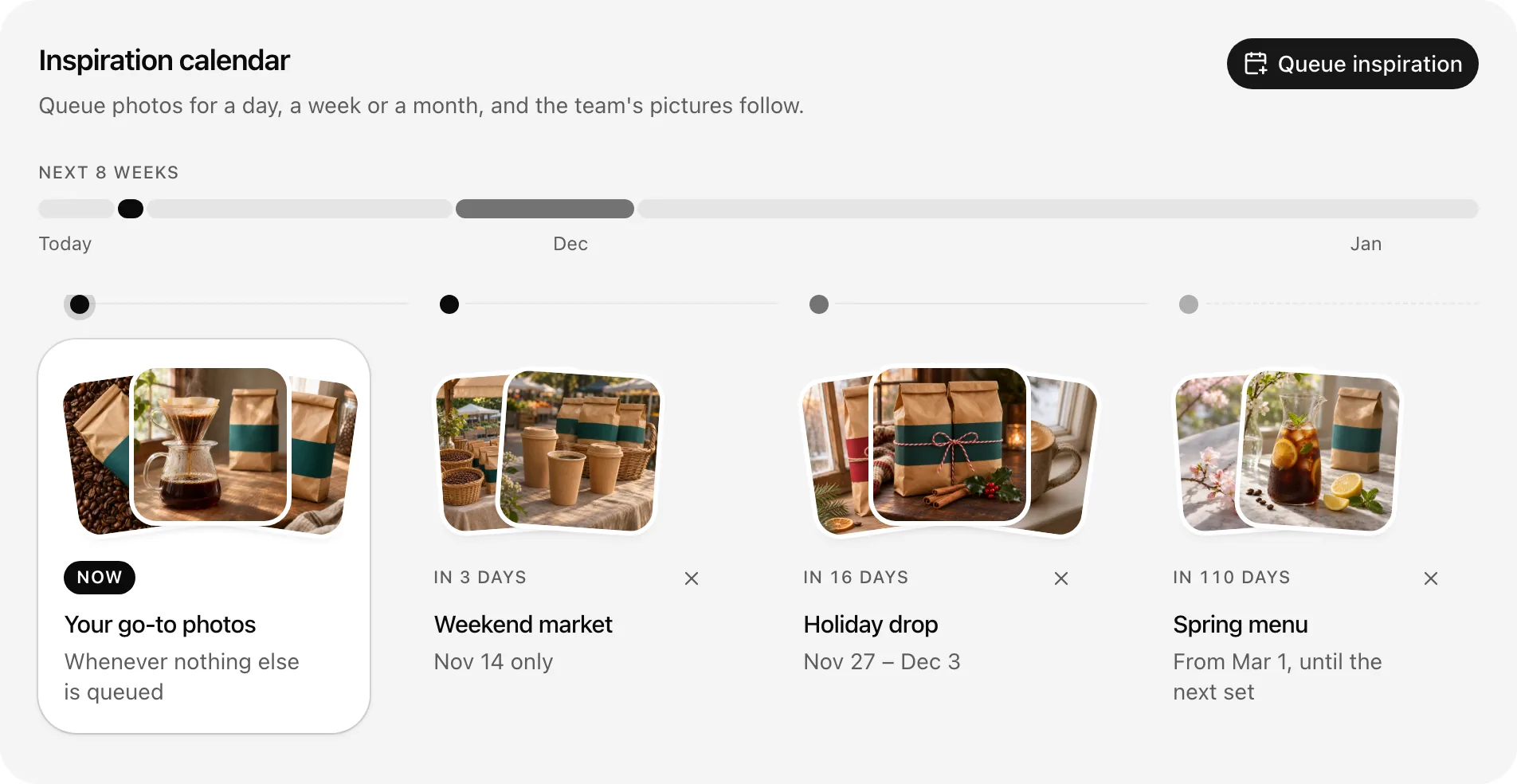
See what runs when
Your calendar shows the photos in use today and every set still to come. When a set ends, your usual photos come back.
You decide where your photos go
One model, unless you say yes
Your photos go to one image model by default, and to any other only when you say yes.
Off with one switch
Turn it off any time, and the team draws from your photo brief's words alone.
Removed means removed
Take a shop photo out of your library and the team never brings it back.
Your days, your time zone
A set queued for Monday starts on your Monday, in your own time zone.
Questions about your photos
Do I need to take new photos?
No. Choose three you already have. Your library takes uploads, photos from your shop's catalogue, and a Google Drive folder you share with Runner.
Where do my photos go?
To one image model by default, so it can draw from them. An owner or admin can say yes to other models, or switch photos off for the team's drafts.
Which shops can the real photo come from?
Any product in your catalogue that has a photo, such as one from a connected Square or Lightspeed Retail account.
Can it do this for every post that shows a product?
Yes. After the first one, the card offers to do it for every post that shows a product. An owner or admin turns it on.
Can I plan pictures for a holiday?
Yes. Queue up to three photos for a day, a week, a month or until the next set, and name it, like Holiday drop. Your usual photos come back when it ends.