A recent creator carousel made the new content workflow unusually easy to see. The creator records a video and drops it into Google Drive. Claude edits the video, removes dead air, adds captions and puts the hook on screen. Grok writes a caption for each platform. Buffer schedules the results across the channels.
The creator’s job is the part only the creator can do: have a point of view and say it clearly into a camera. That is a good automation. It is also a map of the problem Runner should solve next.
The workflow works. The handoffs are the tax.
The stack in the post has four product boundaries before the audience sees anything:
- Google Drive carries the raw recording.
- Claude turns it into an edited clip.
- Grok writes the platform copy.
- Buffer schedules the finished work.
Each handoff is a place to move a file, restate context, manage another credential, check another result or discover that one tool understood the brand differently from the last. Automation reduces the clicking. It does not automatically remove the operating overhead.
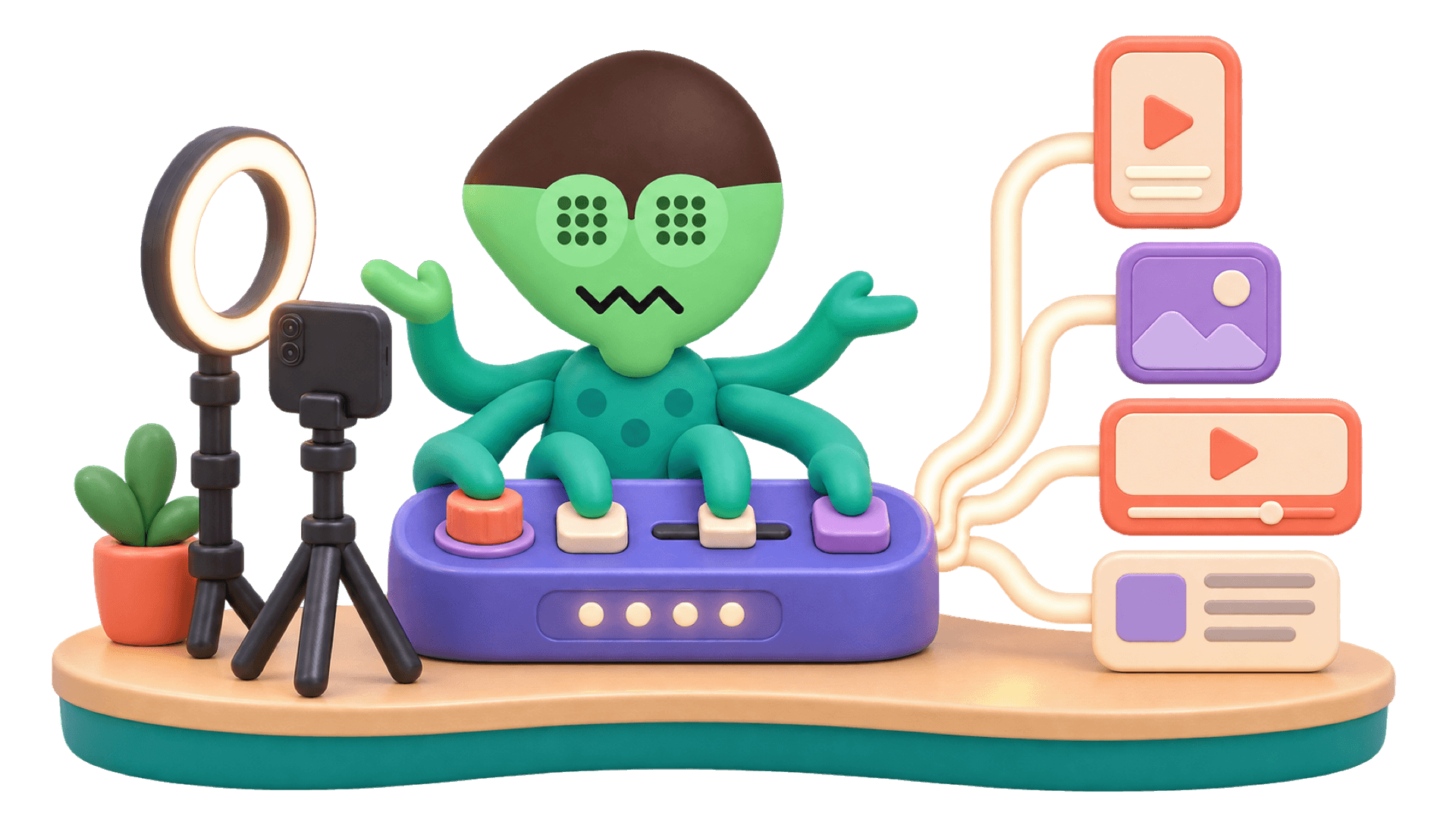
The cleaner product shape is one app that already knows the brand, the audience, the approved claims, the connected channels and who has the final say. The creator supplies the idea. The app carries the work from recording to review to distribution.
What the software costs
Using the public monthly prices for the paid tools named in the workflow, Buffer Essentials for six channels is $36, Claude Pro is $20 and SuperGrok is $30. Google Drive is not counted. The paid-tool total is $86 a month.
Runner Solo with AI included is $79 a month. On monthly billing compared with monthly billing, that is a nominal software saving of $7 a month, or $84 a year, before tax and before paid Google storage.
On annual billing, the three-tool stack is $860 for the year, while Runner Solo with AI included is $790. The exact annual difference is $70. Runner Solo can also be $49 a month with the customer’s own model keys, but model usage is additional. A fair comparison should say that out loud.
The larger saving is operational: one working context, one place to manage credentials, one review trail and fewer places to repeat the same decision.
What Runner already does
Runner’s recording workflow can already take a long recording, transcribe it, identify strong moments, cut captioned vertical clips, normalize the audio, create poster and caption files, and turn a finished clip into an Instagram Reel draft for approval.
Runner also has channel composers for TikTok, YouTube and LinkedIn, so the recording work and the publishing work live in the same app.
That is why the goal is not “add Buffer” as the core architecture. Buffer has a capable scheduling API and could be a useful optional adapter, especially for channels a customer already manages there. But making it mandatory would preserve another subscription and another operating boundary inside a story whose entire point is one app. Runner should own the workflow and let Buffer be an optional exit, not the spine.
The one-app operating principle
The finished Runner workflow should be simple enough to describe without a diagram:
- Record one useful idea.
- Drop the recording into Runner.
- Runner finds the strongest moments, edits the clips and prepares channel-aware copy.
- Review the work once.
- Use each channel composer to tailor the post to its audience and publish from Runner.
The creator stays responsible for the point of view. Runner becomes responsible for the operating system around it. AI has already made each individual task faster. The next product win is making the seams disappear.
See how Runner turns one recording into a content week.
Sources
Give your business a growth team.
Create your account and pick a plan. Your team is built once the plan is paid.