
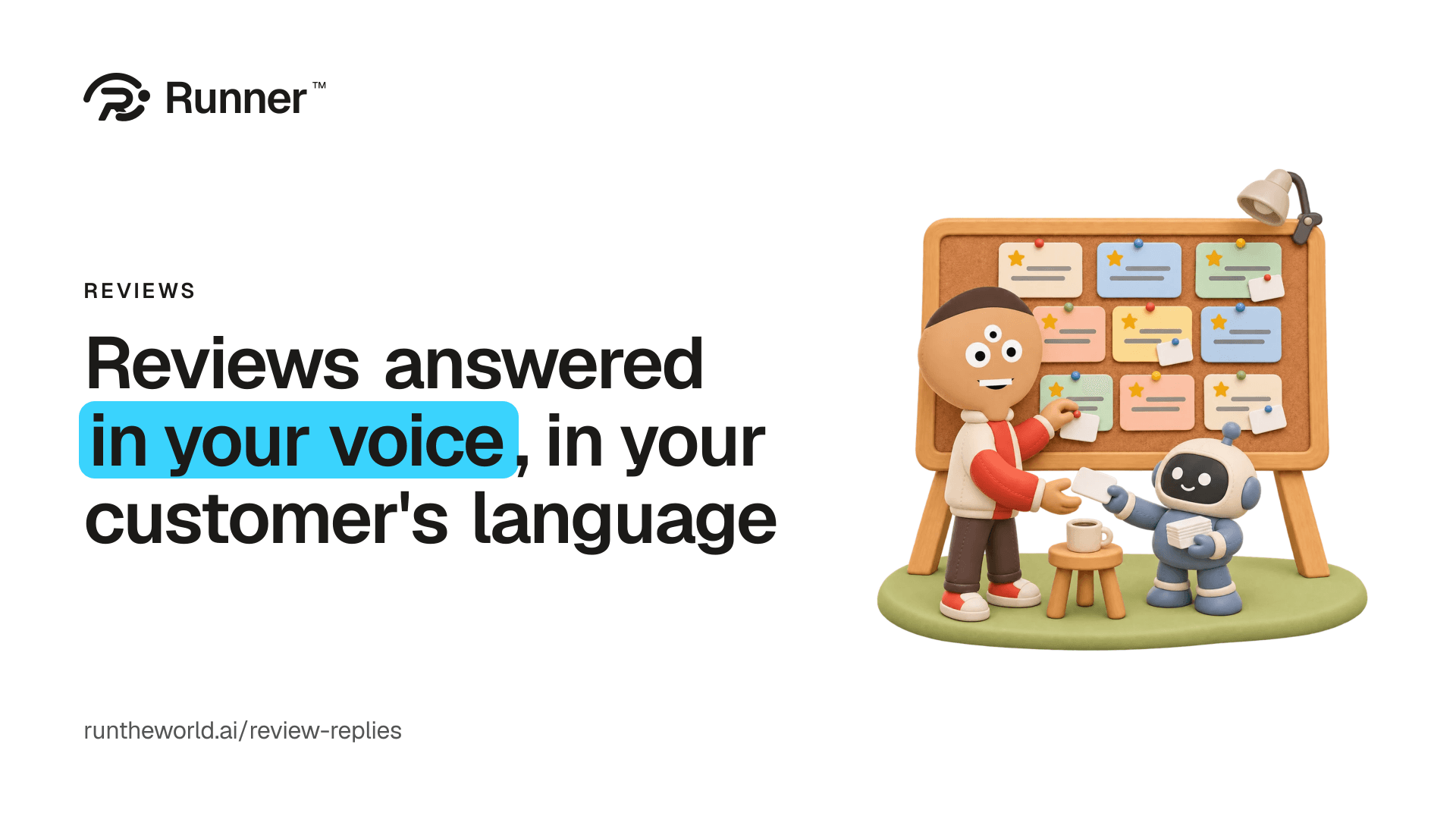
A good review deserves a thank-you. A hard one deserves an answer before the next customer reads it. Most owners mean to answer both, and the reviews keep arriving on Google, Naver, Baemin and Yelp while the shop is full.
Open a review and its reply is already written.
Reviews in Runner brings them into one list and drafts your replies, the way you write them. You read each one, change any word you like, and post it. An answered review tells the next reader that someone is listening.
Find yours by name
Type your business's name and pick yours. Your Google star rating, how many reviews you have and the reviews Google shows are right there.
There is no Google account to connect. You pick your listing, and your list starts there.
Bring in the rest
Your customers write on more than one site. Reviews on Naver, Kakao Map, Baemin, Coupang Eats, Yelp, Tripadvisor or anywhere else come in by screenshot: drop one in, or paste the words, and Runner reads them into the same list.
Each site keeps its own logo, so you always know where a review came from. Add the same screenshot twice and nothing is added twice.
Replies in your own voice
Open a review and its reply is already written, in the review's own language. A review in Korean gets a reply in Korean, and one in English gets a reply in English.
The replies you've posted before show Runner how you write, and the ones you changed before posting count most. So a draft sounds like the person at the counter, not like a template.
Change any word you like before it goes anywhere. A review about someone's health, a legal matter or their safety gets no draft: Runner marks it for you to answer personally.
Post it in one tap
One tap copies the reply and opens the review on Google, where you post it. For any other site, copy the reply and post it there.
Nothing is posted without you. You read every reply, change it if you like, and post it yourself.
Hear when new reviews show up
Once a day, Runner checks the reviews Google shows for each location and tells you when new ones appear: in the app, and by email or push if you want them. Push waits out your quiet hours.
The notice goes to the people who can answer: the location's owners, admins and operators.
Get more reviews
One link opens your Google review box. Send it to every customer after their visit, and the next review starts with them.
Stand the QR code by the till, print the counter card, or draft an email to the customers who said yes to email. The email opens in Campaigns, where you choose who gets it and send it.
What your customers say
Runner reads the reviews you've brought in and sums them up: up to three things customers love and three they wish were different, with how many reviews say each.
Your growth team reads it too. It suggests one move to win more customers and one to keep your regulars, and leans on what customers praise when it drafts your posts and ads.
Every location at a glance
Run more than one place? Reviews lists every location on one line: its average stars, how many reviews are answered, how many are waiting, and whether this month is rising or falling. Each line counts the reviews you've brought in.
$15 a month per location
Reviews is $15 a month per location, or $150 a year on a yearly plan, on any paid Runner plan billed in dollars. Turn it on for each location in one tap, on its Reviews page or in Settings → Plan & add-ons. Early access includes it.
Build your team, with a 14-day money-back guarantee, then turn Reviews on where you want it.
Give your business a growth team.
Create your account and pick a plan. Your team is built once the plan is paid.