

Listings
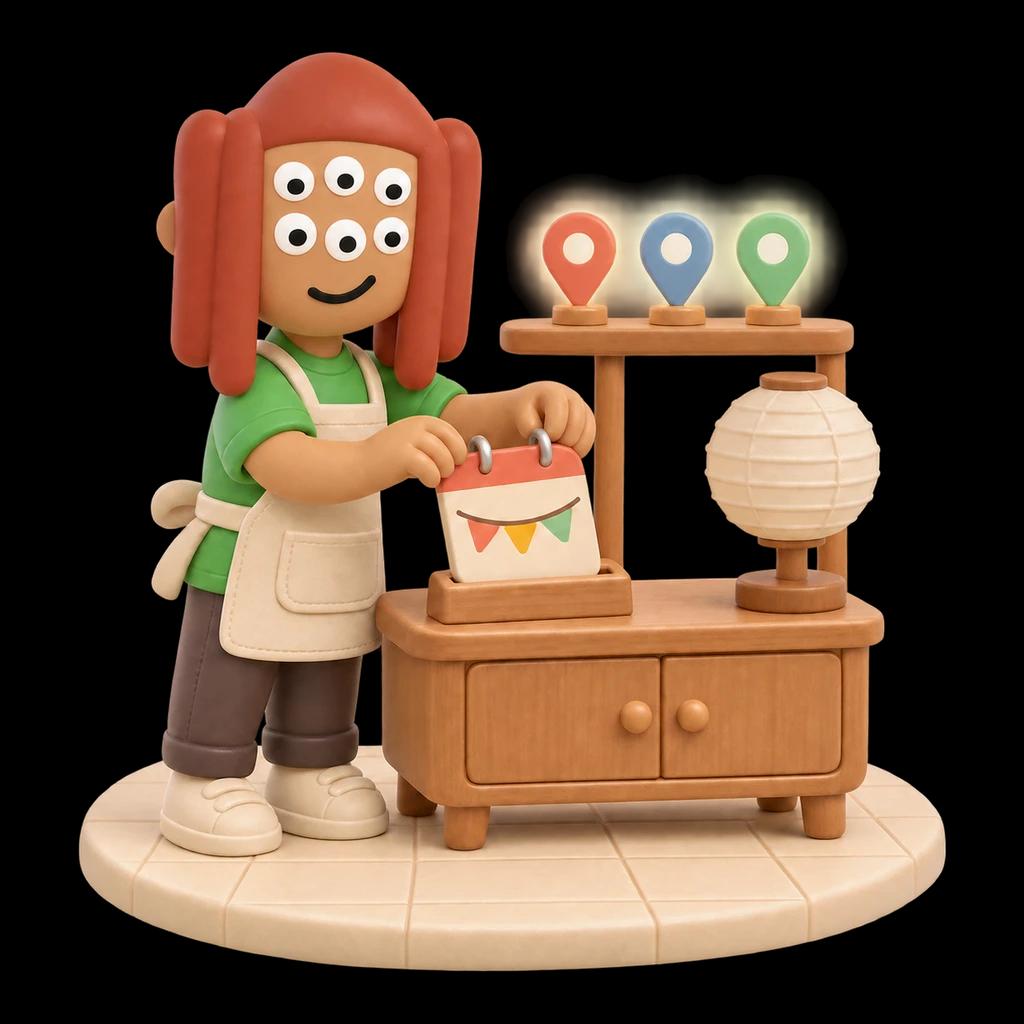
Closed for the holiday? Make sure the maps know.
Keep your hours, phone, address and website right on Google, Naver, Kakao Map, Apple Maps and Facebook. Runner checks Google and Facebook every day, Kakao Map and Naver too for a location in Korea, and one press opens each site with your values ready to copy.
Reviews & Listings · $15 a month per locationSee the add-on

How it works
1 of 5
Set your facts once
Enter your hours, phone, address and website once, per location. Runner never fills in your facts for you. Only you set them, and every change is kept with who made it and when.


2 of 5
Runner checks every day
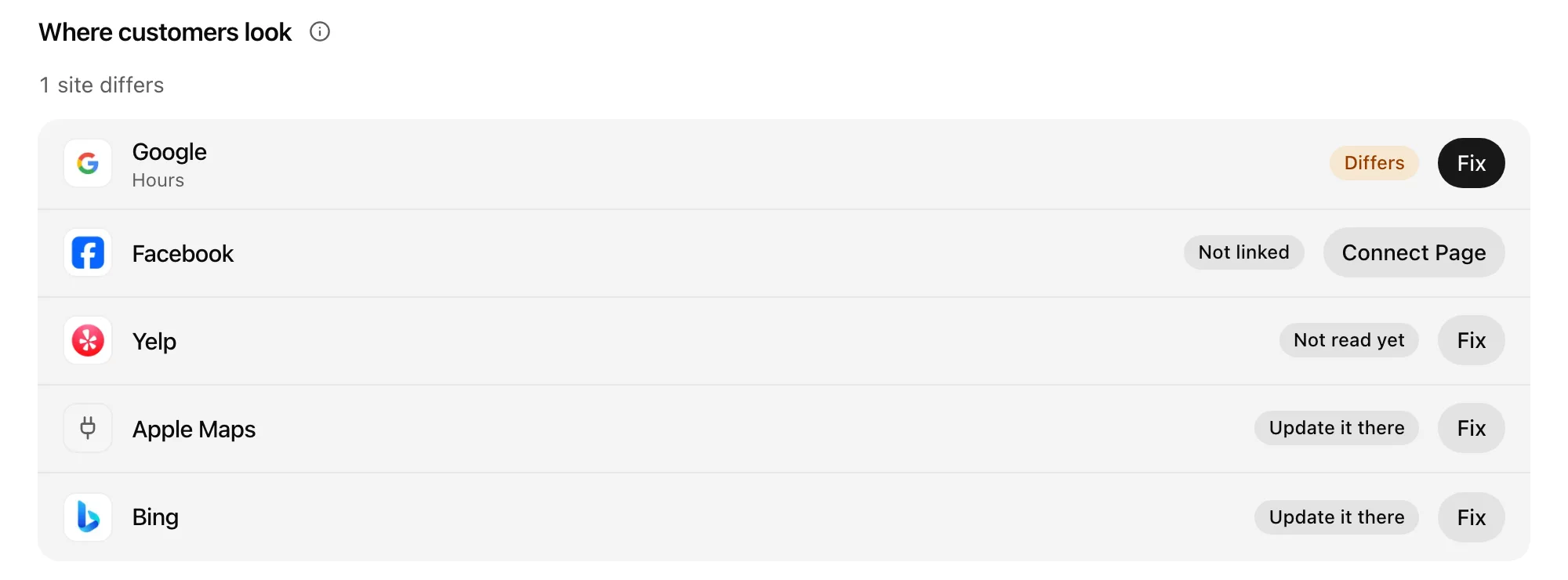
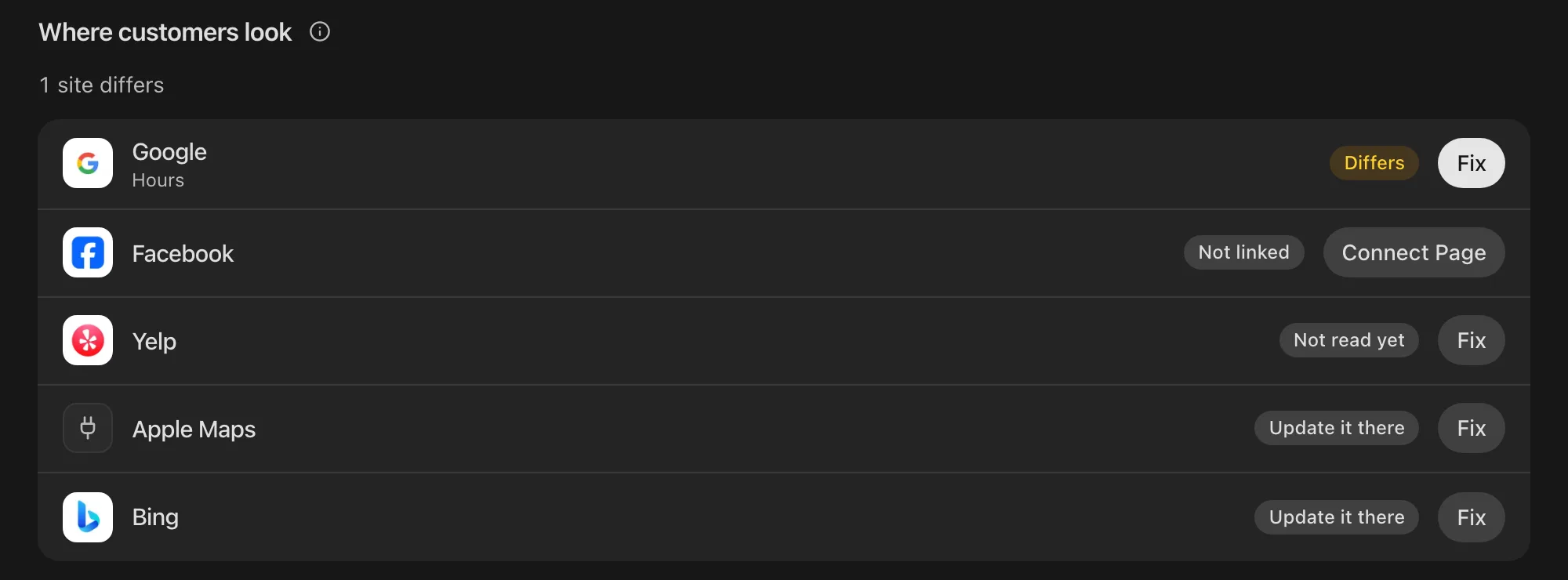
Runner checks your Google listing and your connected Facebook Page against your facts every day, and tells you when one differs. For a location in Korea, Runner also checks your Kakao Map listing (name, address and phone) and your Naver listing (name, address and website) every day. When a listing differs you hear once: in the app, by email, and by push that respects your quiet hours. Check now, any time.
3 of 5
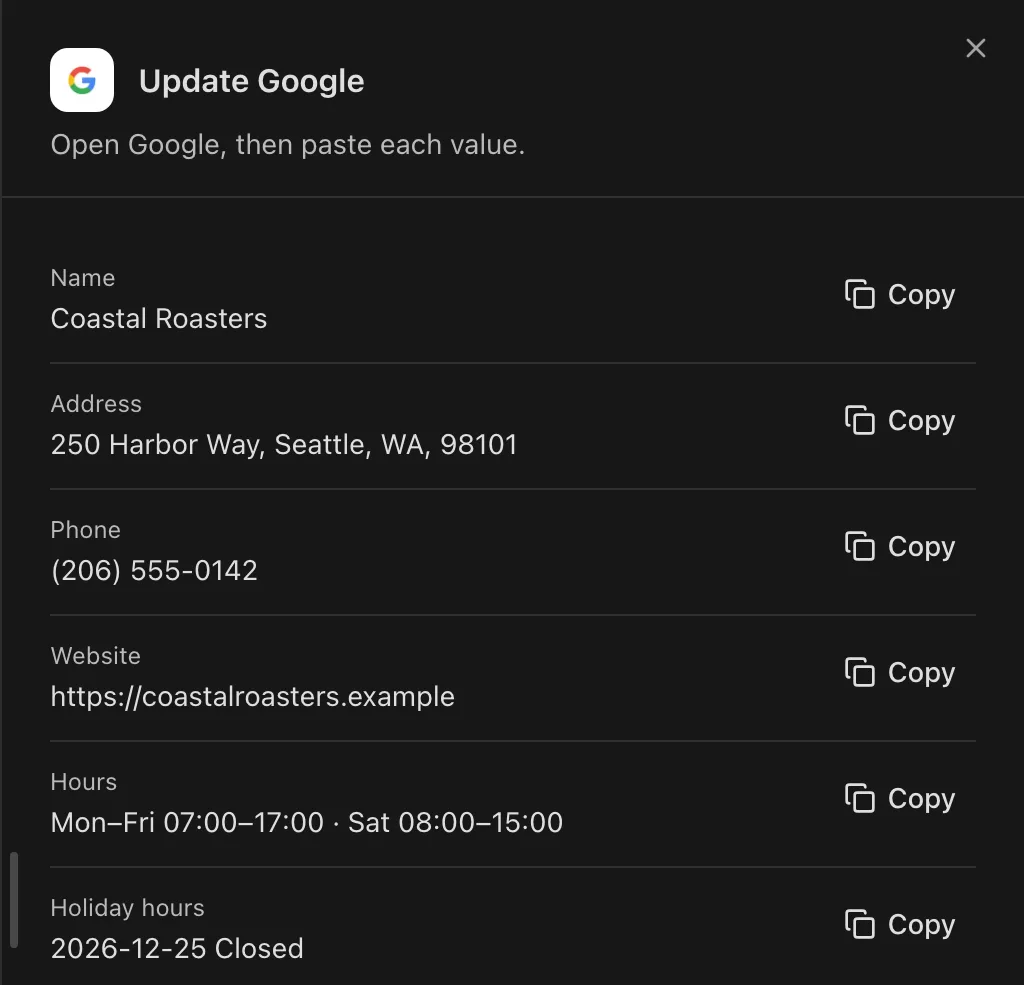
Fix it in one press
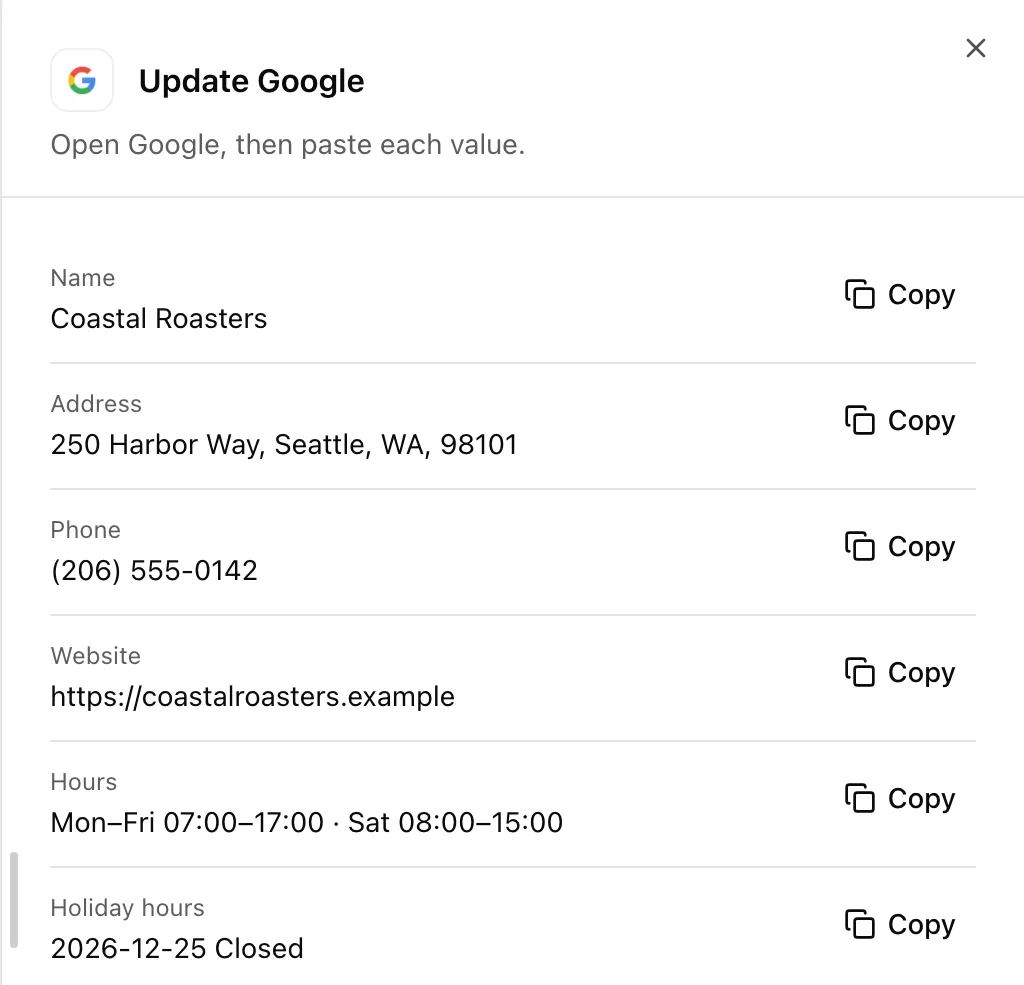
One press opens Google, Facebook, Kakao Map, Naver, Yelp, Apple Maps or Bing with each of your values ready to copy. Paste each one in.
4 of 5
Holiday hours, set once
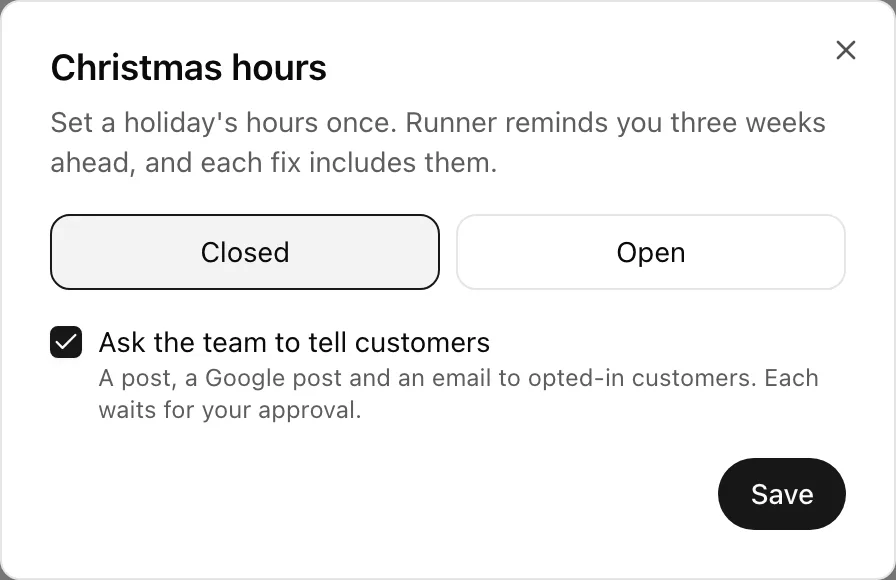
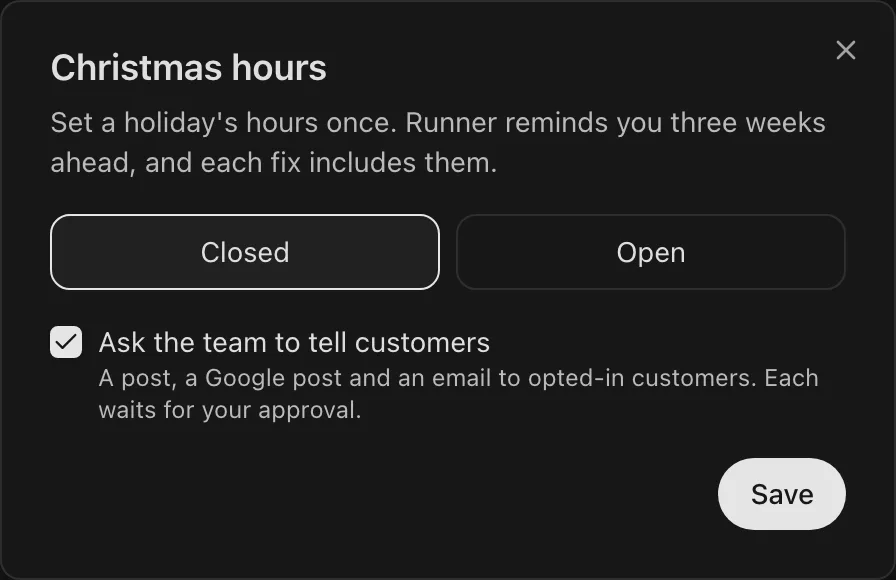
Set holiday hours once, for Seollal, Chuseok, Christmas, Thanksgiving and more, in Korea and the US. Runner reminds you three weeks before each holiday. Ask your growth team to draft the holiday post, the Google post and an email to customers who opted in. Each waits for your approval.
5 of 5
Every location in one go
Run many locations? Set holiday or opening hours for all of them, or just some, in one go.
Why owners keep it on
Your values, never a guess
Only you set your facts, and every change is kept with who made it and when.
The places that matter
Google, Naver, Kakao Map, Apple Maps and Facebook: the places customers check before they come.
Right beside your reviews
Listings comes with Reviews, so the replies and the hours your customers read are looked after in one place.
A growth team beside it
Ask your growth team to draft the holiday post, the Google post and an email to customers who opted in. Each waits for your approval.


Questions about listings
Which places does it cover?
Runner checks your Google listing and your connected Facebook Page every day. For a location in Korea, Runner also checks your Kakao Map listing (name, address and phone) and your Naver listing (name, address and website) every day. One press opens Google, Facebook, Kakao Map, Naver, Yelp, Apple Maps or Bing with each of your values ready to copy.
Where do my hours come from?
From you. Runner never fills in your facts for you. Only you set them, and every change is kept with who made it and when.
Which holidays are on the calendar?
Set holiday hours once, for Seollal, Chuseok, Christmas, Thanksgiving and more, in Korea and the US. Runner reminds you three weeks before each holiday.
I run more than one location.
Run many locations? Set holiday or opening hours for all of them, or just some, in one go.
What does it cost?
Listings comes with Reviews as Reviews & Listings: $15 a month per location, or $150 a year on a yearly plan, on any paid plan billed in dollars. Early access includes it.