For shops, cafés and restaurants, the business lives in the POS. So that is where Runner starts: with the sales report it already makes. Here is the path a shop owner walks on runtheworld.ai, from the first choice to the plays a team runs, with the POS places outlined on each view.
Start with what you have.
The first thing the site asks is one question: Where should Runner start? There are two answers: My code, for apps, software and websites, or My POS, for shops, cafés and restaurants.
Pick My POS, and the path is three steps, right there on the page: export your sales report, drop it in, meet your team. Drop in the sales report your POS already makes. Runner reads what sells and when, and builds a team to grow it. Under the steps, what a shop gets: the four plays its team runs, and the shop's growth plan drawn as a card.
Three steps. No setup.
- Export your sales report. The item sales CSV your POS already makes. Pick the last 90 days.
- Drop it in. Runner reads it on your computer. Only totals and your best sellers' names reach Runner.
- Meet your team. Pick the AI model it runs on. You set the goal and the limits.
Inside the app
The same three steps, inside Runner. These views are from a fixture café on a test database, with a synthetic Square export, so every number on screen is invented. The setup page's second step, Connect your business, asks the question the site asks: Where should Runner start? Connect the code, for an app or a website. Connect the POS, for a shop, café or salon.
Pick Square, and the step says where the report lives: Download your sales report. In Square: Reports → Item sales → Export, as a CSV. Pick the last 90 days. Under it, Drop the file here, and the sentence that matters: The file stays on this device. Runner keeps the totals and your best sellers' names.
Drop the file, and the browser reads it. Here's what Runner reads: the orders, the sales, the best seller and the busiest day for the period, and the line Names Runner keeps: the best sellers by name. Nothing is saved until you press Use these sales.
Then the second step becomes Build the team from your sales, with the same four facts, and the third step is where the team arrives. With an AI model connected to the product, Build my team sits here. This fixture has none, so the app says Connect an AI model first.
What your team does for your shop
Here's what Runner reads from the report: the best seller, the busiest day, the quiet hours. The example on the page is a café's: an oat latte, Saturday, and Tuesday from two to five. From those three facts comes your shop's growth plan, with an ad area drawn around the shop on a map, and four plays:
- Google ads near your shop. Set them up from Runner's Ads page on your own Google Ads account. You approve each one.
- Plans around your quiet hours. Your team knows your slow days and hours from the report, and plans its work around them.
- Posts about your best sellers. Your team drafts posts around what already sells.
- Emails to customers who opted in. Only to customers who agreed to hear from you, and only inside the limits you set.
Nothing goes out until you approve it or switch the team on, and then only inside the limits you set.
Easy to start. Nothing to hand over.
Nothing to hand over means exactly that. No POS login to share. No app to install. Read on your computer. Customer names, emails and card numbers never leave your computer.
Do I have to hand over my POS login? The page's answer: No. You export one report and drop it in. Runner never asks for your POS login, and it never writes to your POS.
Works with the item sales report most POS systems export.
Including the CSV reports from Square, Toast and Shopify. Each has its own page, with the export spelled out click by click in the vendor's own admin:
- Square. Export the item sales CSV from your Square Dashboard. Runner builds a team around what sells.
- Toast. Export the Product Mix CSV from Toast Web. Runner builds a team around the dishes guests order most.
- Shopify. Export your orders CSV from Shopify admin. Runner builds a team around what sells.
Square, Toast and Shopify are trademarks of their owners. Runner is not affiliated with or endorsed by them.
Questions owners ask
What does Runner read from the report?
Items, quantities, sales, dates and times, order numbers and locations. It keeps the totals: best sellers, busiest days and hours, average order.
Does it find my slow times?
When your report has dates and times, yes. Runner counts orders by day and hour, and your team plans around the quiet ones.
Do I need a website or an app?
No. A shop with a POS is enough to start, plus the AI model your team runs on.
Your sales already tell the story. Give it a team.
How it works for shops: runtheworld.ai/pos
Build my team (opens in a new tab) from one sales report, with a 14-day money-back guarantee.
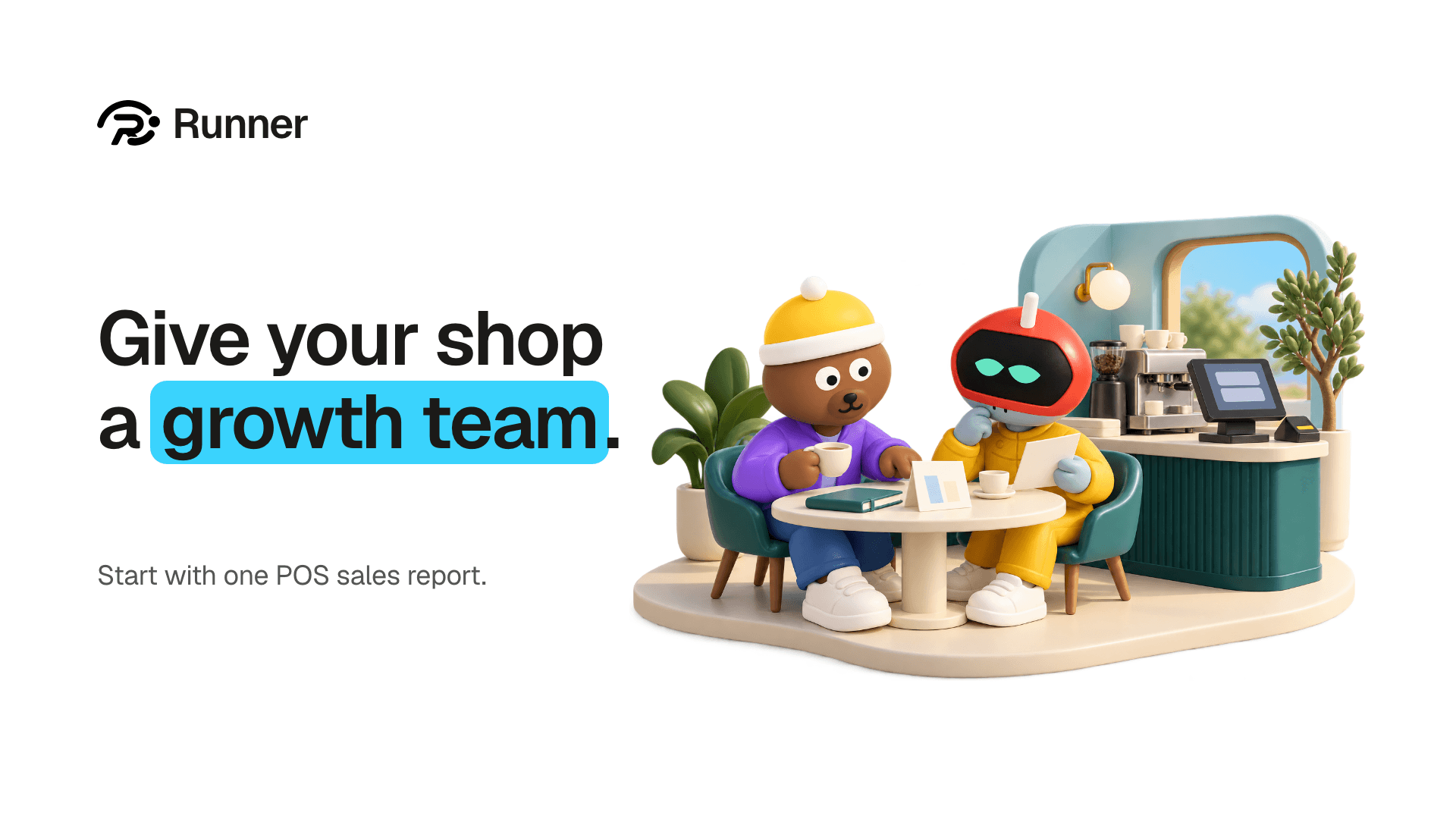
Give your business a growth team.
Create your account and pick a plan. Your team is built once the plan is paid.