

Till testSizing is free
Put your next idea to the till test.
An offer after 3pm, a sign out front, a post before lunch. Name one, and Runner tells you how many weeks your till needs, picks the days by code and counts your orders, your sales or one item, whichever you choose.
Four steps, one answer
A busy Saturday and a wet Tuesday differ by more than any offer. So your play runs on some days and not on others, and each weekday is weighed against itself.
Step 1: Name the play
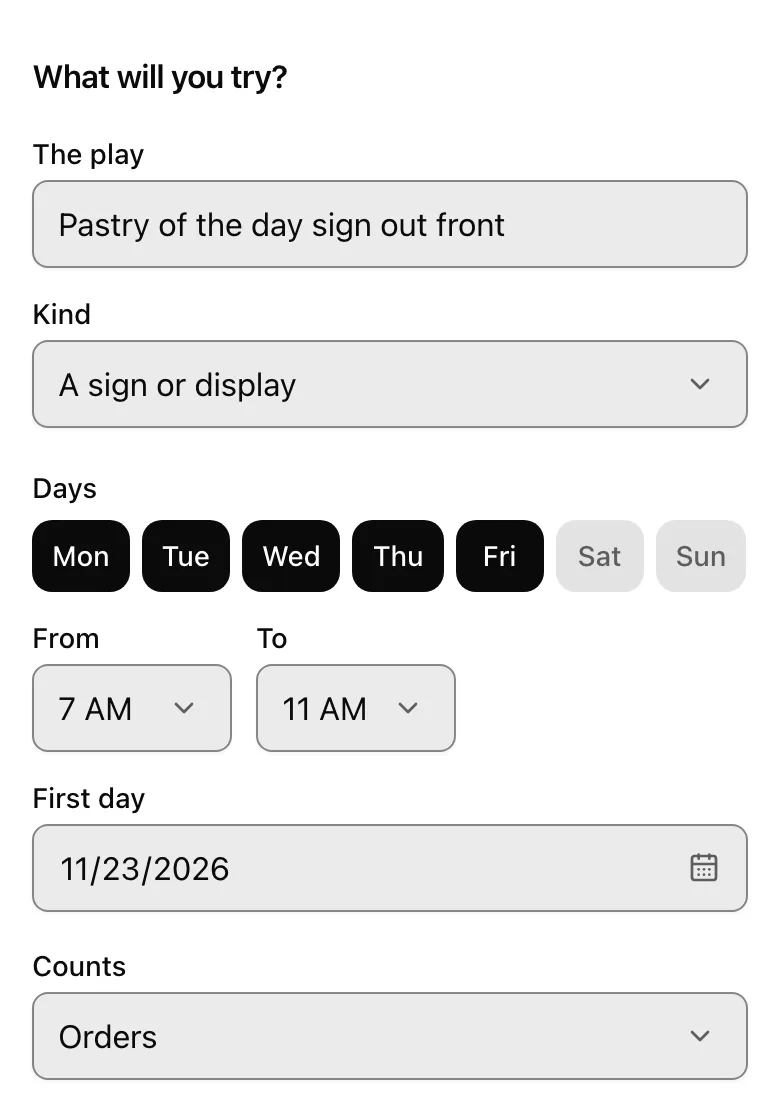
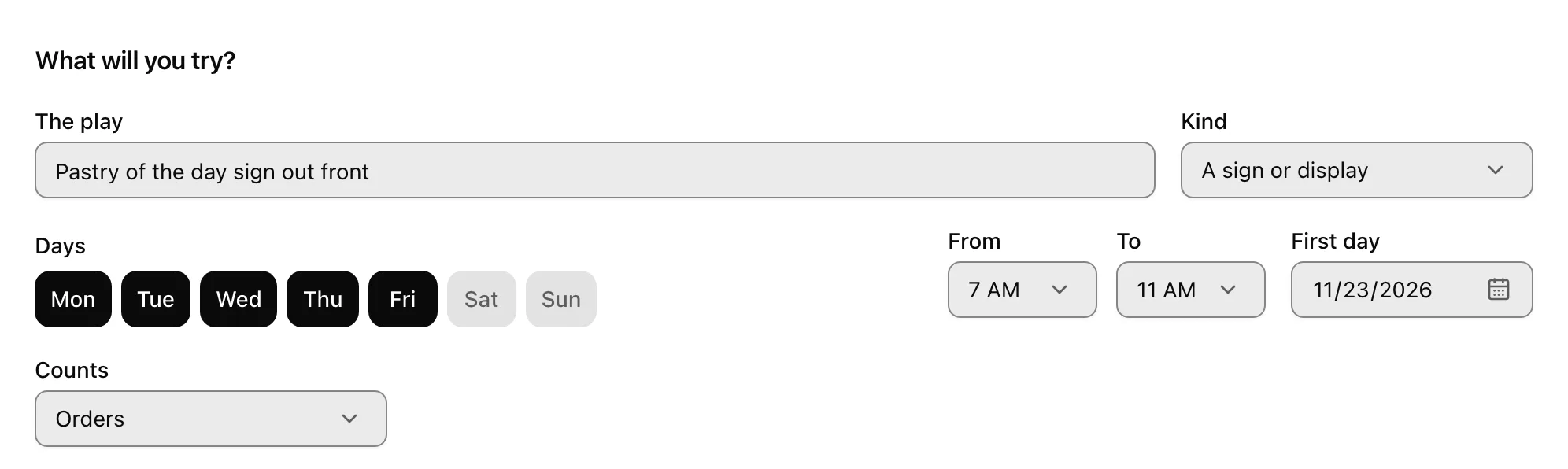
One line in your words: what you'll do, on which days and hours, and what to count: your orders, your sales or one item.
- A price offer
- A bundle or free extra
- A new item or special
- A sign or display
- Something staff say
- A social post
- A post on your map listing
- A message to customers
- Flyers or samples
- An event
Step 2: See how long it takes
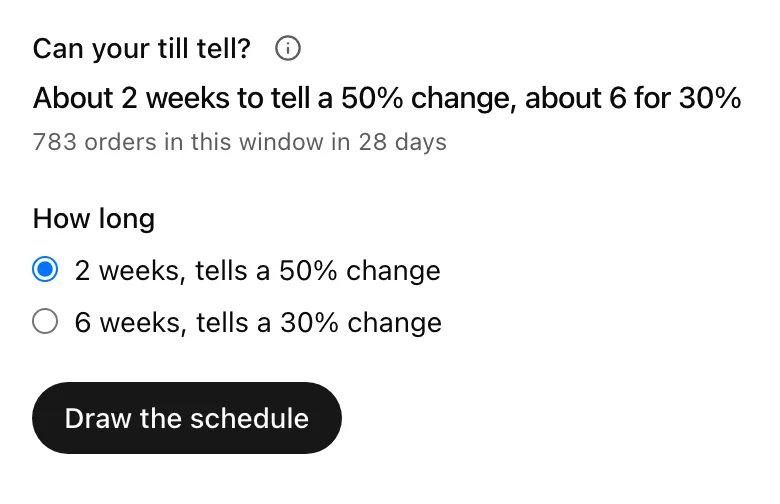
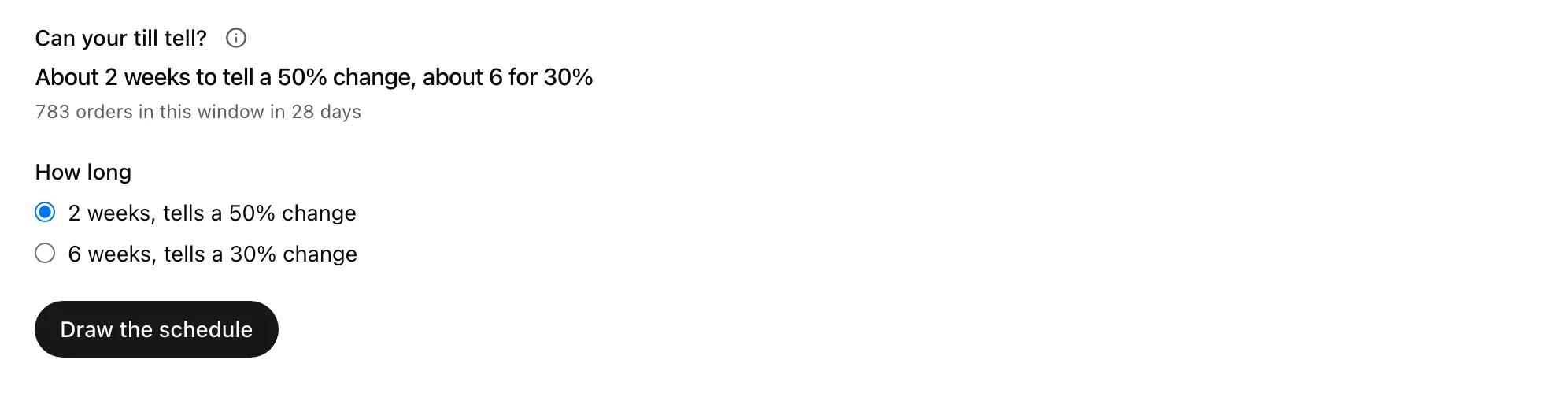
Runner reads the last four weeks at your till and says how many weeks a test needs to see a big change, or a smaller one. If your till is too quiet to tell, it says so before a single day is drawn.
From the POS you connect, or a sales report with the time of each sale.
Step 3: Approve the days
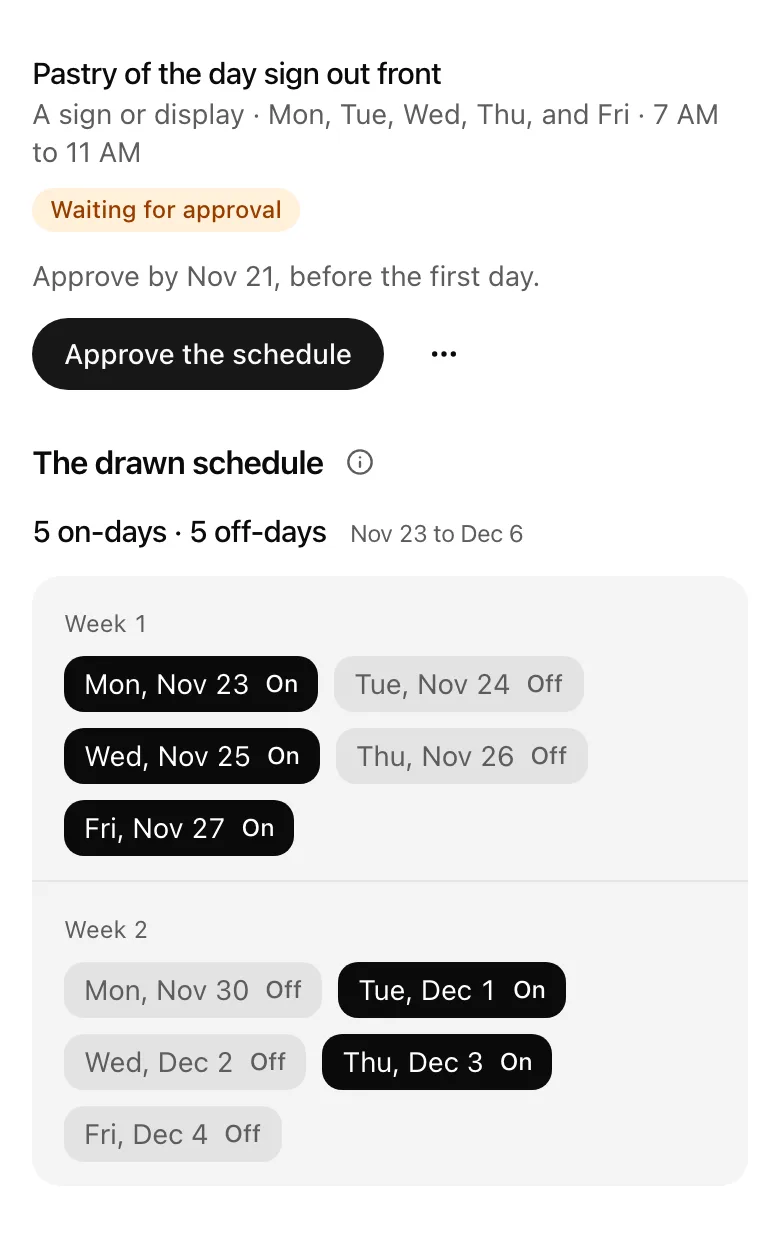
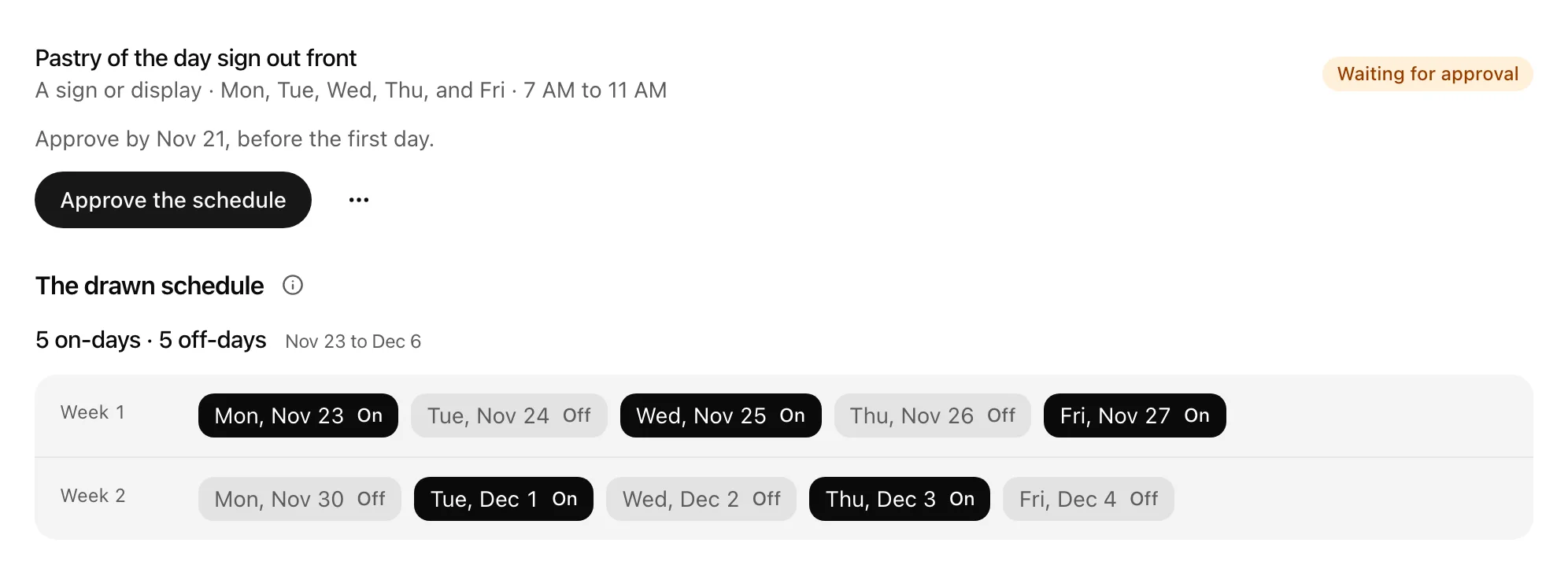
Runner picks the on-days and the off-days by code, and they never change once drawn. You approve the schedule before the first day.
Step 4: Run it, then read the answer
You run the play on its days, and Runner counts what your till takes. At the end you get one answer about the one thing you chose to count, with orders beside it.
- More orders on the days it ran
- More sales on the days it ran
- More of the item sold on the days it ran
- Fewer
- No difference detected
- Too quiet to tell
Plain about your till
- Sums by the hour and the dayOrders, sales and discounts by the hour, and each item's sales by the day, for each location. No customer, payment or staff details, and no single order, except a Shopify sale to one of your leads.
- You run the playRunner picks the days and does the counting. What happens in your shop stays yours.
- Yours to take backDisconnect your POS and its hourly and daily figures are deleted. A finished test keeps its answer and the counts behind it: orders, and the sales or item it measured.
Free to size. $15 while it runs.
See how long a test takes on any plan, at no charge. A test is $15 a month for each location, from the day you approve it to its last day. Between tests you pay nothing.
$15 a month per location, from approval to the test's last day
Sizing a test: free on every plan
Add it to your Runner plan.
Questions about the Till test
What can I test?
One thing you do to bring in orders, like a price offer, a new item, a sign out front, something staff say, a social post or an event. One test runs at a time, so neither is counted on the other's days.
What does the test count?
One thing, picked when you name the play: your orders, your sales, or how many of one item sold. Pick sales for a price offer, since an offer can bring in more orders and less money.
Why does Runner pick the days?
So the answer is fair. The days are picked by code before the first one, every weekday is weighed against itself, and the schedule never changes once it's drawn.
What if my shop is too quiet?
Runner says so before a single day is drawn, and sizing costs nothing. You know whether your till can answer before you run anything.
What does Runner keep from my till?
From a connected point-of-sale system or an uploaded sales report, Runner keeps, for each location, the number of orders and the sales and discounts in each hour of each day, and how many of each item sold each day and for how much. Where a connected system reports stock, it also keeps your stock levels by item and location. It keeps no customer, payment or staff details and no individual orders, except a Shopify sale to one of your leads. When you disconnect a system, Runner deletes the hourly and daily figures and the stock levels it read from it. To have a report's figures deleted, email privacy@runtheworld.ai. When a Till test ends, Runner keeps its answer and the counts it was worked out from (its orders, and the sales or the item it measured), so the answer stays the same after you disconnect.
What does “no difference detected” mean?
Your till on the days the play ran and the days it didn't was too close to call. That's worth knowing before you spend another month on it.