

For a nail salon opening next week
Open next week.
Take bookings today.
A booking page on your own address, plus a growth team that turns your nail photos into posts for Instagram, Kakao and Naver. All ready before you open.
From $79 a monthYour own domainLive today
Shaping, cuticle care and one colour of gel. Need removal? Say so in the question below.
Growth team
One manicure, five channels
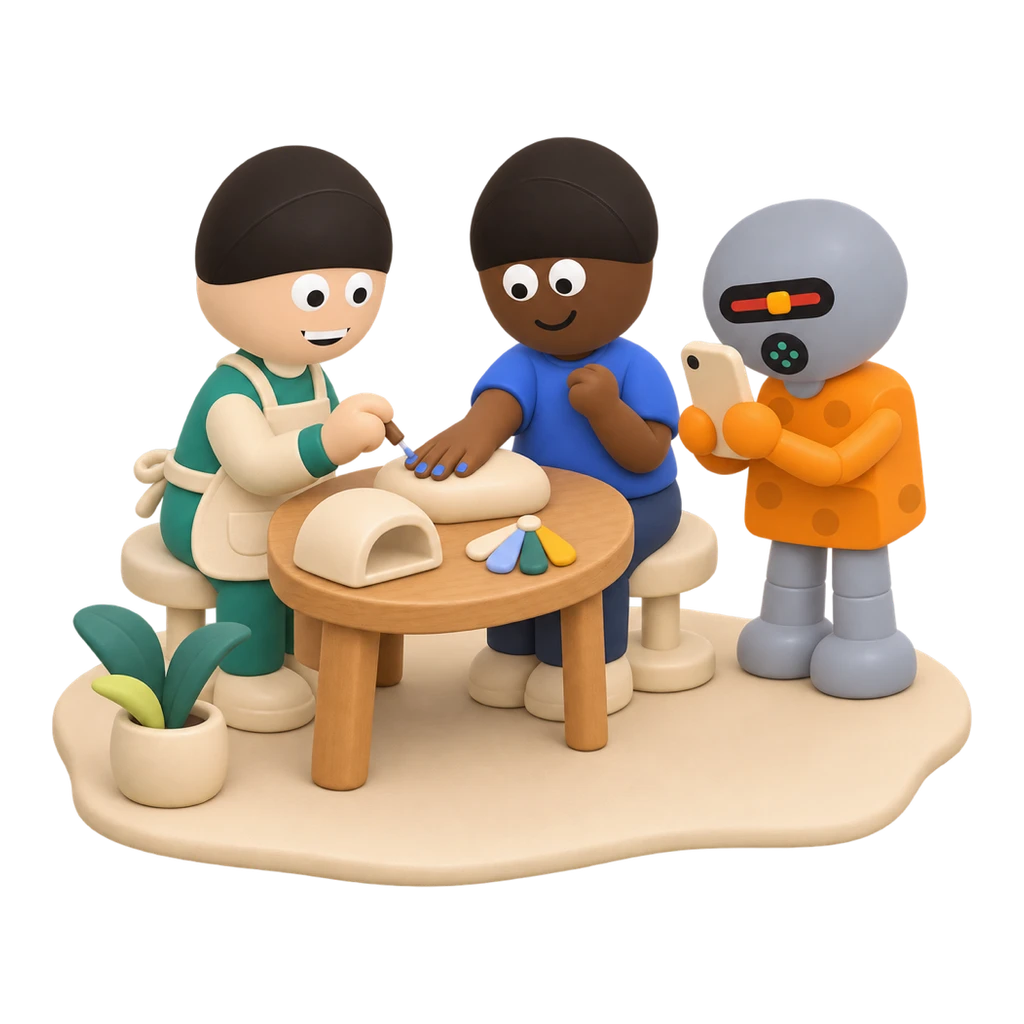
Drop your nail photos in a Google Drive folder. The team picks them up and makes the right post for each channel.

- InstagramA feed post that posts itself at its slot once you approve
- KakaoTalk ChannelA channel notice, written and ready to paste in seconds
- Naver BlogA blog post, title and text written to paste
- TikTokA short vertical clip, captioned and ready to post
- YouTube ShortsThe same clip as a Short, posted for you once you approve




Team covers all five channels and Solo covers three. AI pictures only when you want them.
Post quality
Will the posts look good?
Your photos first
Choose “Your photos first” and posts use the work in your Drive folder. Choose “Only your photos” and nothing is drawn.
Drawn from your photos
When the team does draw, it starts from photos you choose, not from words alone.
Hands checked first
Pictures with people get six questions about hands, fingers and arms, asked up close. One that fails is drawn again, never shown.
- Each hand traces to a shoulder
- No third arm or hand
- No extra, missing or fused fingers
- Arms and hands in proportion
- No hand melting into an object
- No cup in each hand
You approve, on your phone
Nothing posts until you approve it. Reject with a note, and the teammate who made it redoes it.
Already take bookings on Naver or another app? Keep it. The growth team works without Runner's booking pages.
Your team
You're not buying an app. You're hiring a team.
Booking is only the start. The team keeps your accounts going, every week.


The team plans your week
Tell it about your salon and the team decides what to post, when and where.


Next week's posts, early
A week of posts is always ready ahead, in Korean, so your accounts keep going on your busiest days.


Approve from the sofa
One tap on your phone to approve. Nothing you don't want goes out.
Same street, two salons
How you open a step ahead of the salons near you
Booking
Booking pages that fit a nail salon
Clients book from one link, with no app and no account.


A page for each service
Gel 60 minutes, removal and gel 90. Each with its own length, clean-up time and daily limit.
As many as your chairs
Set how many clients one time slot takes, and the page shows the seats left.
One menu page
Every service on one screen; clients tap the one they want.
Ask before they come
Ask at booking whether they need removal or have a design in mind.
Days off and holidays
Close the rest of today, tomorrow or this week in one tap. Upcoming holidays are flagged for you.
Confirmation and reminders
Clients get a confirmation and a reminder email, in Korean, and cancel or ask to move from the email.
Booking in Korean
Your clients book in Korean from start to finish, with dates and times written the Korean way.
In your salon's look
Your logo and colours, with the Runner badge off if you like.
Wherever clients find you
Link it from your Instagram bio, Kakao channel and Naver Place, or add it to a website as a button or pop-up.
When you add nail techs
Connect each tech's calendar and bookings go round them in turn, or to whoever has waited longest.
Appointments, not meetings
Your clients book an appointment, not a meeting. Switch a page between appointments and meetings in one tap.
Deposits
Take a deposit on every booking, paid straight into your own bank account. Runner takes no fee, and an unpaid booking is released automatically.
Add-ons in one booking
Clients add extras to the same booking. The minutes and price add up, and only times that fit the whole visit are offered.
Card deposits
Clients can pay the deposit by card, through your own Toss Payments account. It goes to you, and Runner takes no fee.
Between visits
Know every client, and bring them back
What happens after the booking, kept with the client it belongs to.
Client chart
Each client's visits, notes, photos and tags in one place. A photo goes into a post only when that client said yes.
Book-again reminders
Set a gap for each service. Clients who opted in get a reminder to book again, marked (광고) as Korean law asks.
A review request after the visit
Clients who said yes get one email after their visit with your Google and Naver review links. Every client gets the same ask, whatever their stars.
Two exports
Download bookings by staff member, a base for commission, and a booked-revenue file for your accountant, in Excel or CSV.
KakaoTalk booking messages
Confirmations and reminders on KakaoTalk, from your own channel.
Link your KakaoTalk Channel with one code sent to your phone. Every booking then sends its own messages, with your shop's name on them.
- 1
Link your channel
Type your channel's ID and enter the code sent to your phone.
- 2
Press send for review
Both messages are already written. One press sends them to Kakao, and Runner watches for the answer.
- 3
Switch it on
Add your business details and switch it on. From then on, every booking sends a confirmation as it's made and a reminder before the visit.
All the setup, done for you in a few taps.
Your salon's own address
book.yoursalon.com
- 1
Type the address you want
In your booking settings, type an address like book.yoursalon.com.
- 2
Add one record
Paste the value Runner shows you where you bought the domain (GoDaddy, Namecheap, Squarespace and the like).
- 3
Live once it checks out
Once Runner sees it pointing, your pages open there. You pick which page opens first.
No domain yet? Start today at runr.life/yoursalon. Connect your domain later and the links you already shared keep working.

Reviews & Listings
Reviews and listings, handled too
Add it to either plan for $15 a month per location.


Every review in one place
Google reviews from your salon's name; Naver and Kakao reviews from a screenshot.
Replies drafted for you
A reply in the review's own language, ready for you to copy and post.
Shop details, kept right
Your details on Google, Kakao Map, Naver and Facebook checked daily, with Chuseok and Seollal hours raised three weeks ahead.
Works with
Keep what you use. Add more as you grow.
Connect your business account: approved posts go up on their own, and your bio link opens your booking page.
KakaoTalk Channel
Your booking link on your channel, and its notices written, ready to paste.
Naver Place and Blog
Keep where people find you, put your booking link in it, and get blog posts written to paste.
TikTok and YouTube Shorts
Clips made from your nail photos: Shorts post themselves once you approve, and TikTok clips come captioned to post.


Google Calendar and Drive
Your calendar keeps free times right, and photos in your Drive folder reach the team every hour.

Google reviews and Maps
Reviews found by your salon's name, and your details checked daily.

Whatever you add, your client list and booking history build up in one place. Move to Team for local ads, and add Reviews & Listings for each new location.
Until opening day
One week is enough
We sit with you for the first setup.


- Today
Start your plan
Connect your Google Calendar, then add services, hours and days off.
- Tomorrow
Photos and links
Share your nail photo folder and add your booking link to Instagram, Kakao and Naver.
- This week
Approve the first posts
Connect Instagram as a business account and approve your opening-week posts.
- Opening day
Bookings stack up
Clients book themselves, the team keeps posting, and you stay on the nails.
Get started
Booking pages and a growth team, in one plan
Solo
Running the salon alone, with three channels
$79 a month
- Three channel leads, say Instagram, Kakao and Naver
- One person: you
- AI included: 3,000 credits a month
Team
All five channels on this page, and room to grow
$179 a month
- Six channel leads: all five channels, plus one more
- Two people: you and one nail tech
- Ads near your salon on your own ad account, with the budget paced for you
- AI included: 8,000 credits a month
Both plans include
- Unlimited booking pages, a menu page and your own domain
- Your logo and colours, no Runner badge
- Posts from your own photos, planned a week ahead
- Your client list, and confirmation and reminder emails in Korean
Reviews & Listings +$15 a month per location
Google, Naver and Kakao reviews in one place with replies drafted, and your shop details checked daily. Add it from your plan once you're in.
Billed in US dollars, to any card that pays abroad. Monthly, or yearly with two months free.
Questions about opening your salon with Runner
Can I use it just for booking?
Yes. But the growth team comes with the same plan, so share one photo folder and posts start building up.
Can it use only my own photos?
Yes. Choose AI pictures, your photos first, or only your photos.
Should I keep Naver Booking?
Yes, if it works for you. Your posts bring clients wherever they book. Runner's booking page comes with your plan, with deposits paid straight into your own bank account and no fee to Runner; take bookings in one place so the same chair is never booked twice.
Can foreign clients book easily?
Yes. The booking screen follows each client's phone, Korean or English, and times show in their own time zone. Service names and descriptions show exactly as you write them.
Do I need a website?
No. Your booking page is your salon's web address, and with your domain connected it opens at book.yoursalon.com.
Will Runner contact my clients on its own?
No. News emails go only to clients who said yes, and you see every post before it goes out.
What about my card terminal and payroll?
If your till is Toss POS, enter Runner's code and your sales reach your team. For staff pay and schedules we suggest Shiftee, for card sales and payouts Cashnote, and for tax, your accountant.
How do I pay?
By card, in US dollars. Choose monthly, or yearly with two months free.