
How to tell if a video is AI
Is this video AI? Here's how to tell.
Look for the label, read the caption, and check the code. A licensed AI video says who it shows, who it was made for, and that the person said yes.
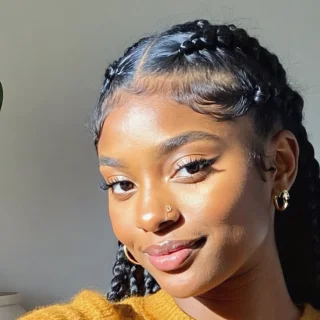

 AI-generatedAd1runr.life/licence/RL-7K2M-9QXD2AI-generatedAdMade with AI, with Mara Okafor's permission.runr.life/licence/RL-7K2M-9QXD3Mara Okafor Made with AI, with Mara Okafor's permission.

Four places to look
How to tell if a video is AI
- 01
Look for a label on the video
The big platforms ask creators to label realistic AI video, and show a label when they do. It can sit on the player, by the caption or behind a menu. A video with no label can still be AI-made, so keep going.
- 02
Read the caption and the account
A licensed video says how it was made in its caption. Check that the account posting it is the brand or the person it claims to be.
- 03
Check the licence code
A video made through Runner carries a code like RL-7K2M-9QXD. Its check page says who the video is of and who it was made for.
- 04
Compare the words
The check page shows the words the person approved. A copy that says something else is a different video.
What a licensed AI video is
Made with the person's yes
A real person agreed to the brand, to the exact words and to the finished video before it went anywhere.
Labelled the whole way through
Runner's AI mark and an Ad are on screen for its whole length, with the check address under them, and it ends on a card saying whose permission it was made with.
For one brand, until a last day
Its licence names one brand and one last day. After that day it reads Ended.
Checkable by anyone
Its code opens a public page: who the video is of, who it was made for, the approved words, and whether the licence is running.
What the check page says
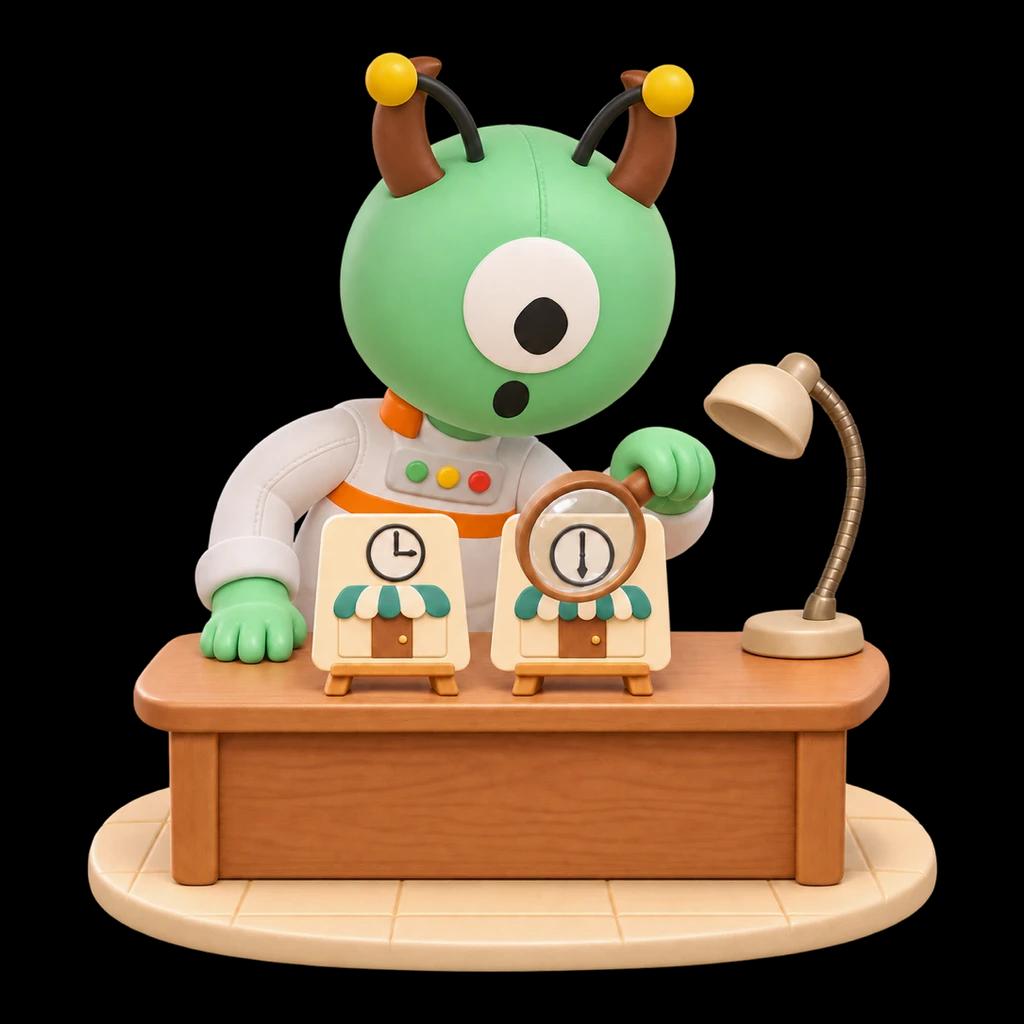
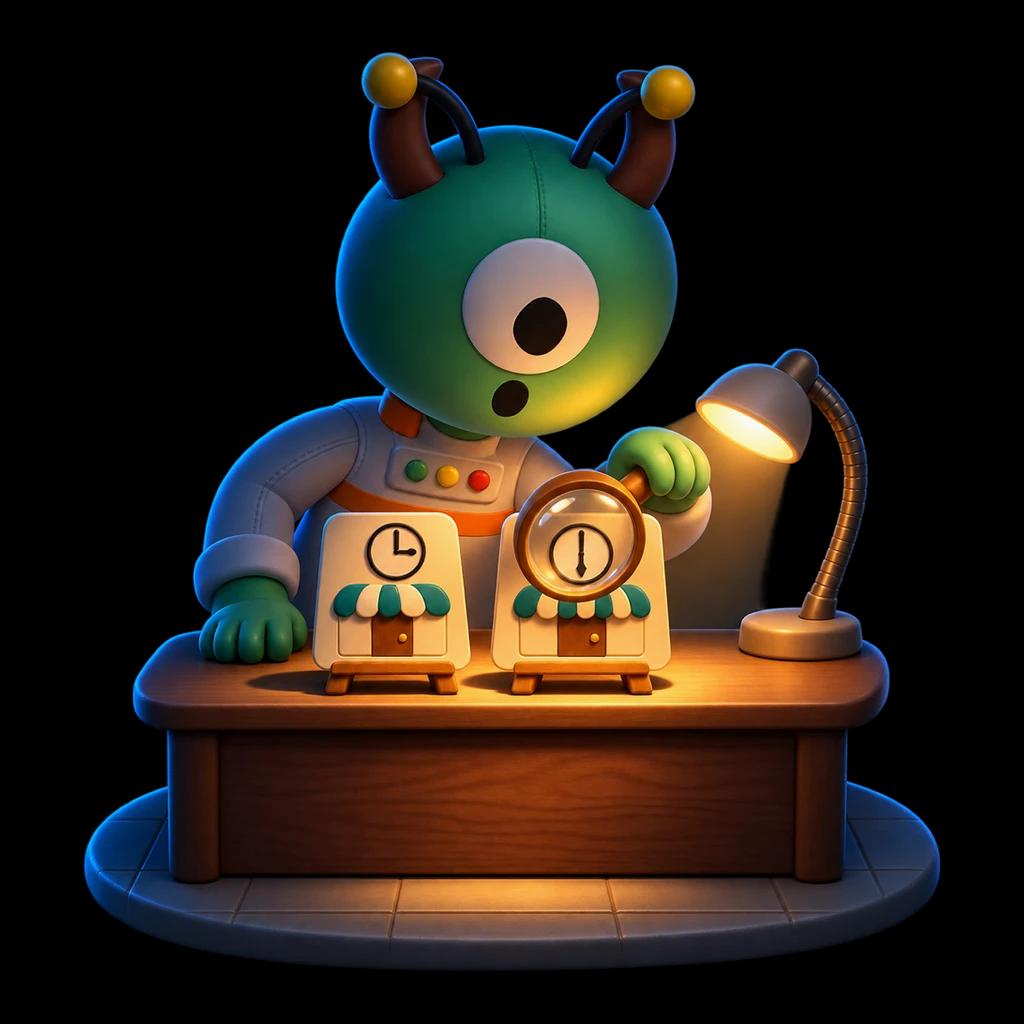
Anyone can open it, with no account. It names the person and the brand, shows the words the person approved, and says whether the licence is running or has ended.
- Video of
- Mara Okafor
- Made for
- Northwind Coffee
- How it was made
- AI-generatedMade with AI, with Mara Okafor's permission.
What the platforms' labels say
Each platform writes its own rule and draws its own label. Here is each one's sentence, in its own words.

YouTube
“We require creators to disclose AI-generated or altered content that seems realistic.”
A label may appear on the video player or in the expanded description.
YouTube Help, read 19 November 2026

TikTok
“we require creators to label AI-generated or significantly edited content that shows realistic-looking scenes or people”
TikTok may add the label itself when a creator leaves it off.
TikTok Community Guidelines, read 19 November 2026


Facebook and Instagram ads
“a label will appear in the three-dot menu or next to the “Sponsored” label”
The label reads “AI info”.
Meta Newsroom, read 19 November 2026
YouTube, TikTok, Facebook and Instagram are trademarks of their owners. Runner is not affiliated with any of them.
If a video uses your face without your yes
- 01
Keep the evidence
Save the link, the account's name and a screenshot with the date on it.
- 02
Report it where you saw it
Use the report option on the video itself. Say it shows you, and that you did not agree to it.
- 03
Report it from the check page
If the video carries a Runner licence code, its check page has a report address. A person at Runner looks, and can put the AI double on hold meanwhile, so nothing new is made with it.
For anything past that, a lawyer where you live knows the rules there.
Questions about AI video and licences
How can I tell if a video is AI?
Start with the label: the big platforms ask creators to disclose realistic AI video and show a label when they do. Then read the caption, check who posted it, and look for a licence code. No single sign settles it, and a video with no label can still be AI-made.
What does “Made with AI” on a video mean?
That the picture, the voice or both were made with AI rather than filmed. On a video licensed through Runner it also means the person shown said yes to that brand, those words and that finished video.
Is a licensed AI video an ad?
A video licensed through Runner is made for a brand, so it carries an on-screen Ad and the platform's paid partnership label as well as its AI label.
How do I check a licence code?
Type the code after runr.life/licence/ in your browser, or use the box on this page. The check page says who the video is of, who it was made for, that it was made with AI with their permission, and whether the licence is running or ended.
What if a video uses my face without my yes?
Save the link and a screenshot, and report it on the platform where you saw it. If it carries a Runner licence code, report it from its check page: a person at Runner looks, and can put the AI double on hold while they do. On hold, nothing new is made with it, and only Runner can lift the hold.
Does a licence mean the person uses the product?
No. A script may say the person uses or likes something only when they have ticked that it is true for them. Otherwise the video says what the brand asked for, in words the person approved.